SummaCut Series Cutters User’ s Manual
Interface 4-3
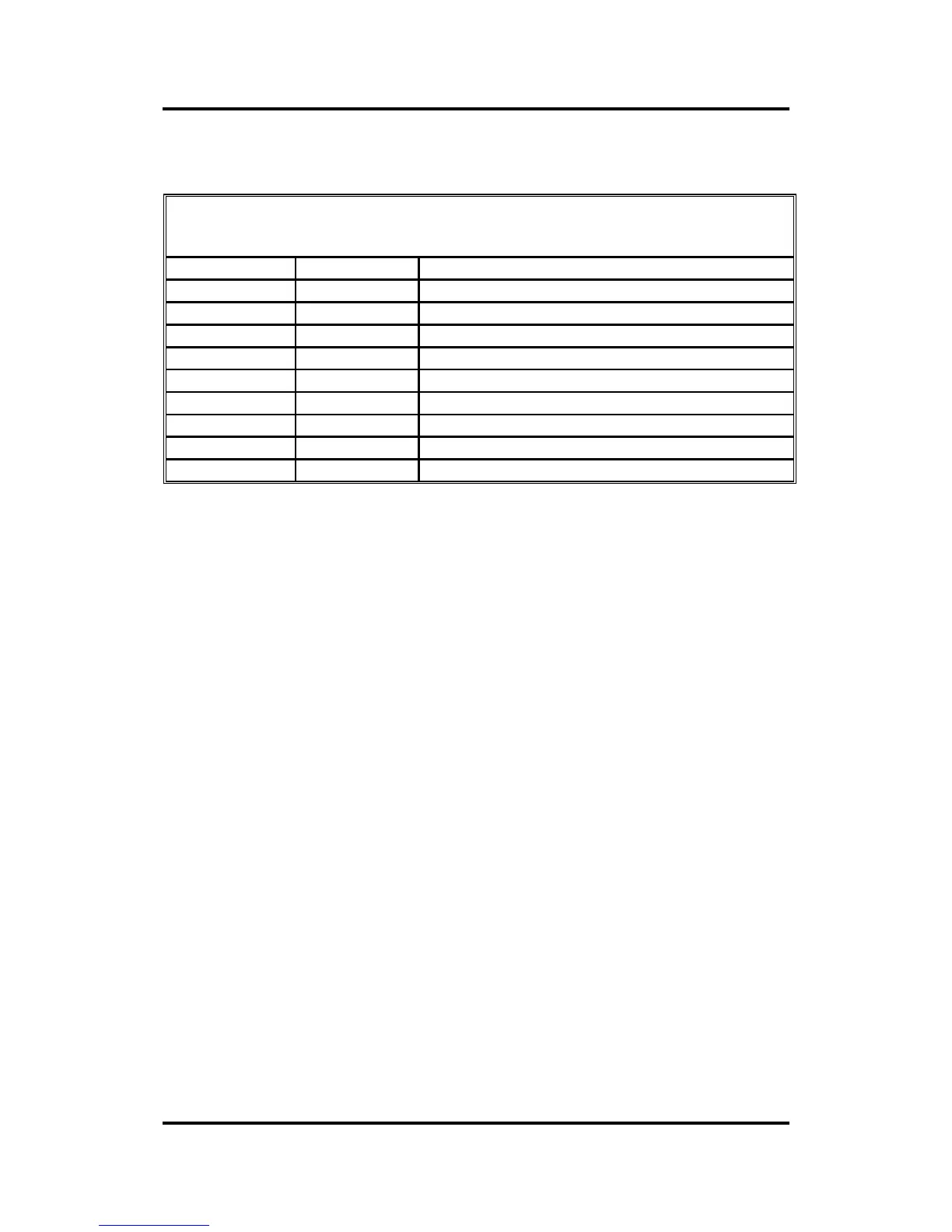
4.2.2. SERIAL INTERFACE CONNECTOR ON CUTTER
RS-232C Serial Interface Connector
Pin n° Signal Description
1 NC Not Connected
2 RXD Receive Data
3 TXD Transmit Data
4 DTR Data Terminal Ready
5 GND Signal ground
6 NC Not connected
7 RTS Request To Send
8 CTS Clear To Send
9 NC Not Connected
4.3. AVAILABLE SERIAL SIGNALS
If you are making your own cable, only a few of the cutter pins will actually
need to be connected to the host computer. To ensure optimum results, the
cable length should not exceed 4.8 m (16 feet). It should be taken into
account that your computer or cutting software may also require additional
loopback connections at the host computer’ s end of the data cable.
• Connect the Transmit Data (TXD) pin of the computer to pin #2 of the
cutter.
• Connect the Receive Data (RXD) pin of the computer to pin #3 of the
cutter.
• For hardware handshaking, connect the Clear To Send (CTS) pin of the
computer to pin #4 or pin #7 of the cutter. Connect the Request To Send
(RTS) pin of the computer to pin #8 of the cutter.
• Connect the ground (GND) pin of the computer to pin #5 of the cutter.



 To Next Page