SummaCut Series Cutters User’ s Manual
Contour Cutting 5-6
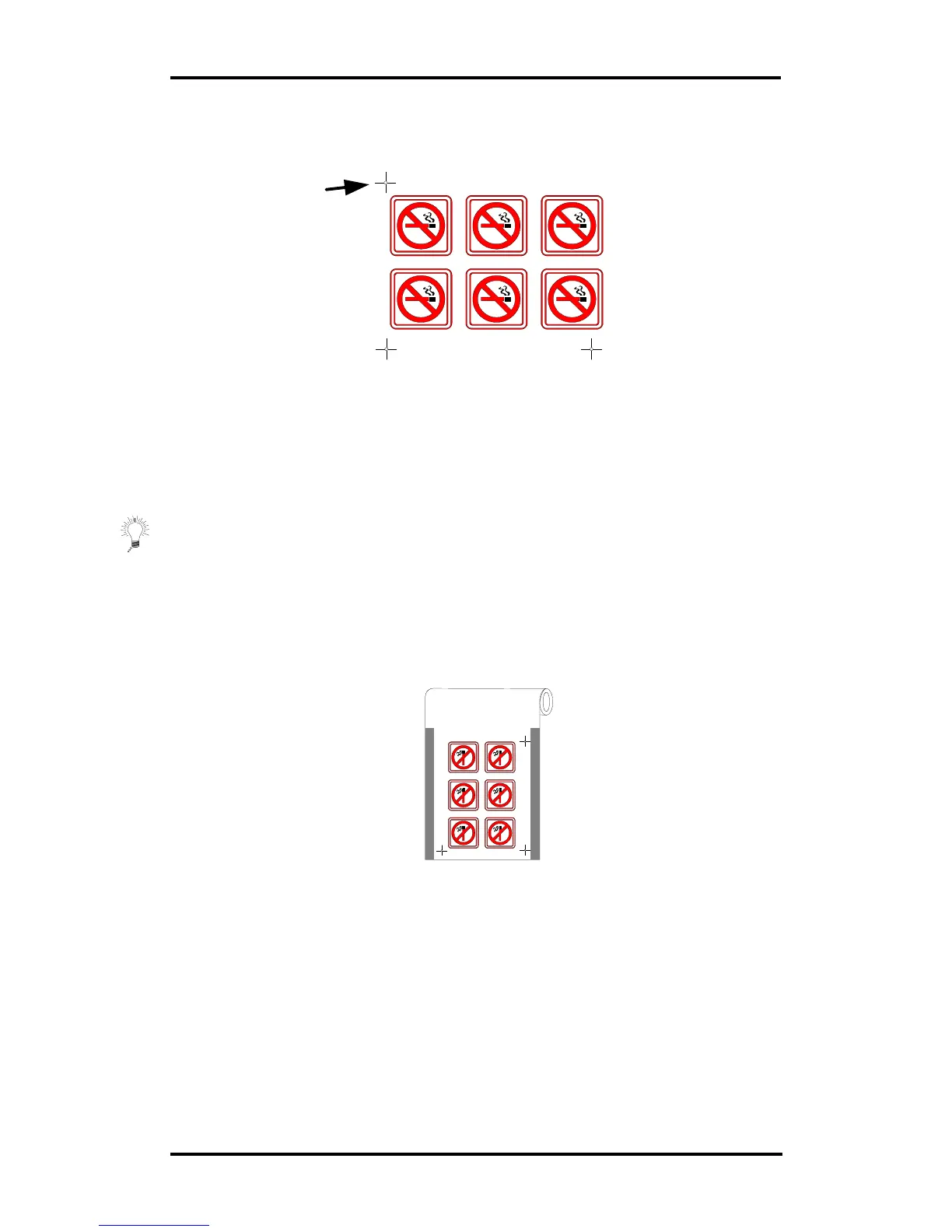
• Place the cross-mark indicating the Y-axis (only when using the XY-
Alignment and the XY-Adjustment method):
♦ Make sure that the cross-mark is placed exactly above the origin
marker.
♦ The exact distance between the two points that are indicated
by this marker and the origin must be known (only when using
the XY-Adjustment method). Do not measure these distances on
the print-out, but measure them in the software.
⇒ Place the markers as far as possible from each other for maximum
accuracy.
5.5. PRINT THE DESIGN
• Print the markers and the design with your printer.
• When printing on a roll, make sure that the orientation is as follows:
♦ Make sure that there is at least 1 cm, preferably 2cm margin
(0.4”, preferably 0.8”) on each side.
• When printing on sheets or cutting off your print from the roll, make sure
that there is a margin of at least 8 cm (3.15”) at the end of the sheet:
Origin point
X-Axis point
Y-Axis point
Y-Axis point



 To Next Page