User Manual 7 iSolarCloud App
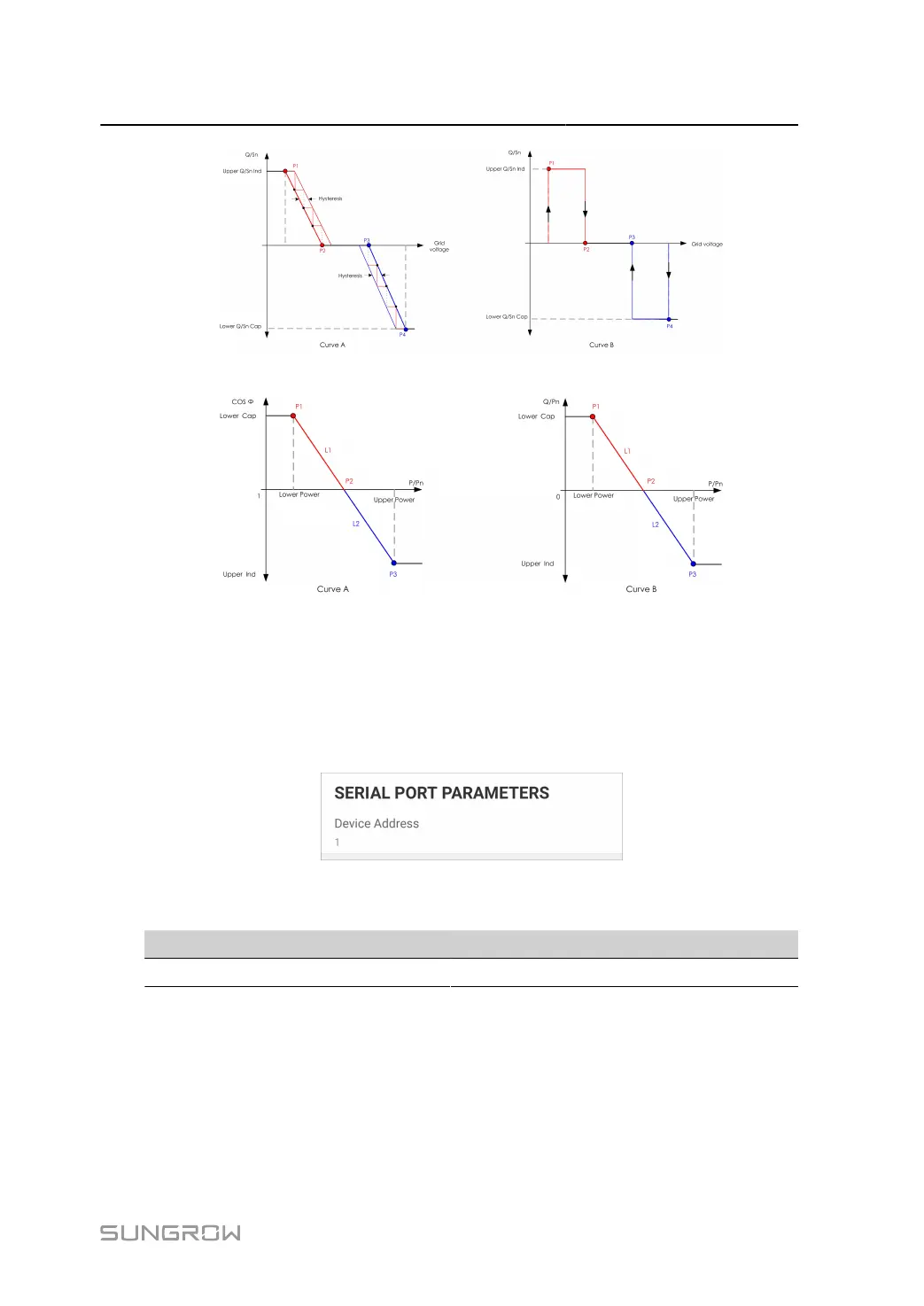
figure 7-19 Q(U) Curve
figure 7-20 Q(P) Curve
7.8.4 Communication Parameters
Serial Port Parameters
Tap Settings > Communication Parameters > Serial Port Parameters to enter the corre
sponding interface, as shown in the following figure.
figure 7-21 Serial Port Parameters
table 7-10 Serial Port Parameters
Parameter Range
Device Address 1–246
MPLC Parameters
Tap Settings > Communication Parameters > MPLC Parameters to enter the corresponding
interface, as shown in the following figure.
93



 To Next Page