5 Electrical Connection User Manual
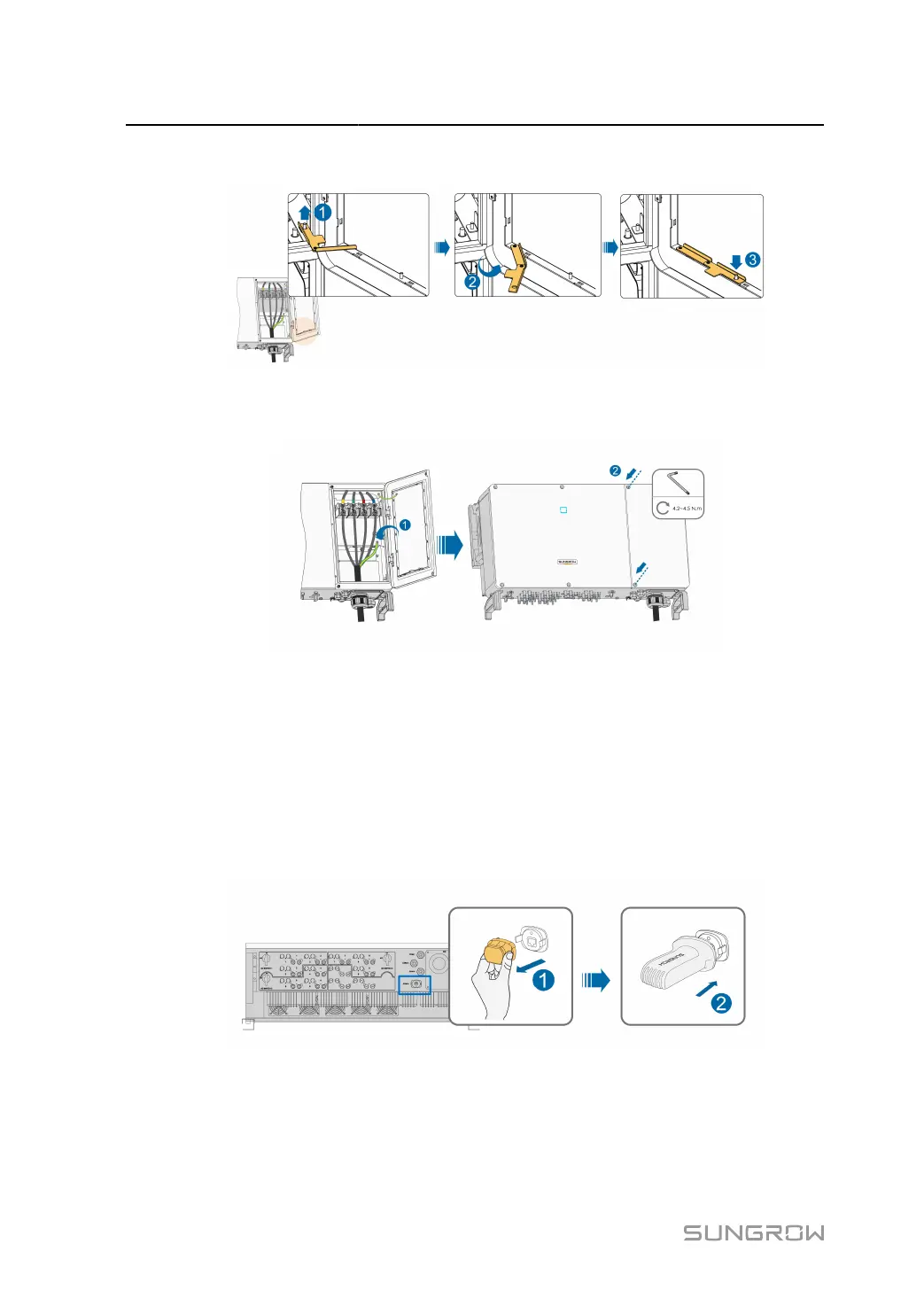
step 1 Release the limit lever.
step 2
Close the wiring compartment and tighten the two screws on its front cover with supplied Allen
wrench.
- - End
5.13 Communication Module Connection (optional)
Connect the communication module produced by SUNGROW to the communication accessory
port. After successful connection, information such as power generation and running state of
the inverter can be viewed via the APP on the phone.
*The image shown here is for reference only. The actual product you receive may differ.
70



 To Next Page