7 iSolarCloud App User Manual
Parameter Description
Daily yield his
togram
Shows the power output every day in the present month.
Monthly yield his
togram
Shows the power output every month in a year.
Annual yield his
togram
Shows the power output every year.
Tap the time bar on the top of the interface to select a time segment and view the corresponding
power curve.
Swipe left to check the power yields histogram.
Event Record
Tap Event Record to view event record list.
Click to select a time segment and view corresponding records.
The inverter can record up to 400 latest entries.
7.8 More
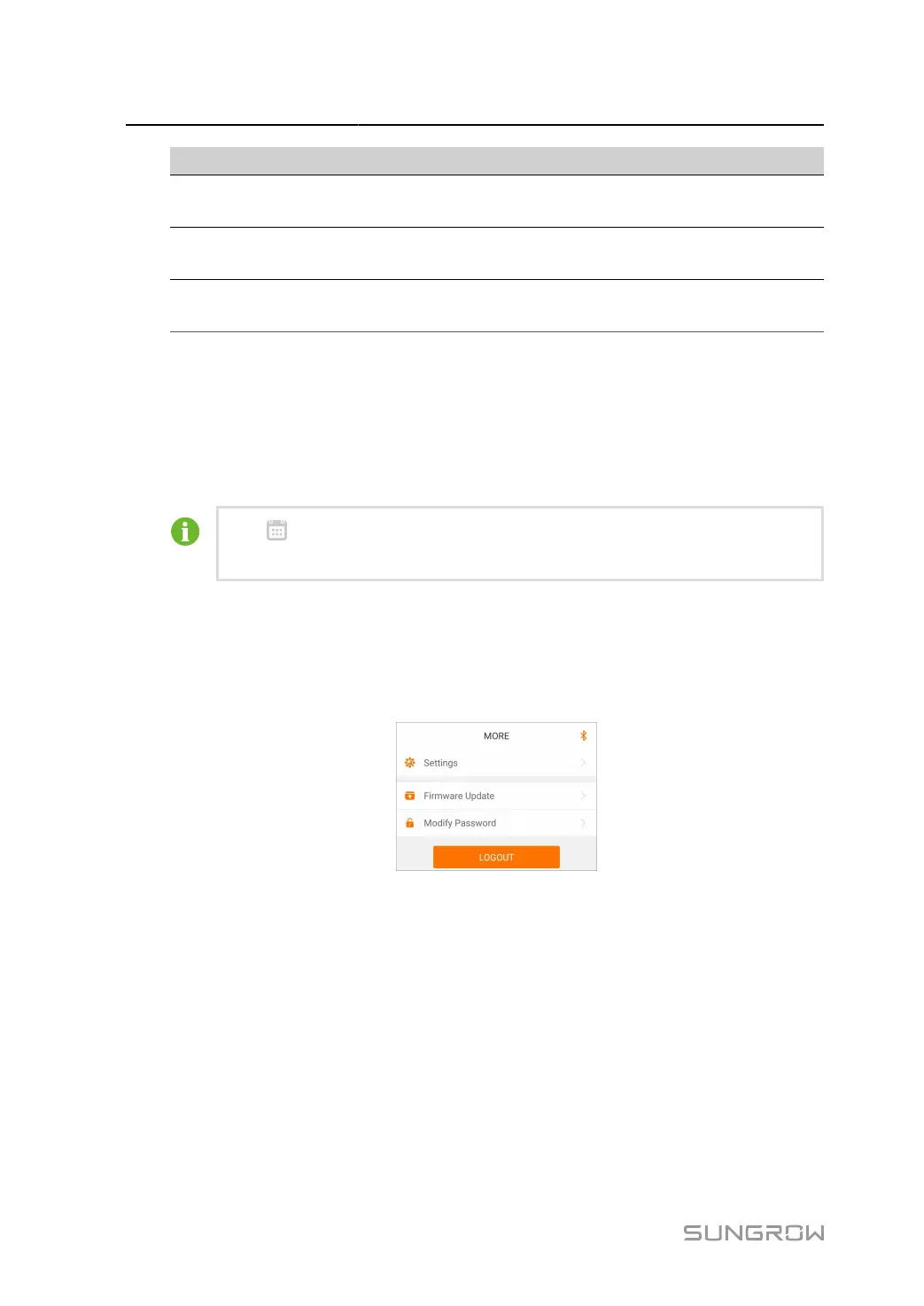
Tap More on the navigation bar to enter the corresponding interface, as shown in the following
figure.
figure 7-11 More
7.8.1 System Parameters
Tap Settings > System Parameters to enter the corresponding interface, as shown in the
following figure.
86



 To Next Page