User Manual 7 iSolarCloud App
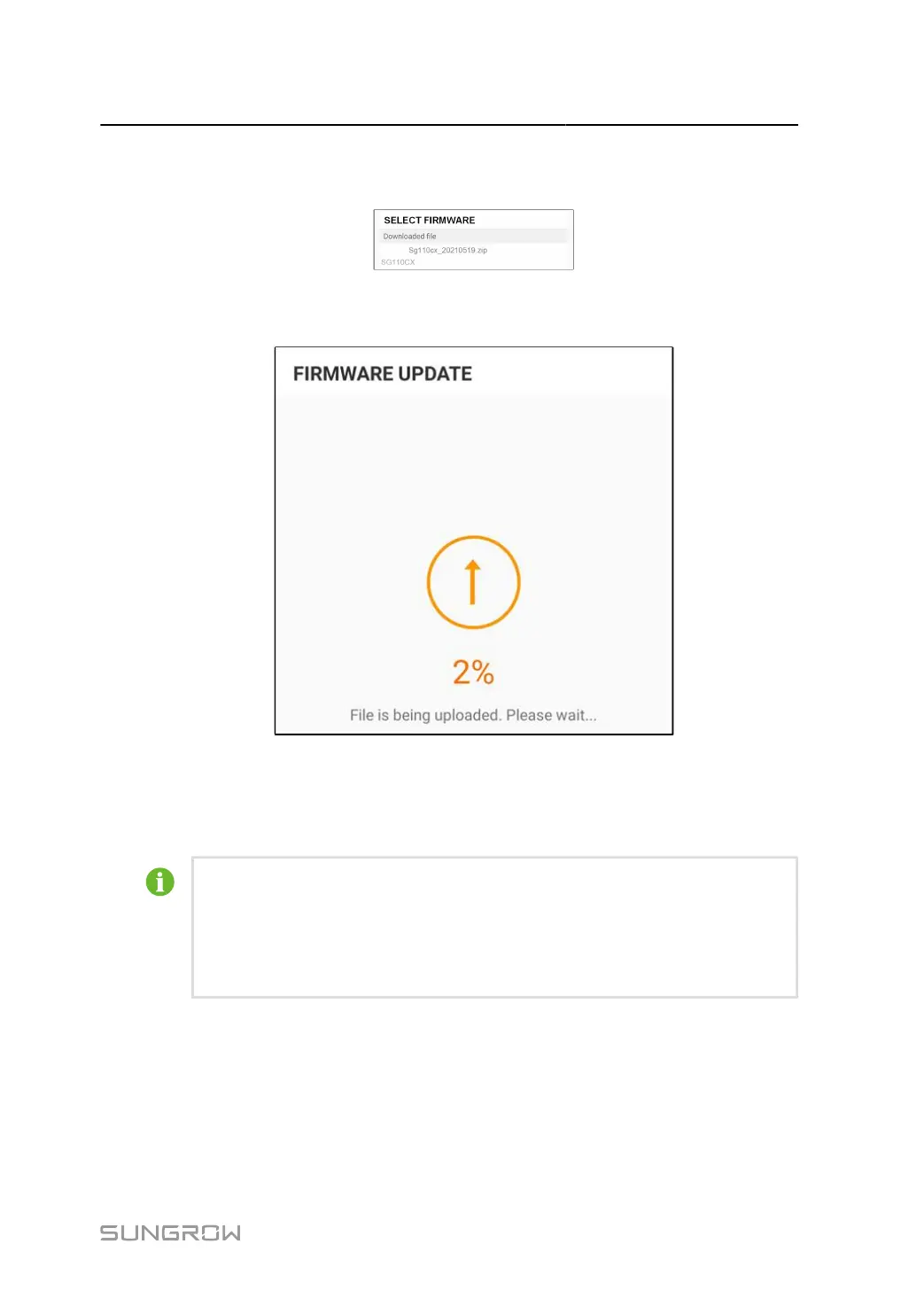
step 8 Tap the upgrade package file, a prompt box will pop up asking whether to upgrade the firmware
with the file, tap CONFIRM to perform the firmware upgrade.
step 9 Wait for the file to be uploaded. When the upgrade is finished, a message is displayed indicating
that the upgrade is completed. Tap Complete to end the upgrade.
- - End
7.8.6 Grounding Detection
Contact your distributor to obtain the advanced account and corresponding pass
word before setting the earth detection parameters. If the distributor is unable to
provide the required information, contact SUNGROW.
Unauthorized personnel are not allowed to log in with this account. Otherwise, SUN
GROW shall not be held liable for any damages caused.
Tap More > Settings > Operation Parameters > Grounding Detection to enter the corre
sponding screen.
95



 To Next Page