User Manual 2 Product Description
* The table shown here is for reference only. The actual product received may differ.
2.4 LED Indicator
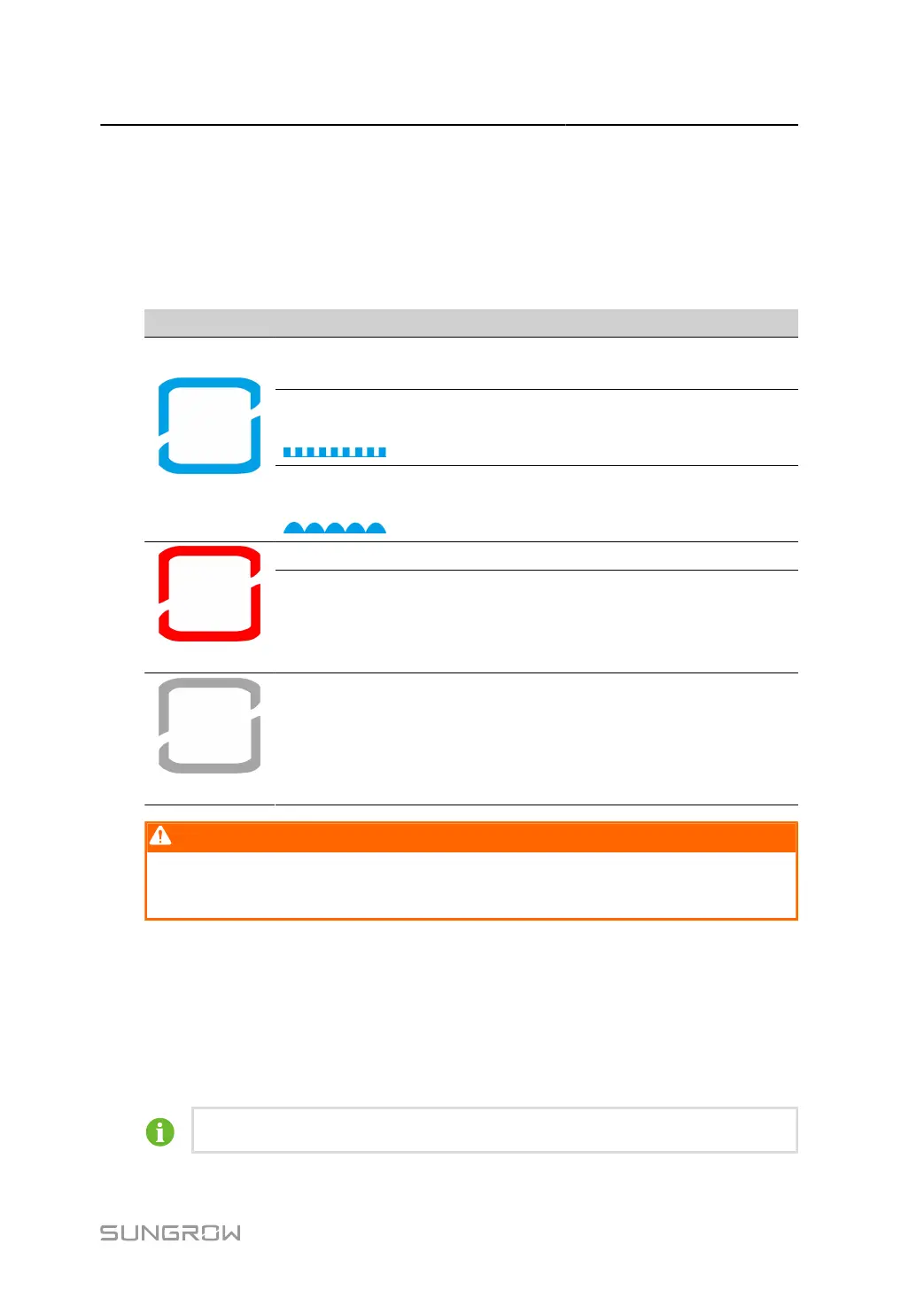
The LED indicator on the front of the inverter indicates the working state of the inverter.
table 2-1 LED Indicator State Description
LED Color State Definition
On
The device is connected to the grid and operating nor
mally.
Fast blink
(Period: 0.2s)
The Bluetooth connection is established, and there is
data communication.
No system fault occurs.
Blue
Slow blink
(Period: 2s)
The device is in standby or startup state (not feeding
power into the grid).
On A fault occurs and the device cannot connect to the grid.
Red
Blink
The Bluetooth connection is established, data commu
nication in process, and a system fault occurs.
Gray
OFF Both the AC and DC sides are powered down.
WARNING
Voltage may still be present in AC side circuits after the indicator is off. Pay attention
to the electricity safety when operating.
2.5 DC Switch
The DC switch is used to disconnect the DC current safely whenever necessary.
The SG110CX-NI is not equipped with DC switch.
The SG110CX/SG110CX-20 is equipped with three DC switches, and each DC switch controls
its corresponding DC terminals.
Turn the DC switches to the ON position before restarting the inverter.
11



 To Next Page