7 iSolarCloud App User Manual
figure 7-23 Grounding Detection
If the grounding detection is enabled, the DO relay will switch on automatically to signal the
external alarm if the value exceeds the grounding detection alarm value.
The PV insulation resistance fault (fault sub-code 039) will trigger the DO relay to signal the
external alarm.
7.8.7 Password Changing
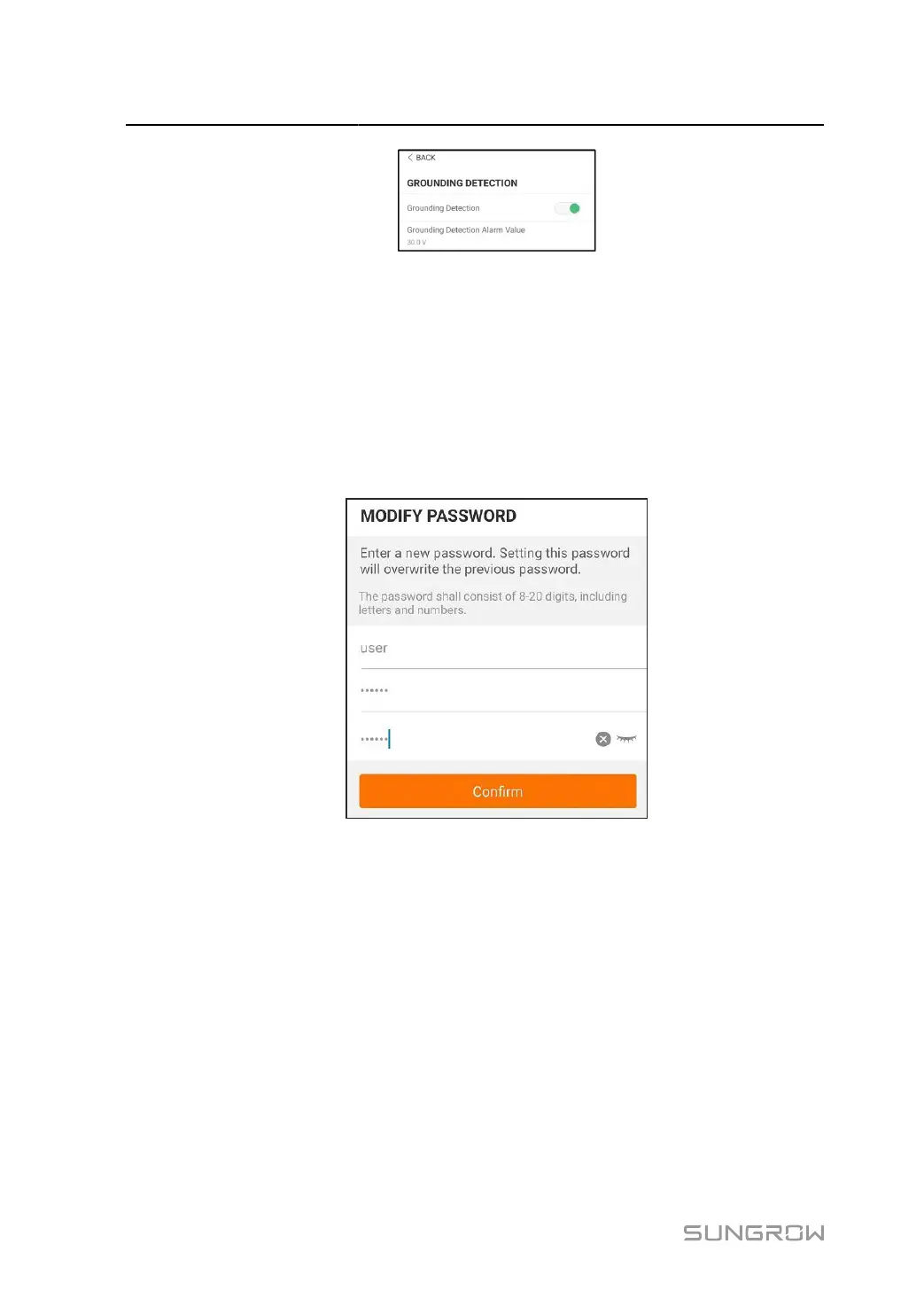
Tap Modify Password to enter the modify password interface, as shown in the following figure.
figure 7-24 Modify Password
The password shall consisit of 8–20 digits, including letters and numbers.
96



 To Next Page