User Manual 5 Electrical Connection
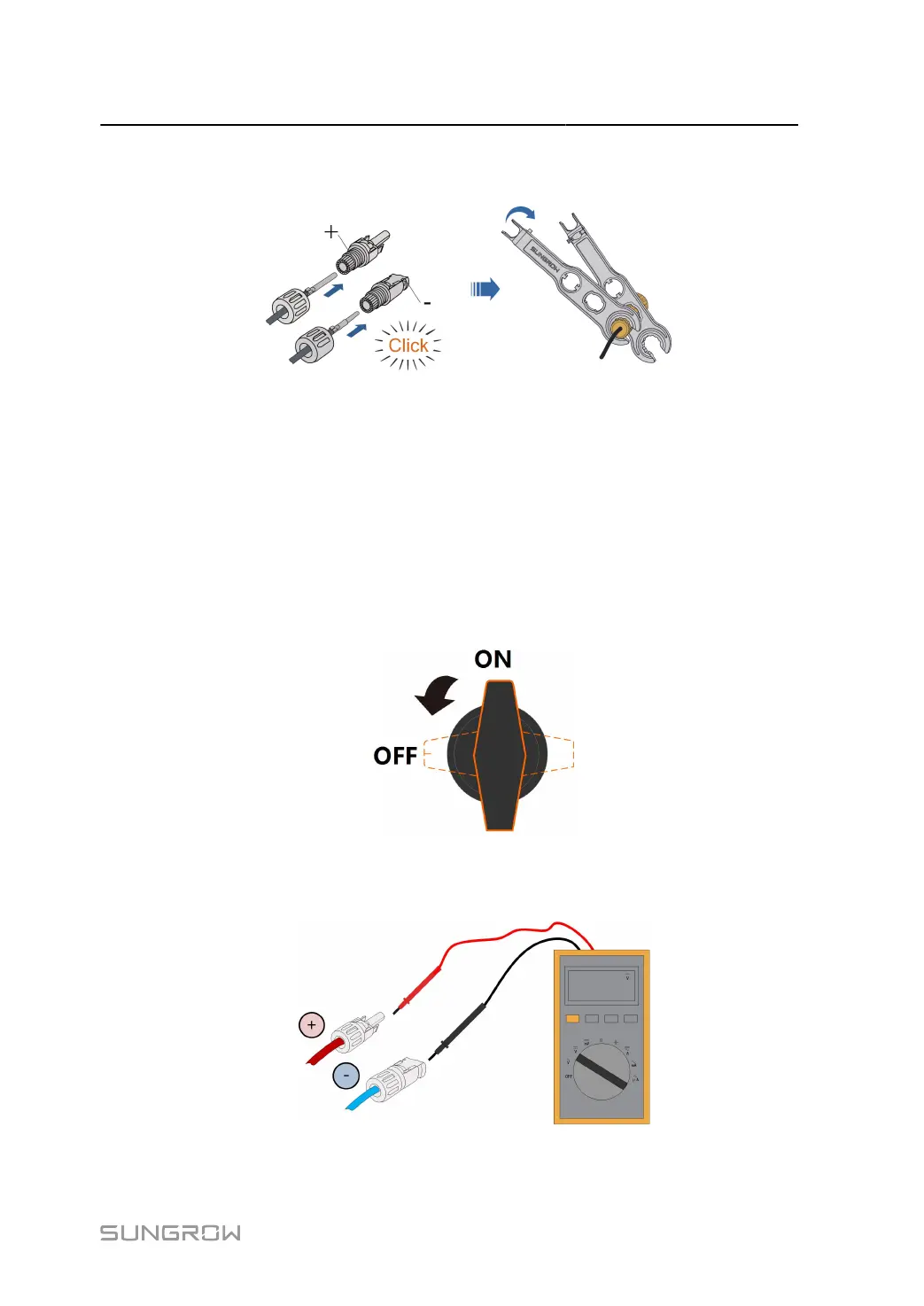
step 4 Check for polarity correctness.
- - End
5.8.3 Installing PV Connector
step 1 Rotate the DC switch to “OFF” position.
The SG110CX-NI doesn't have a DC switch.
step 2
Check the cable connection of the PV string for polarity correctness and ensure that the open circuit
voltage in any case does not exceed the inverter input limit of 1,100V.
57



 To Next Page