7 iSolarCloud App User Manual
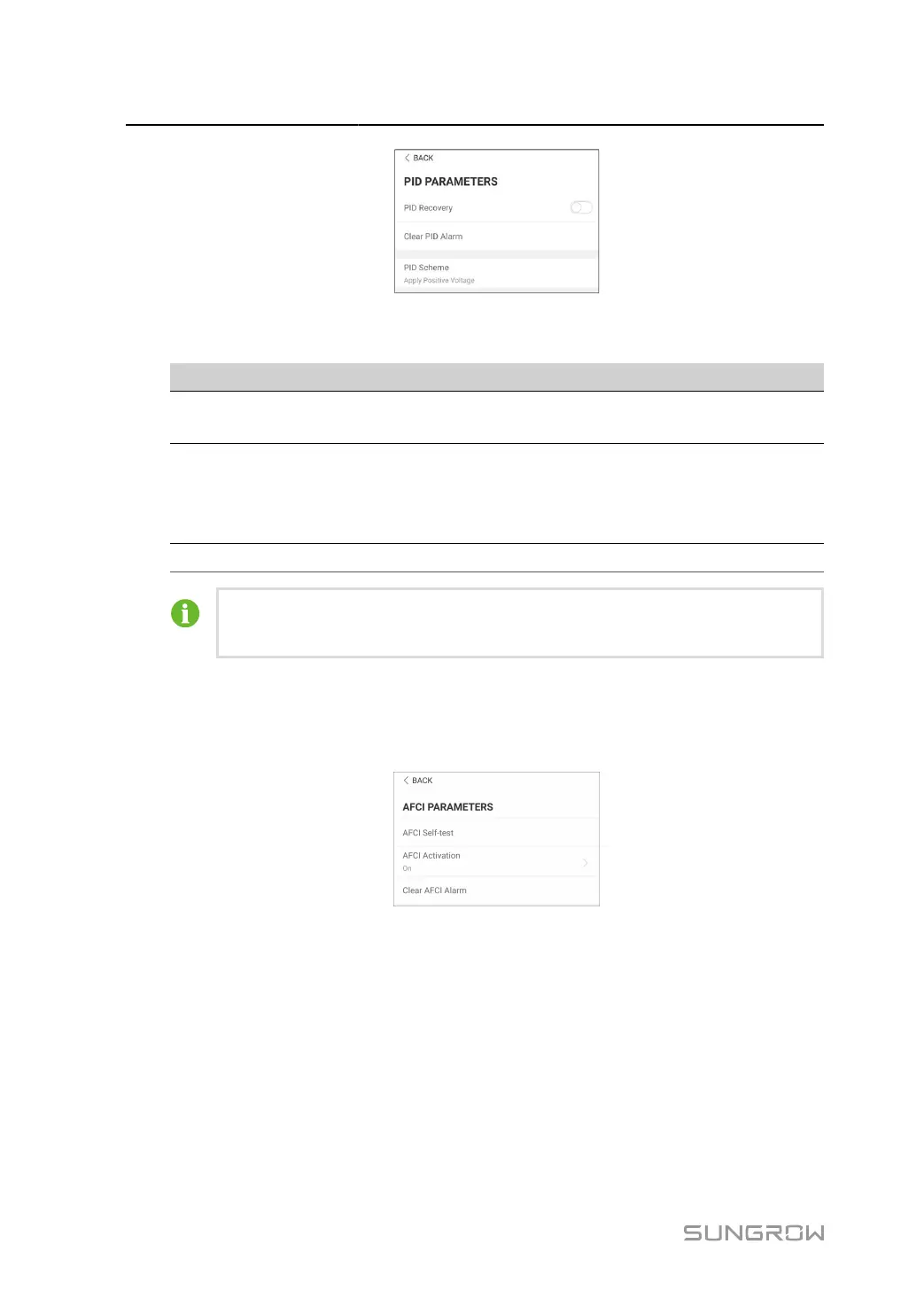
figure 7-14 PID Parameters
table 7-7 PID Parameter Description
Parameter Description
PID Recovery
Enable/Disable the PID night recovery function. Once enabled, it
works between 22:00 pm and 5:00 am by default.
Clear PID alarm
If ISO impedance abnormality or PID function exception is detected
during running of the PID function, the inverter reports a PID abnor
mity and reminds the user to take corresponding measures. Clear
the alarm report via this parameter once the problems are handled.
PID Scheme Apply negative or positive voltage.
After the PID night recovery function is enabled, the fault indicator on the inverter
front panel turns green.
AFCI Parameters(Optional)
Tap Settings > Operation Parameters > AFCI Parameters to enter the corresponding screen,
on which you can set AFCI Parameters.
figure 7-15 AFCI Setting
NS Protection (Passive Valid)
Tap Settings > Operation Parameters > Regular Parameters to enter the corresponding
screen, on which you can set the NS Protection(Passive Valid).
88



 To Next Page