Doc. Title
ST4940 User Manual
Features and how to configure ST4940
3. Accessories
The ST4940 has two accessories:
Wall Charger
USB Cable (for charging and setting)
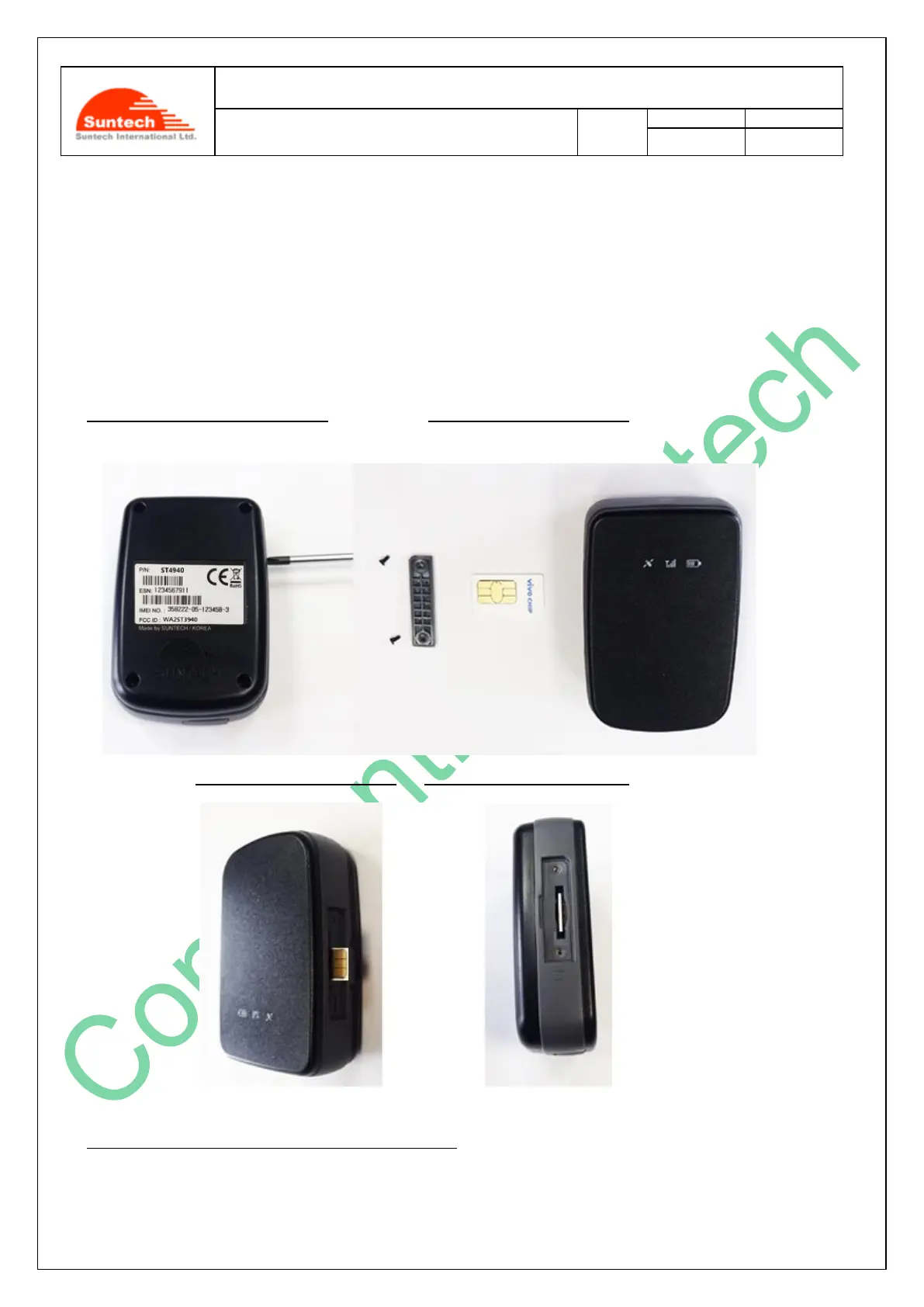
4. How to insert Micro SIM card by step
There are 5 steps in inserting a Micro SIM card into the ST4940 as shown below in the pictures.
Step 1.:Please, unscrew SIM cover. Step2.:Please, insert SIM #1.
Step 3: Please, insert SIM #2. Step 4.: Please, insert SIM #3
Step 5.:Please,make an assembly with the SIM cover.



 To Next Page