EasyManua.ls Logo

SunTech ST4940 - How to Set Service Parameters

SunTech ST4940
52 pages
Print Icon
To Next Page IconTo Next Page
To Previous Page IconTo Previous Page
Loading...
Doc. Title
ST4940 User Manual
Concerning:
Rev.
Date (dd-mm-yy)
Page of Pages
Features and how to configure ST4940
1.07
0
1-7-2019
23 of 52
STT
X
O
X
X
Alert, Etc.
X
O
O
X
Emergency
X
O
O
O
<Note>
‘O’: Necessary
‘X’: Not necessary
8-4. How to set ‘Service Parameters’
HDR
DEV_ID
VER
MAGNET_ALERT
VI_ON_THRE
S
VI_ON_DEL
AY
VI_ON_PER
CENT
VI_OFF_TH
RES
VI_OFF_DEL
AY
VI_OFF_PER
CENT
DEEP SLEEP
SPEED_LIMIT
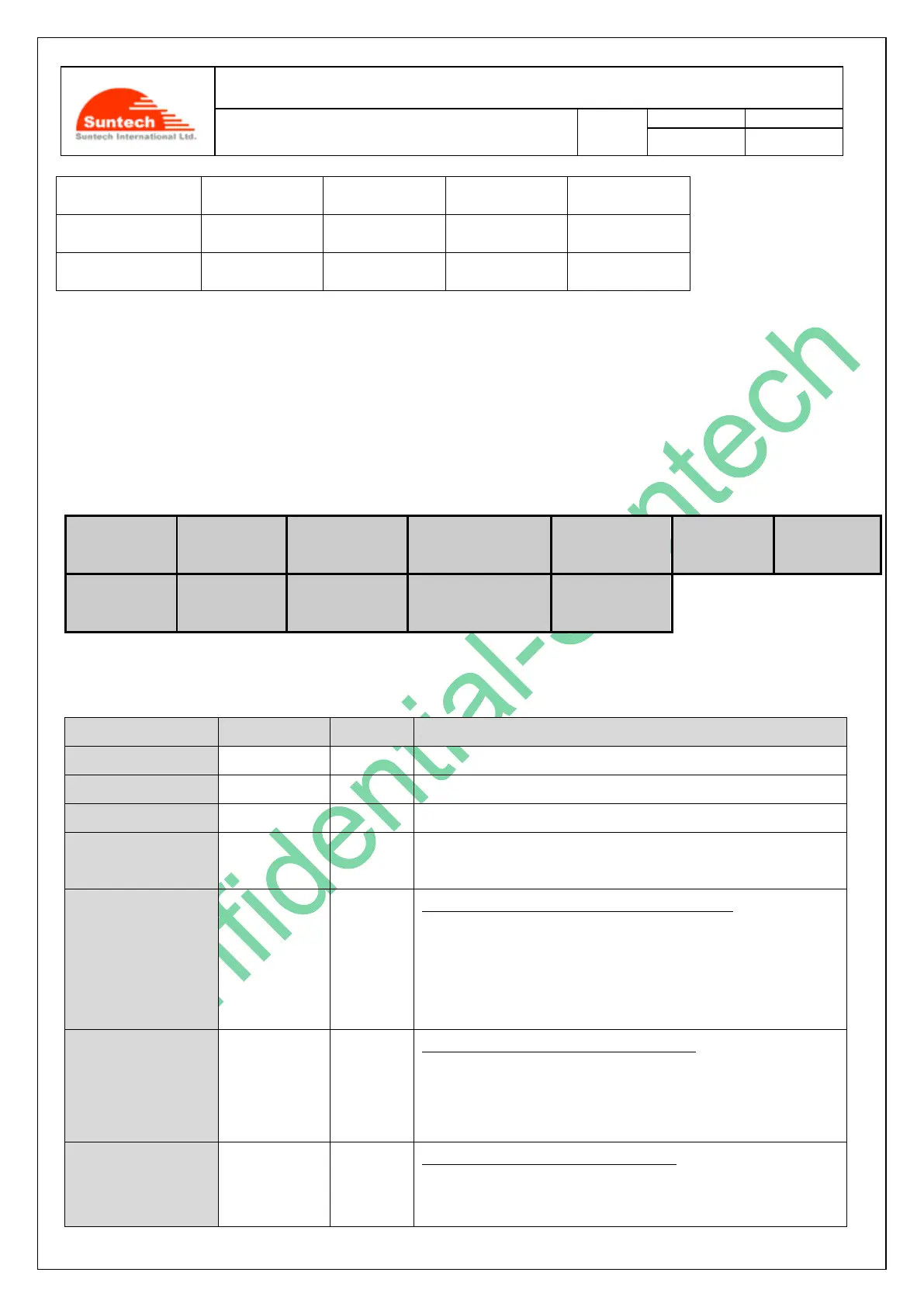
Thetable below shows how user can set SERVICE parameters.
Field
Marks
Value
Meaning
HDR
ST600SVC
Command type.
DEV_ID
10 char
Device ID.
VER
“02”
Protocol Version
MAGNET_ALERT
‘0’ / ‘1’
0 : Disable Alert
1 : Enable Alert
VI_ON_THRES
String
1/255G
Threshold value for Motion Virtual Ignition On
0 : Disable the Motion checking
Range : 3~50
Default : 5
VI_ON_DELAY
String
Second
Delay time for Motion Virtual Ignition On
Range : 3~300
Default : 10
VI_ON_PERCENT
String
%
Percent for Motion Virtual Ignition On
Range : 30~100

Table of Contents

Related product manuals