Doc. Title
ST4940 User Manual
Features and how to configure ST4940
5. CHARGING BATTERY
It is highly recommended that the rechargeable battery should be charged completely before using the device.Connect
the ST4940 to its charger cable supplied by Suntech and charge it for 4 hours. (6~7 hours for 3000mA battery capacity)
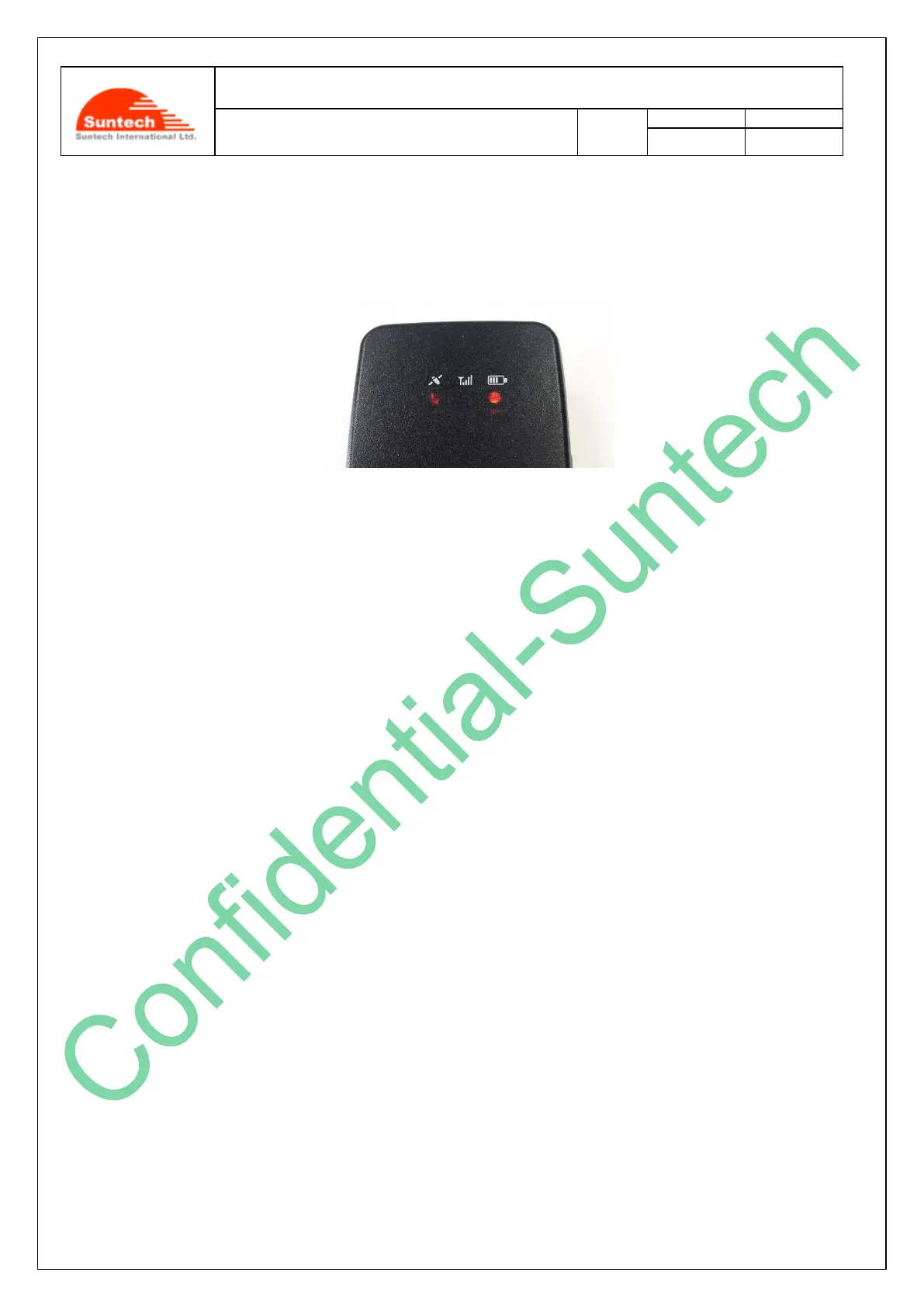
< Charging Status indicated on the battery LED >
Red blinking twice: under 10% of the full capacity
Red blinking: under 30% of the full capacity
Amber blinking: 30% to 80%
Green blinking: 80% to 100%
Green lighting: Completely charged
<Status of Charging Mode indicated on the battery LED>
As soon as the charger is connected with the device which has been turned off, device turned on mid RED LED for
indicating detection of charger cable for 15 seconds around. After charger detection is completed, GPS LED will be
turned on and Battery LED will start blinking for indicating charging state.
Be careful of not being operated by any button during detection of charger cable.
<Charging Error>
When an error occurs while the battery is being charged the red LED and the green LED blink by turns.
In this case, please disconnect the charger cable and try to do charging again by reconnecting the cable.
If this error occurs continuously, please replace the battery or contact Suntech.
<Caution!!>
The ST4940 (device) should be charged by using the USB cable that Suntech provides the user with. In such a case,
however, Suntech does not guarantee that charging the device can be done completely. It is highly recommended that
the users, in charging the device, should use the battery charger provided by Suntech.



 To Next Page