Turn On
As soon as a device in a status of power off is connected with a charger, only charging the
device starts being processed. But, GSM/MTE M1 session does not work.
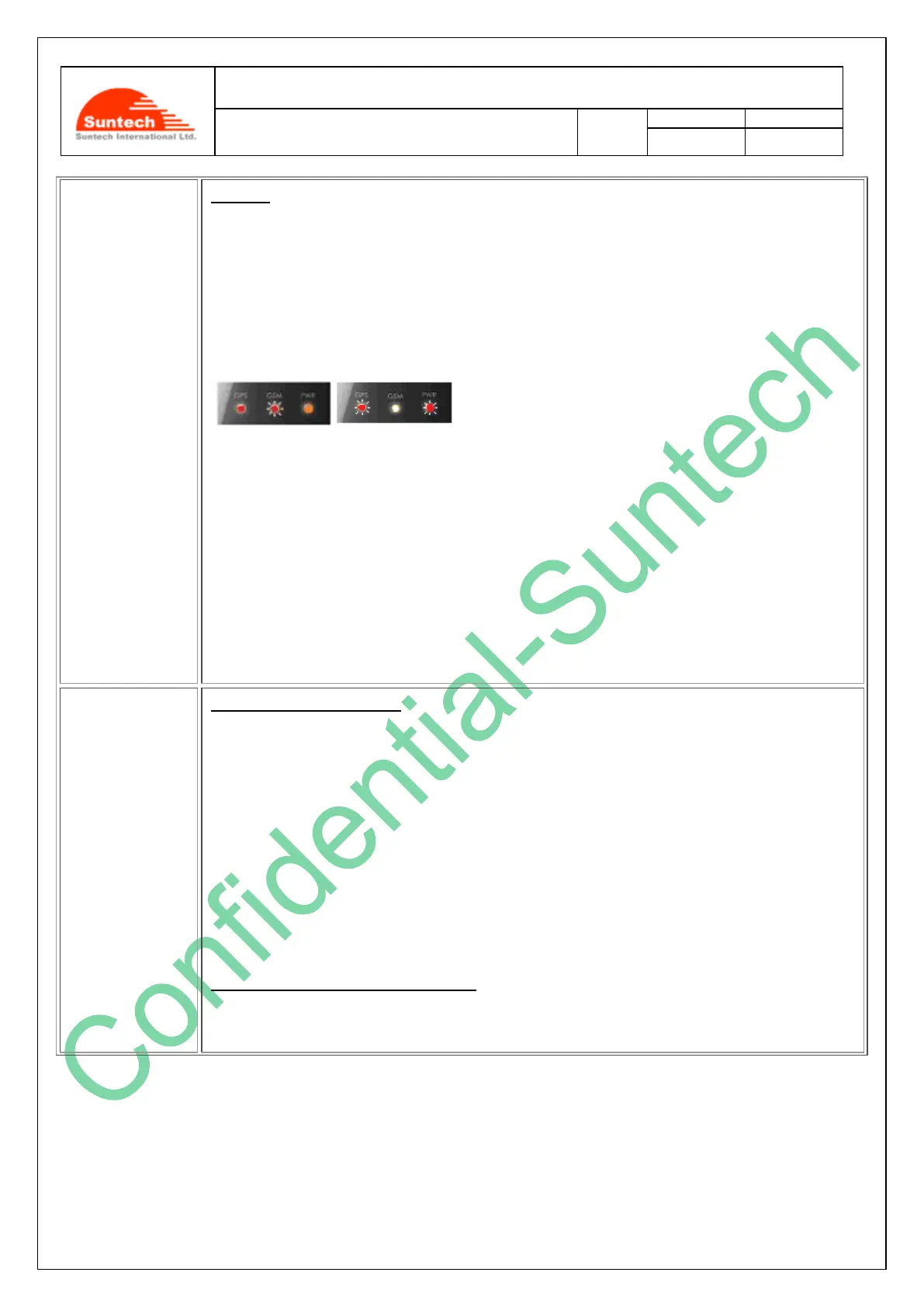
When charger is connected, middle LED is continuously lighted on with RED color during 15
seconds around. This means that device enters offline-charging mode. After charging mode
detected, GPS LED is on, and after battery indicator continuously blinks.
Any button is not operated in the middle of detection of charging mode (around 15 seconds)
If you press ‘power button ’of the device for more than 3 seconds in a mode of charging, the
device will turn to be in a mode of normal operation.
Device might be in an operational mode using its built-in battery. While this device is being
charged and if you press the ‘power button’ of this device for more than 3 seconds, the mode
of the device will change to a charging a mode.
GPS/Data status indicator
Right after the device is turned on, the red LED starts to blink as below. Five (5) minutes after
the red LED starts to blink, it is turned off automatically to save battery. If you press the power
button again, the red LED will be on just for short time, for some seconds, to show you the
current status of the GPS connectivity.
Fixed : 1 time
No fixed: 2 times.
GPS error: 4 times.
Exclusive Mode of Battery Charging
The red LED continues to be in the status of ‘On’ while the device is being connected to the
battery charger.



 To Next Page