110
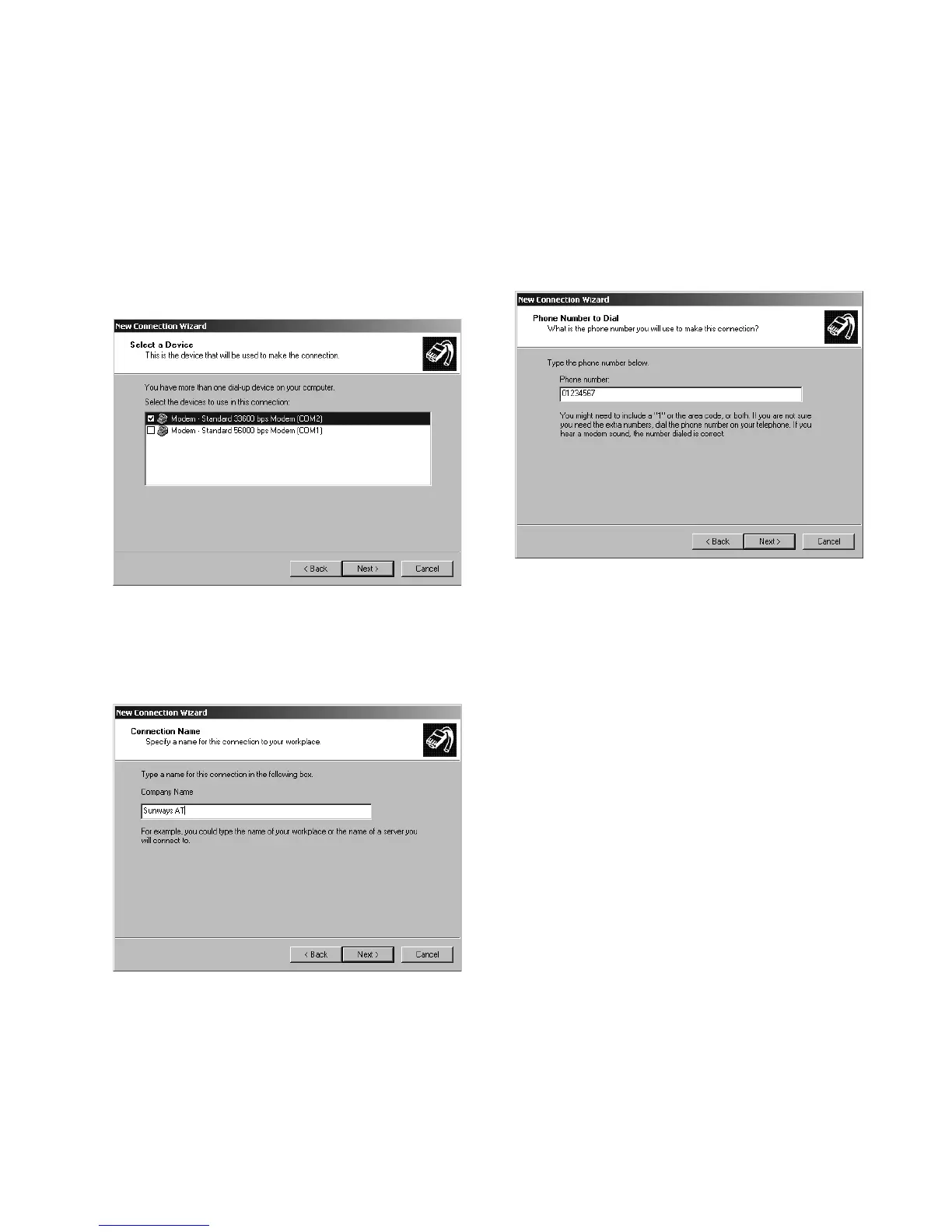
4. A list of the installed modems appears.
Select the desired modem and confirm
your selection with «Continue».
5. Enter a connection name and confirm
your entry with «Continue».
6. Specify the phone number of your
Sunways Solar Inverter.
When entering the telephone number,
you may need to include one or more
digits to connect to an outside line!
(An outside line is usually obtained
by placing a «0» before the actual
telephone number).
Confirm your entry with «Continue».
7. You can now specify whether this con
-
nection is to be available to all users of
this PC. If in doubt, enter «All users»
here and confirm your entry with
«Continue».



 To Next Page