111
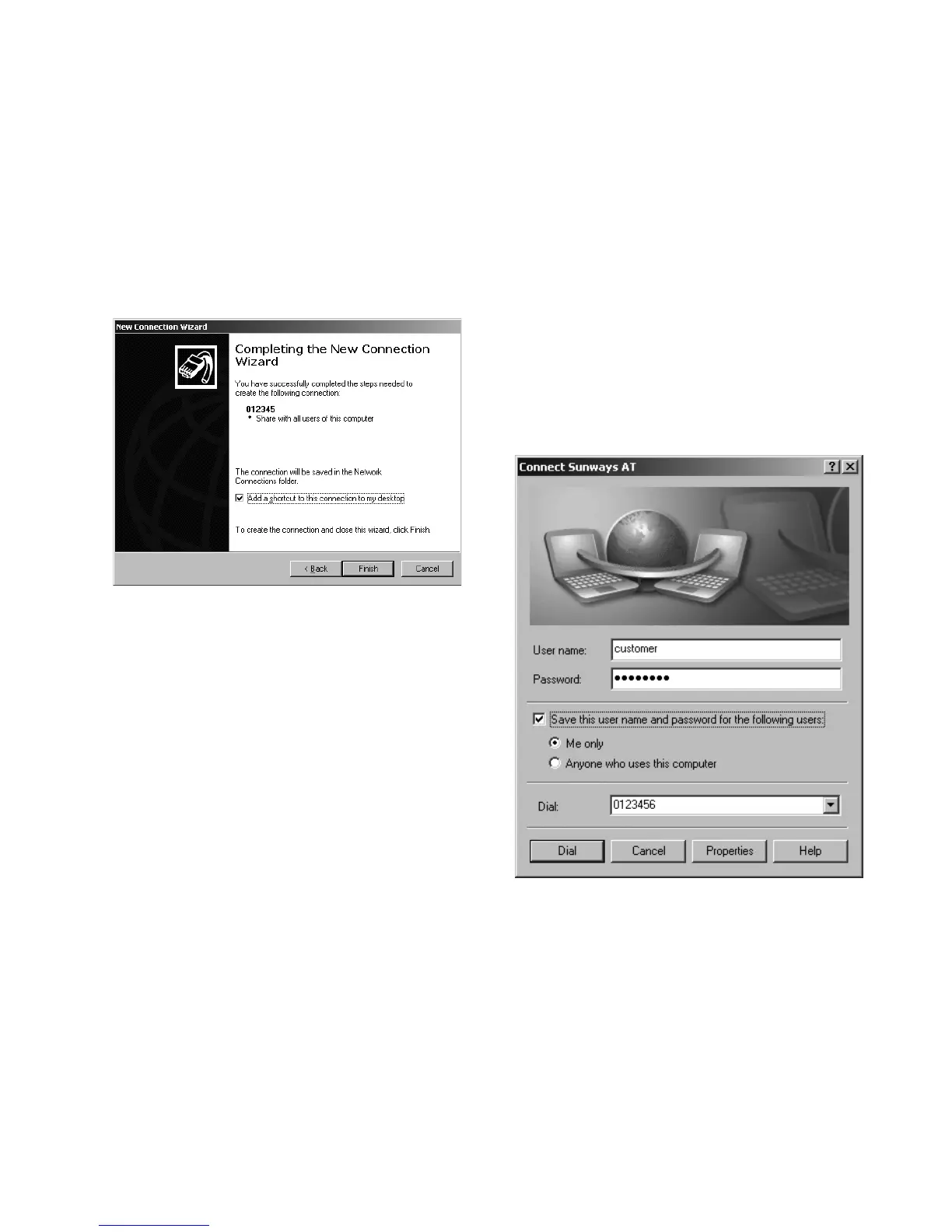
8. Click on the checkbox if you want to
reach the connection simply via your
desktop and then select «Finish».
9. The connection window appears
automatically after finishing the con
-
nection. (As an alternative via the
icon on your desktop or via «Start -
Settings - Network Connections»).
Here you must now still make other
settings, which you can access via
«Properties».



 To Next Page