112
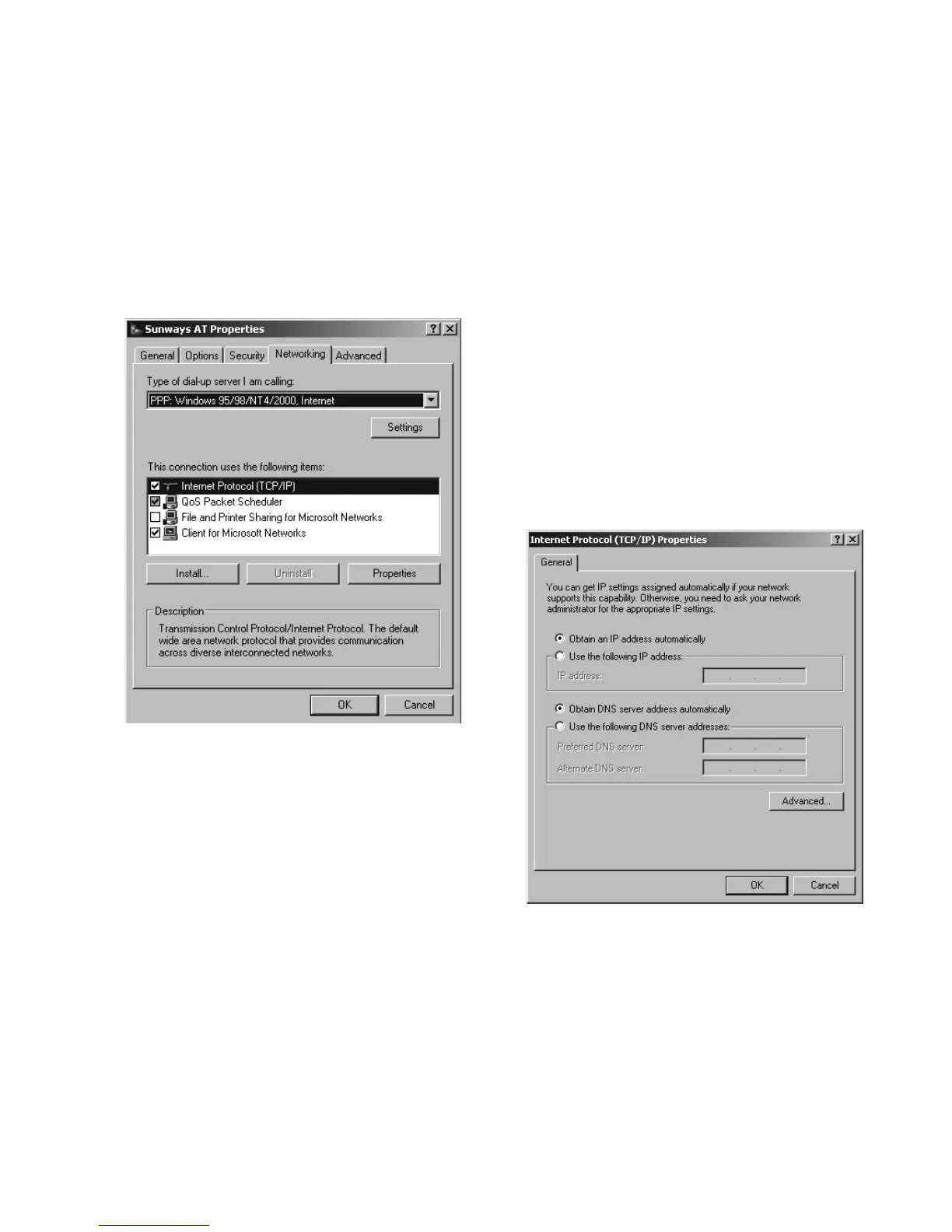
10. First select the «Network» tab and
mark the entry «Internet Protocol
(TCP/IP)» there. Select «Properties».
11. Enter the following data:
Obtain an IP address automatically
Obtain DNS server address automati-
cally
The PC is automatically assigned an
IP address by the solar inverter while
dialling in. This is
192.168.20.51 as
standard and can be set via the Sun-
ways Browser (under «Settings –
Modem – PPP-IP»)



 To Next Page