113
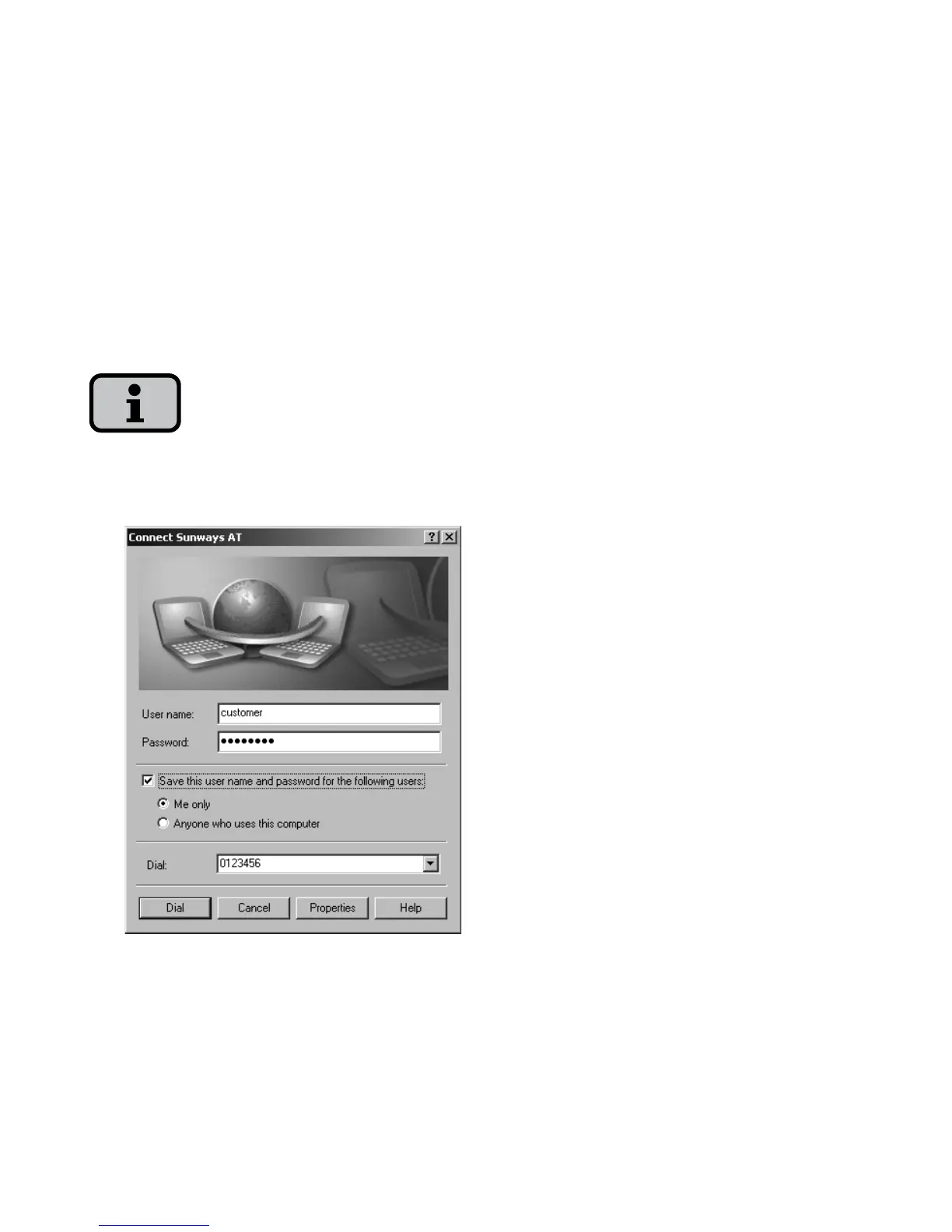
12. Enter «customer» as the user name
and the standard password
(********) or the password you have
changed as the password in the con-
nection window.
The password matches the customer pass
-
word on the unit.
13. The connection is established with
«Dial».
After the connection is established you
can start the Sunways Browser by enter
-
ing the IP address of the solar inverter in
the address line of your web browser.



 To Next Page