SPECIALS
Specials MJB4 Rev06 10-09 45
4
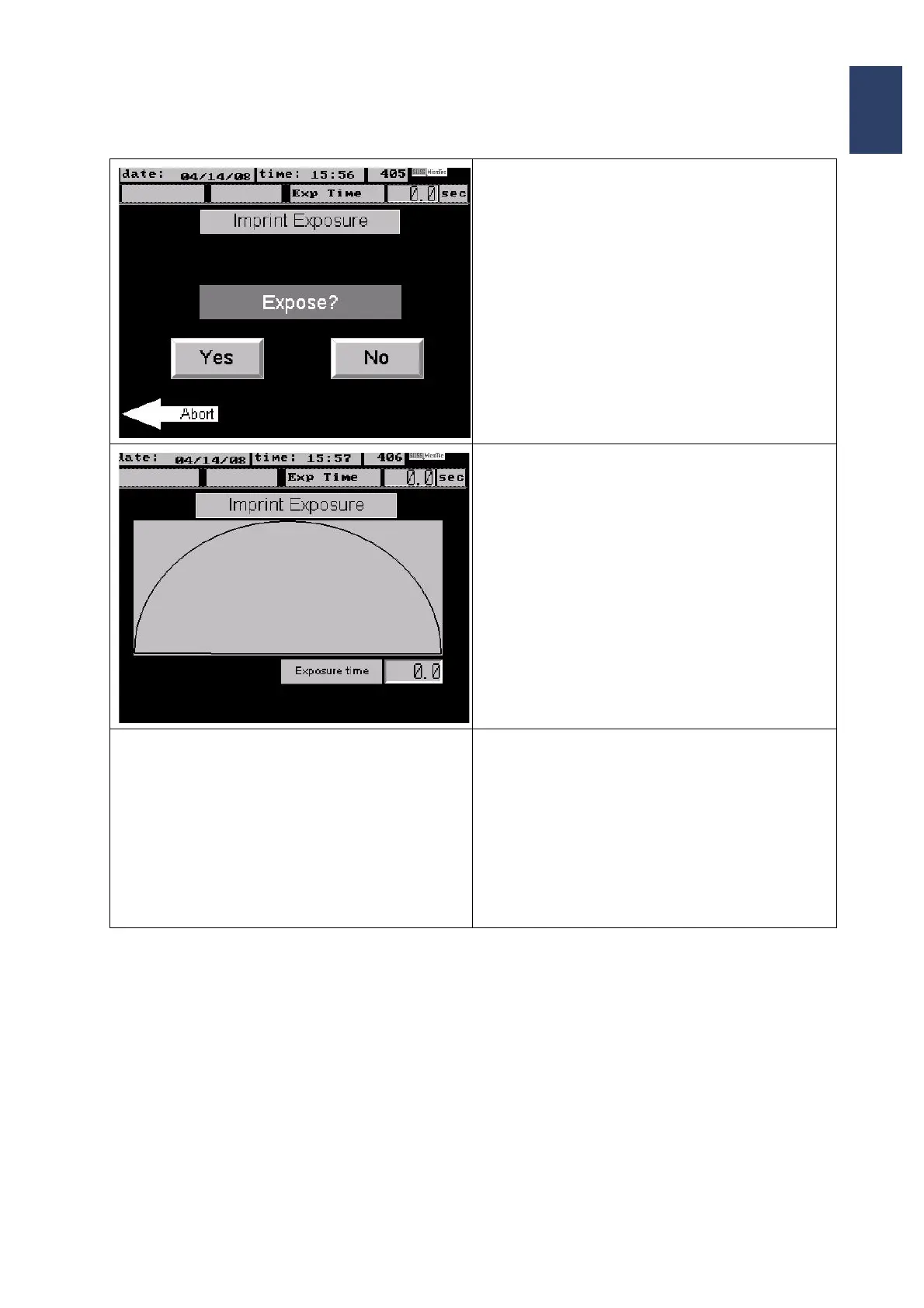
• The next program step will start the exposure
• Press Yes to start exposure.
• The display shows the progress of the exposure
time.
• As soon as the exposure is finished the vacuum
at the stamp holder will be switched off.
• The screen shows the message
Open the contact lever
Unload substrate + template
• Turn the contact lever to move the substrate
package down
• Pull out the transport slide with the chuck and
the substrate package and unload.



 To Next Page