SPECIALS
44 Specials MJB4 Rev06 10-09
4
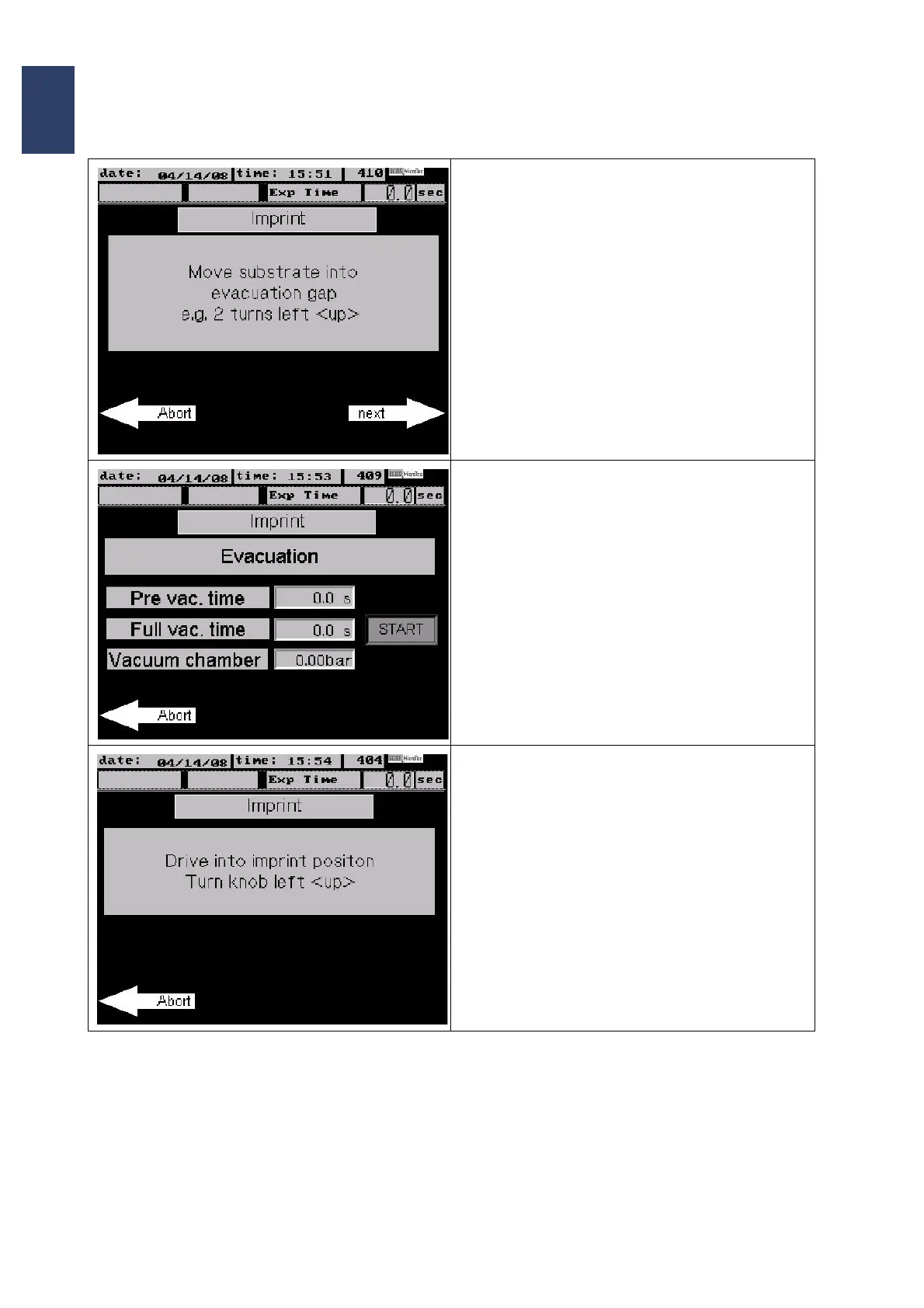
• Turn the thickness setting knob up (counter-
clockwise)
• Press next to continue
• The next screen shows the information about
the programmed parameters and prepares for
evacuation.
• Press START to start the evacuation.
• As soon as the evacuation is finished press
next to continue.
• Turn the WEC setting knob counterclockwise
(up) until the message
„POSITION REACHED !“ starts flashing.
The screen displays the options
• N2 under wafer on/off
and
• Wafer Vacuum on/off
• Depending on your selection the options toggle
between ON and OFF.
• Press next to continue.



 To Next Page