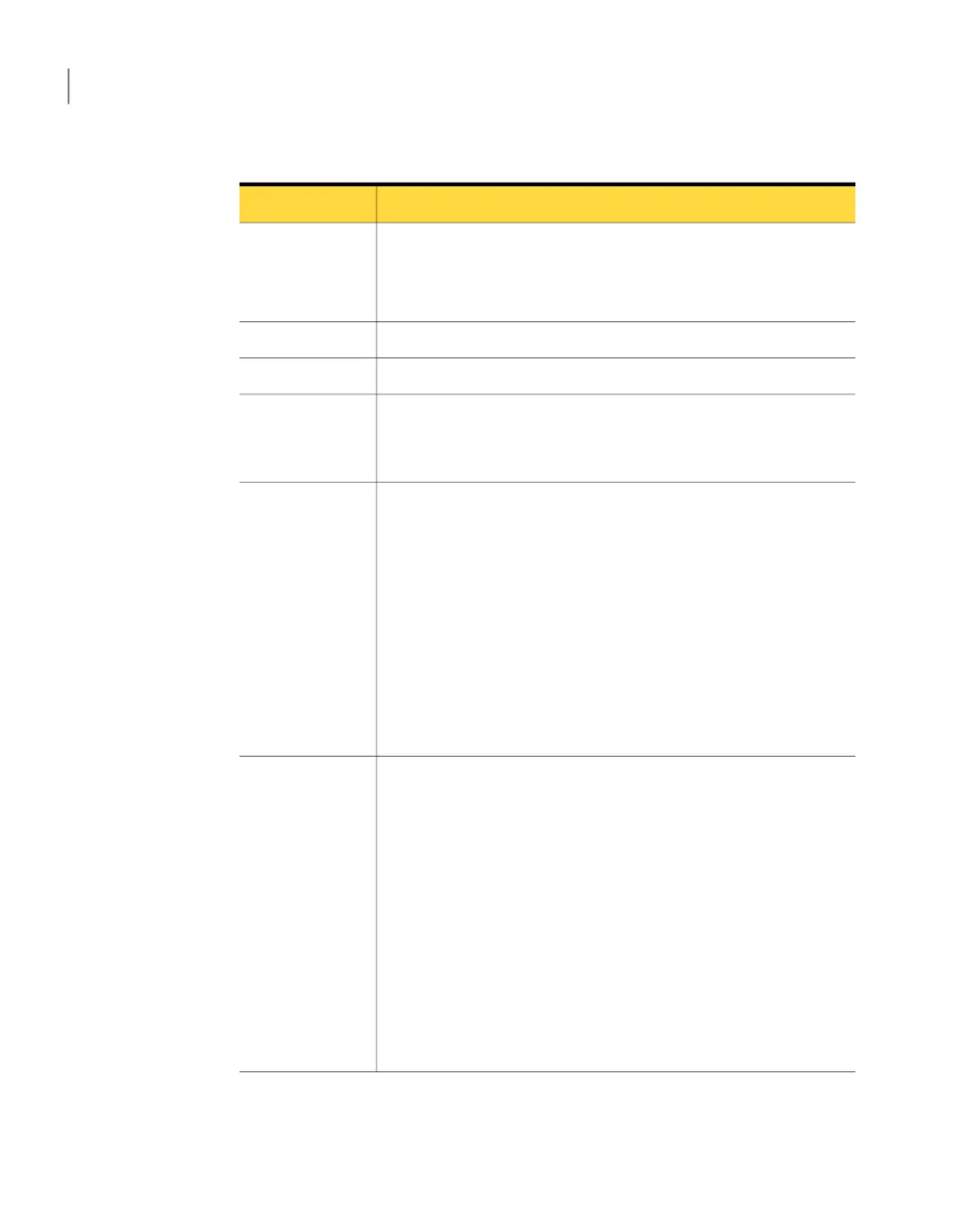
Table 4-5
AdvancedDisk storage unit properties
DescriptionProperty
Enter a unique name for the new storage unit. The name can describe
the type of storage. The storage unit name is the name used to specify
a storage unit for policies and schedules. The storage unit name cannot
be changed after creation.
Storageunit name
Select Disk as the storage unit type.Storage unit type
Select AdvancedDisk for the disk type.Disk type
Select the disk pool that contains the storage for this storage unit.
All disk pools of the specified Disk type appear in the Disk pool list.
If no disk pools are configured, no disk pools appear in the list.
Disk pool
Specify the NetBackup media servers that can move data to and from
the disk pool for this storage unit. Only the media servers that are
configured as storage servers appear in the media servers list.
Specify the media server or servers as follows:
■ To allow any server in the media server list to access the disk
storage (default), select Use any available media server.
■ To restrict the media servers that can access the disk storage, select
Only use the following media servers. Then, select the media
servers to allow. The selection list includes only the media servers
that are configured as storage servers for the disk pool.
NetBackup selects the media server to use when the policy runs.
Media server
Specify the largest fragment size that NetBackup can create to store
backups.
The default maximum fragment size for a disk storage unit is 524,288
megabytes. To specify a maximum fragment size other than the
default, enter a value from 20 megabytes to 524,288 megabytes.
Backups to disk are usually fragmented to ensure that the backup does
not exceed the maximum size that the file system allows.
If an error occurs in a backup, the entire backup is discarded. The
backup restarts from the beginning, not from the fragment where the
error occurred. (An exception is for backups for which checkpoint and
restart are enabled. In that case, fragments before and including the
last checkpoint are retained; the fragments after the last checkpoint
are discarded.)
Maximum
fragment size
Configuring AdvancedDisk
Configuring an AdvancedDisk storage unit
34



 To Next Page