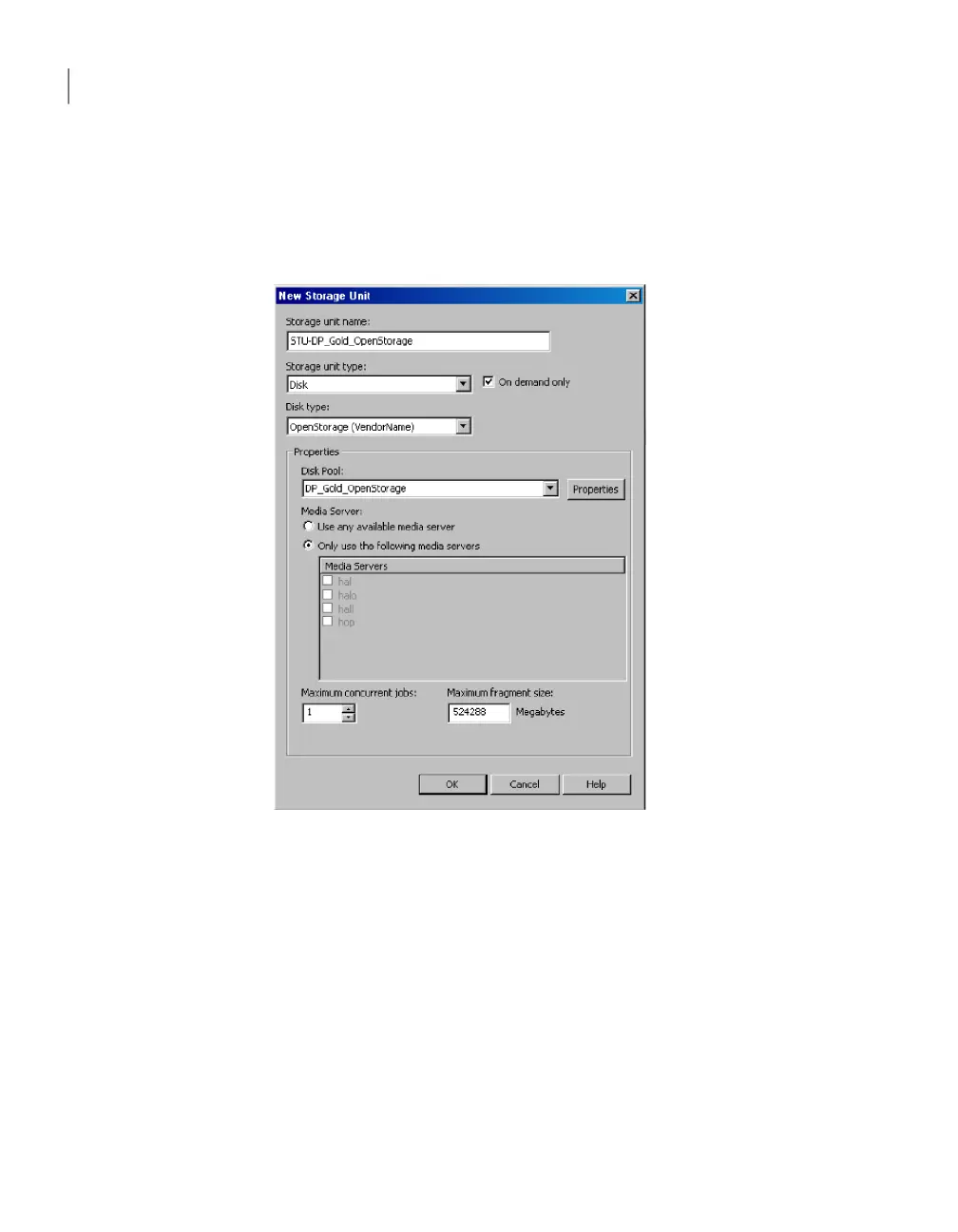
To create a storage unit from the Actions menu
1
In the NetBackup AdministrationConsole, in the left pane, select NetBackup
Management > Storage > Storage Units.
2
Click Actions > New > Storage Unit.
3
Complete the fields in the New Storage Unit dialog box.
4
Click OK.
OpenStorage storage unit properties
The configuration options for a OpenStorage disk pool storage unit are as follows:
Configuring OpenStorage
Configuring an OpenStorage storage unit
92



 To Next Page