Manual Mode – Quick Guide: Running Samples
Sysmex House, Garamonde Drive, Wymbush, Milton Keynes, MK8 8DF, United Kingdom · Phone +44 333 320 3460 · Fax +44 1908 267 901
academy.training@sysmex.co.uk· www.sysmex.co.uk
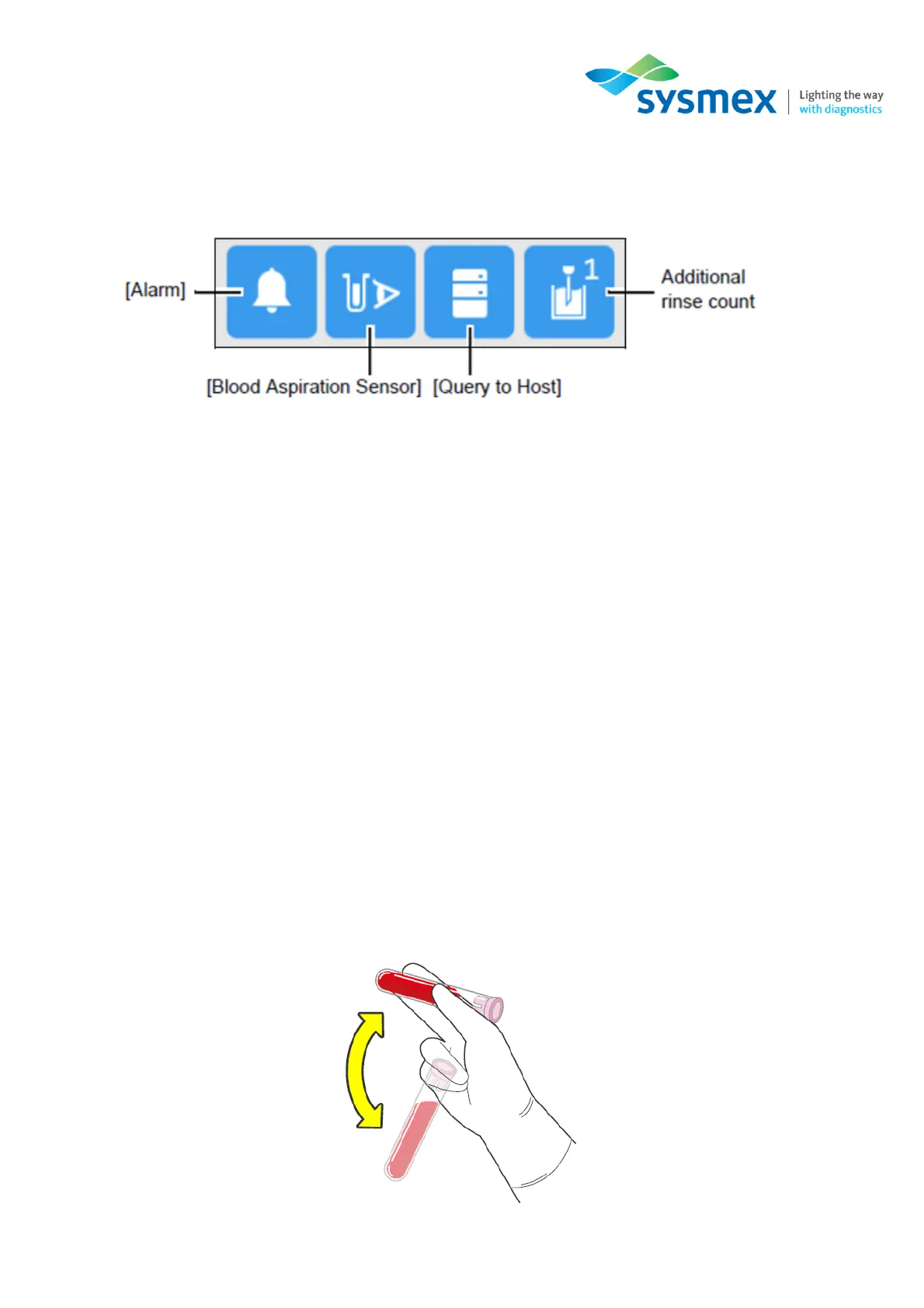
F) Preparation action display area: This area shows the settings for slide preparation actions by
the icons below. When the icon is blue, the setting is ON.
[Alarm] – If selected, an alarm will sound at the end of smear preparation.
[Blood Aspiration Sensor] – Select to enable/disable blood aspiration sensor. Disable sensor for small
volume samples.
[Query to Host] – Select to query the host for the order.
[Additional Rinse Count] – This option allows the user to perform additional rinses for the piercer and
spreader glass if required.
G) Preparation order display area: Displays information of the order. When the icon is blue, the
setting is ON. This are allows the user to select:
• Which slide supply cassette is used
• To send, if connected, to the DI-60
• Number of slides to produce
4. Once the above settings have been confirmed, mix the sample as shown:



 To Next Page