Using Calendar on the Web
July 29, 2002 T-Mobile Sidekick Owner’s Manual 202
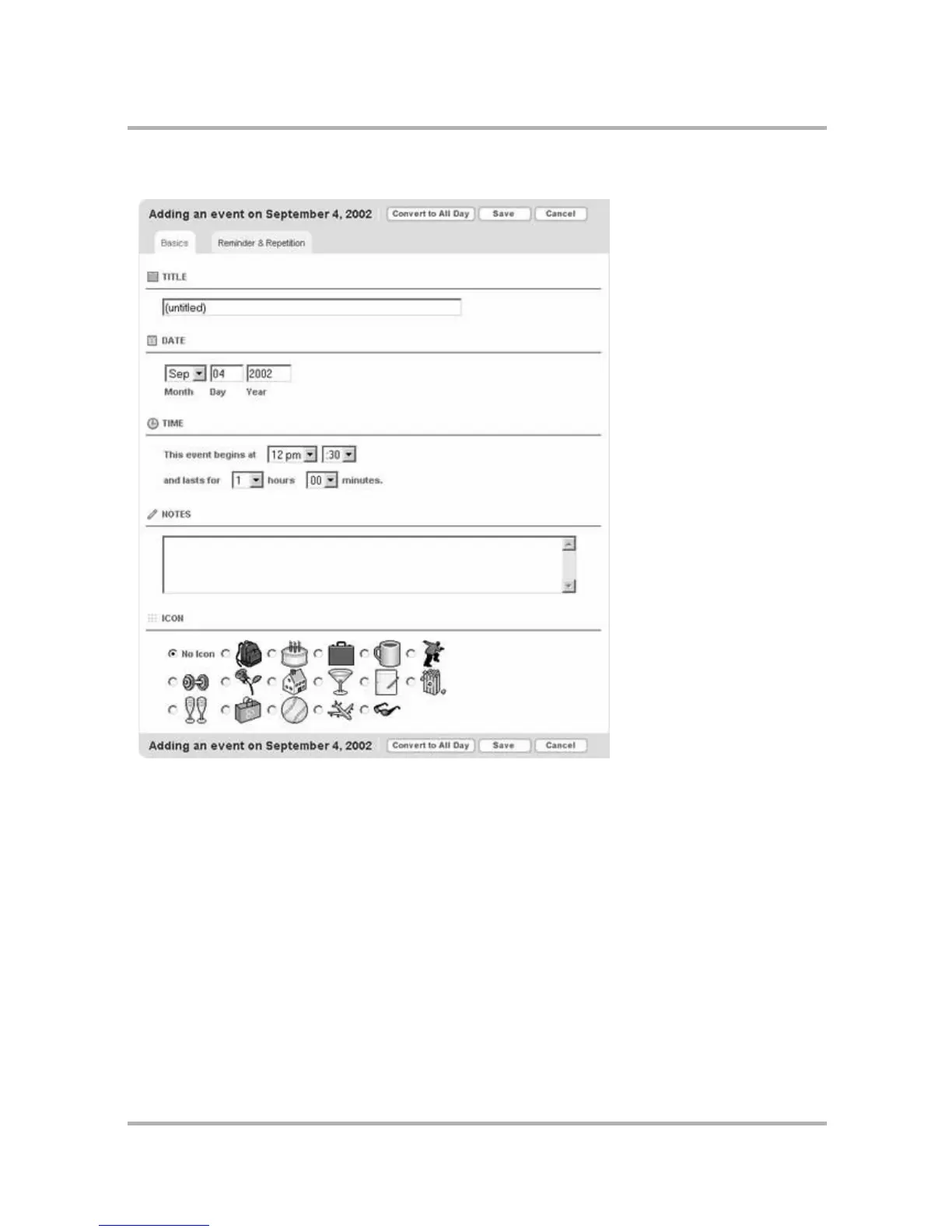
Complete Basic Information
1 In the Title box, type in a short, descriptive name for the event. If you don’t, you’ll be prompted to add a
title.
2 In the Date box, select the date for the event. By default, the current day is selected.
3 In the Time section, set the start time and duration of the event, or the start and end time of the event
(which option is presented depends on your Settings; by default, it is start time and duration).
4 In the Notes box, type any comments you want to make about the event. This is optional.
5 In the Icon section, select an icon to represent the event.



 To Next Page