19
1.9
Blank Front Panel (GB Series) - Basic Operation
This section serves as a basic guide to operate Blank Front Panel power supply via its
communication interfaces.
NOTE
This chapter, being referred to Blank Front Panel power supply applies to Standard (Full) Panel
power supply as well.
1.9.1 USB Driver Installation (PC)
power supply default communication interface is set to USB. To communicate with the
supply, it is recommended to install USB driver prior USB cable connection (USB drivers are
available on TDK-Lambda Web-Site). To install USB driver, download it from TDK-Lambda Web-
Site, decompress zipped file (if compressed), navigate to x86 folder for 32-bit operating system, or
x64 folder for 64-bit operating system, launch dpinst.exe file. Follow on-screen instructions to
accomplish the installation process (refer to Applications Guide, IA761-04-03_ for step-by-step
installation procedure). Following driver installation, connect power supply to PC using USB cable.
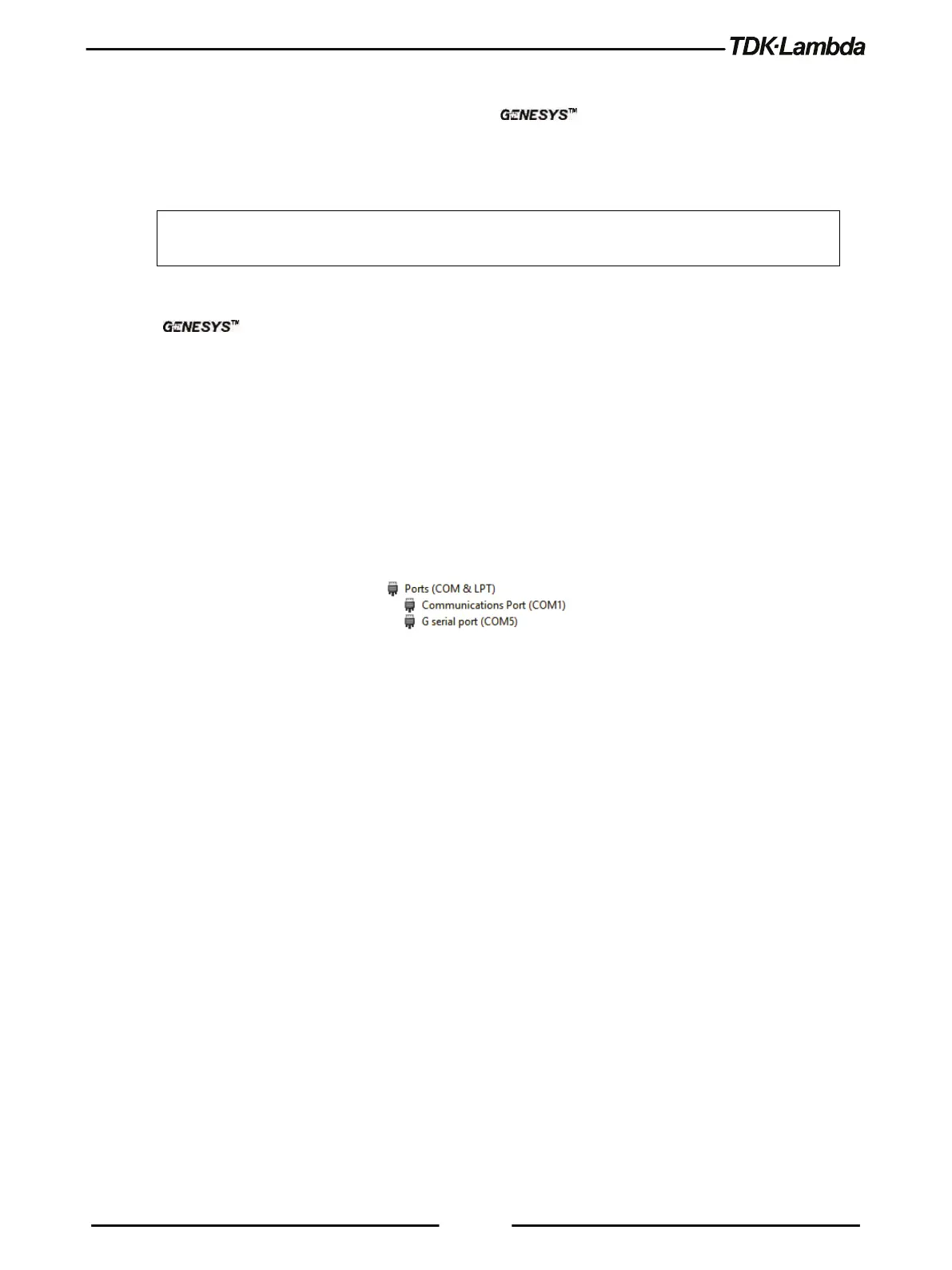
Power supply COM port is detected in Device Manager, under Ports (COM & LPT) category as G
serial port (COMX), where X stands for COM address number (refer to Figure 1–11 as an example
for G serial port installed over COM5).
Figure 1–11: G serial port
1.9.2 Establish USB Communication
Communication with a power supply could be established by any terminal software (i.e. Tera Term,
an open source terminal). By default, power supply is configured to USB communication interface,
115200 baud rate, SCPI language, address 6. Configure terminal software as follows:
Port: According to Device Manager (refer to Figure 1–11 for an example of COM5).
Baud rate: 115200.
Data: 8 bit.
Parity: None.
Stop bit: 1.
Flow control: None.
Transmit delay: 0 mSec. (both for character and line).
New-line receive: CR + LF (Carriage Return + Line Feed).
New-line transmit: CR (Carriage return).
Send the following commands to the power supply to test communication:
1. INST:NSEL 6 (power supply with address 6 will receive commands and answer queries).














 To Next Page