55
4.6
Rear Panel USB Connector
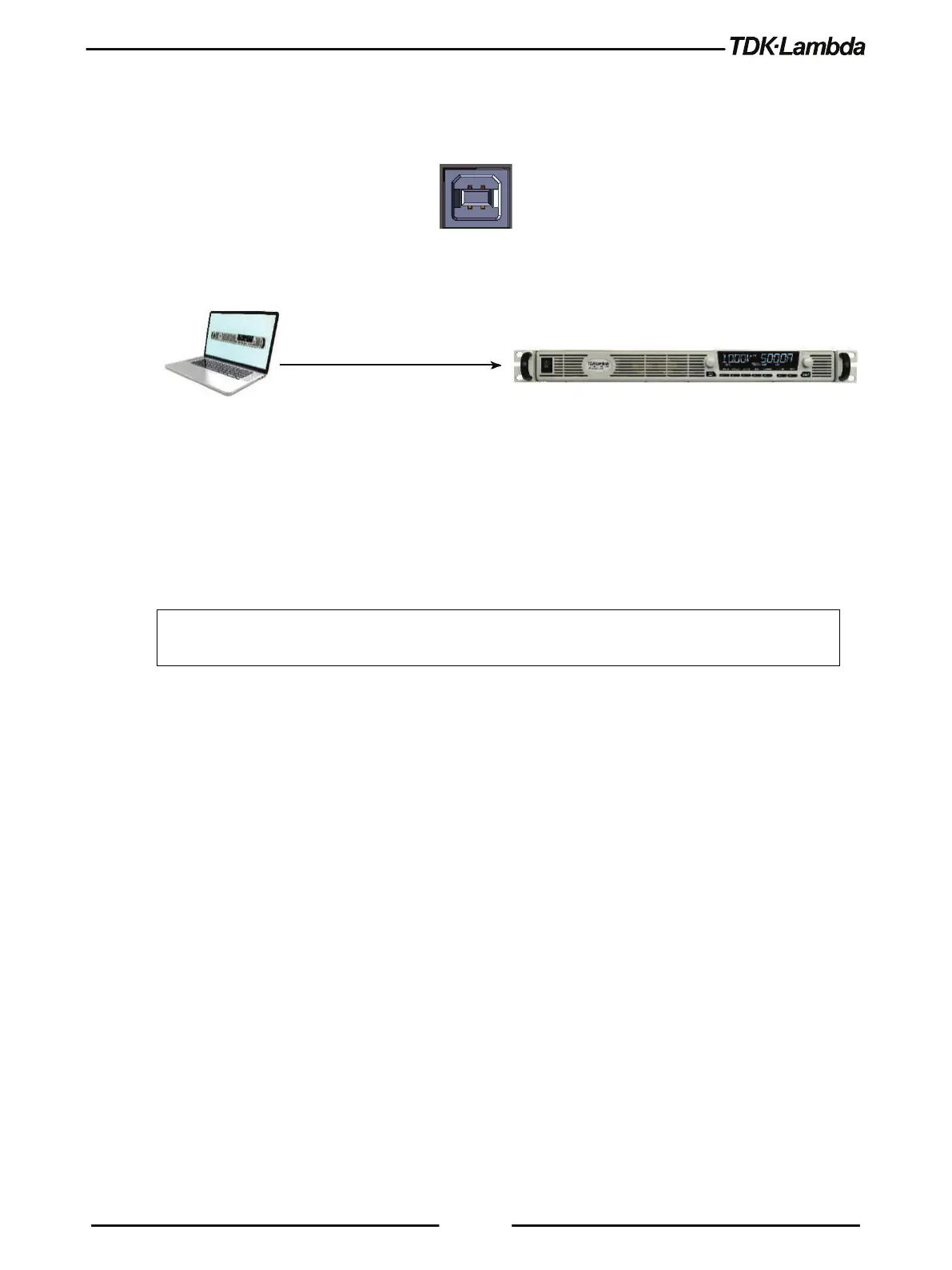
A standard USB Type B connector is located on the rear panel of the USB communication
interface. Refer to Figure 4–5.
Figure 4–5: USB Connector
4.6.1 USB Getting Started
Figure 4–6: USB Connection
To install USB driver, download it from TDK-Lambda Web-Site, decompress zipped file (if
compressed), navigate to x86 folder for 32-bit operating system, or x64 folder for 64-bit operating
system, launch dpinst.exe file. Follow on-screen instructions to accomplish the installation process
(refer to Applications Guide, IA761-04-03_ for step-by-step installation procedure).
NOTE
* Do not connect or disconnect the USB cable when USB communication is active,
communicating with an external device.














 To Next Page