JOG EXCITE: Service & Maintenance Manual - rev. 1.1
Page 9.9
9.2.1. LOW KIT PARAMETER
This function provides access to parameters used for modifying certain settings of the lower
assembly, or for monitoring the state of the machine. To access this menu, when the LED display
shows:
LOW KIT PARAM.
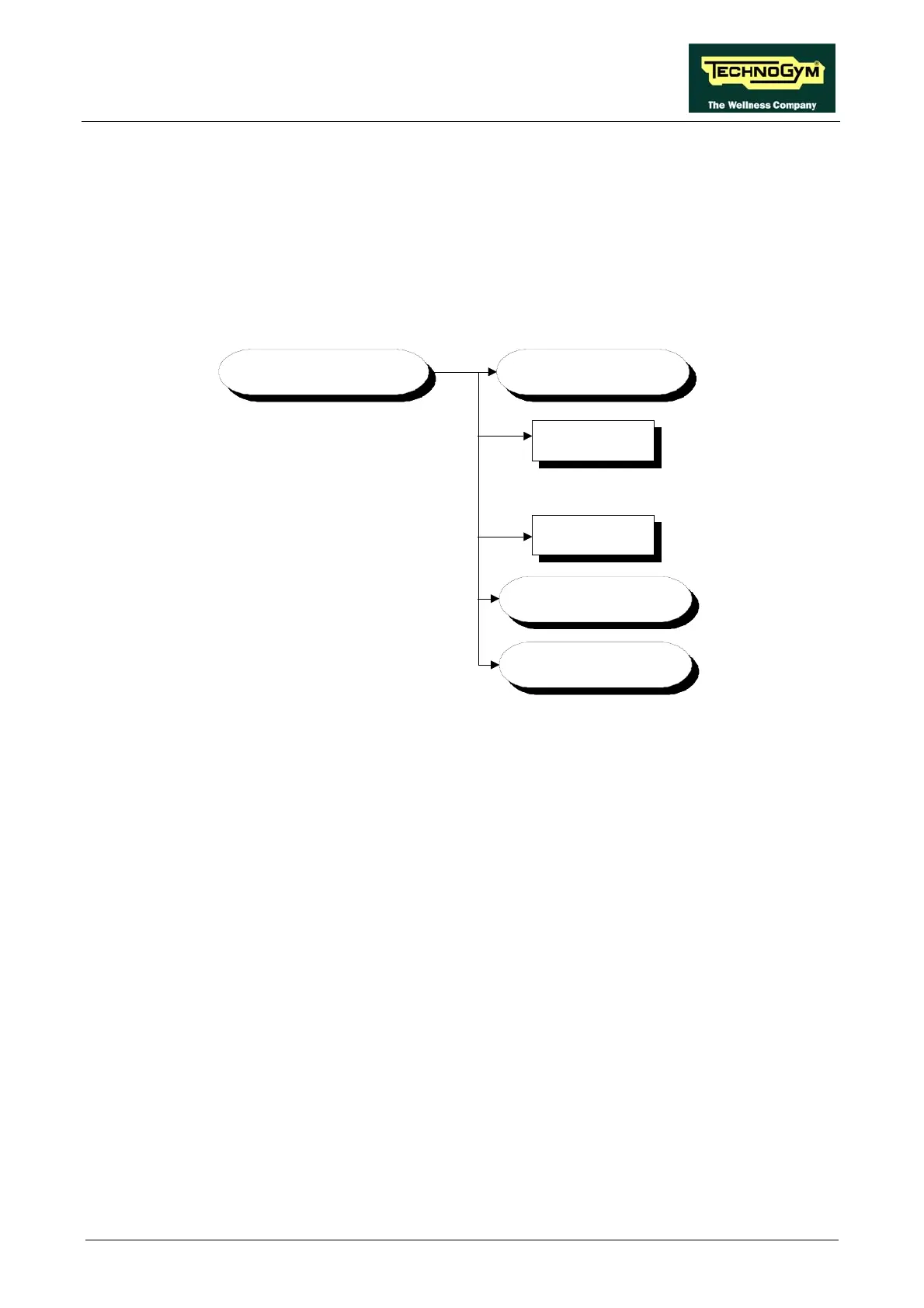
press ENTER. This function is structured as follows:
LOW KIT PARAM.
Par.13
Par.01
WRITE TO
LOW KIT ?
DEFAULT
SETTINGS ?
READ FROM
LOW KIT ?
.......................
In addition to the 13 configuration parameters, this function also includes the 3 sub-functions
described below:
9.2.1.1. Read from low kit
To read the param
eter values from the low kit memory to view them on the display, scroll using the
+/- keys until the LED display shows:
READ FROM LOW KIT ?
press ENTER to read the parameters from the low kit, then return to the upper menu level by
pressing CLEAR for a few seconds.
9.2.1.2. Write to low kit
To write the values of the currently displayed parameters to the low kit, scroll using the +/- keys
until the LED display shows:
WRITE TO LOW KIT ?
press ENTER to write the parameters to the low kit, and return to the upper menu level by pressing
CLEAR for a few seconds.
9.2.1.3. Default setting
To load the default parameter values to the display, scroll using the +/- keys until the LED display
shows:










 To Next Page