ENGLISH
User’s manual 26 UPS EVO DSP PLUS Modular
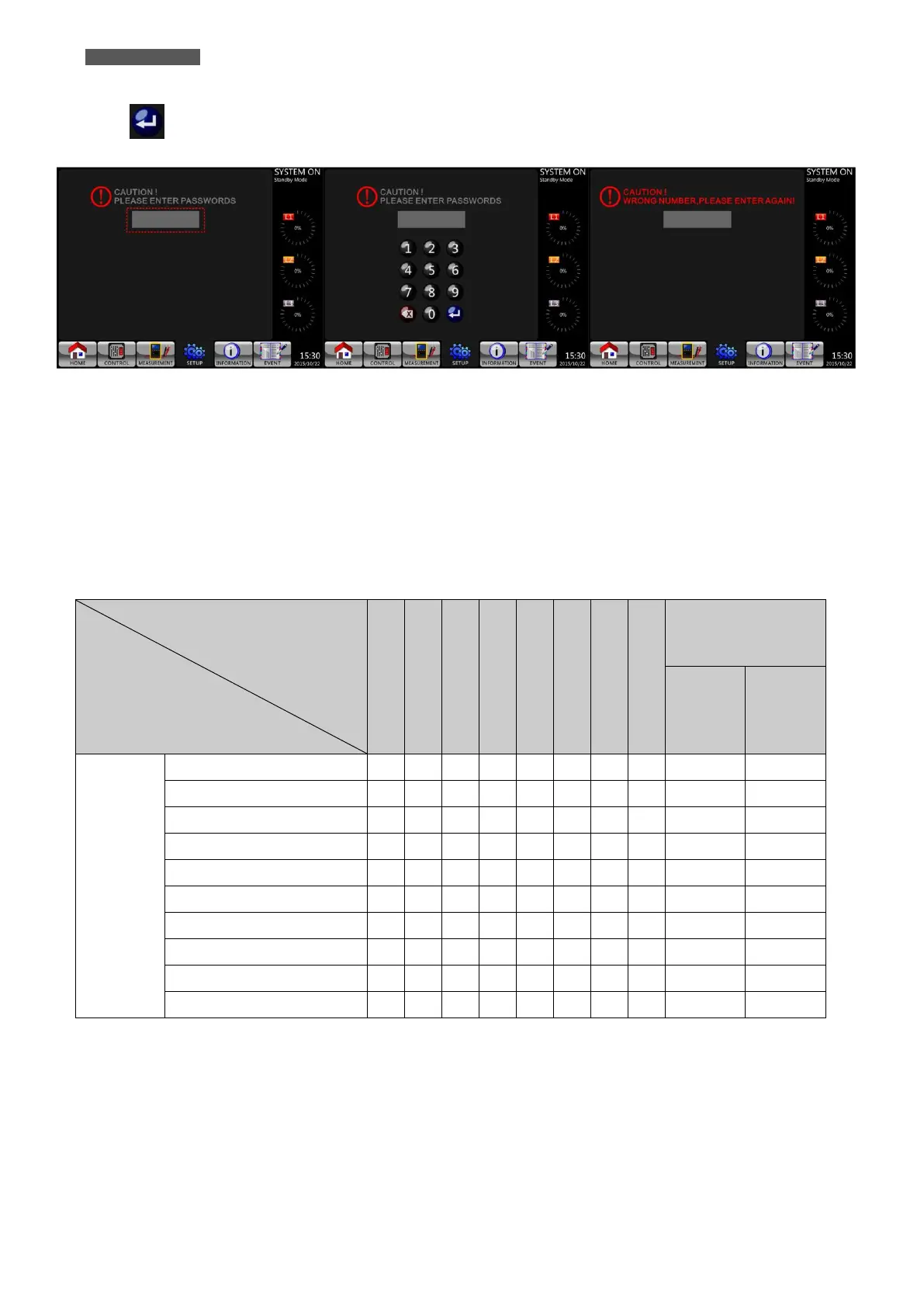
Touch the grey box for the password and it will pop up a numeric keyboard. Please enter 4-digit password and
select icon to enter SETUP Submenus. If incorrect password is entered, the LCD screen will ask for retry.
Figure 5.12 - Enter Password Screen
There are two levels of password protection: User Password and Administrator Password.
The default User Password is “0000”. It could be changed by users.
The Administrator Password is owned by trained service personnel.
Different level of password can access to different settings. The setting can be changed in various operation
modes. Please refer to Table 5-5 for details (Y = YES: available setting).
Table 5-5: All setting items in SETUP Menu













 To Next Page