ENGLISH
UPS EVO DSP PLUS Modular 33 User’s manual
5.2.5.3 SETUP-BATTERY Submenu
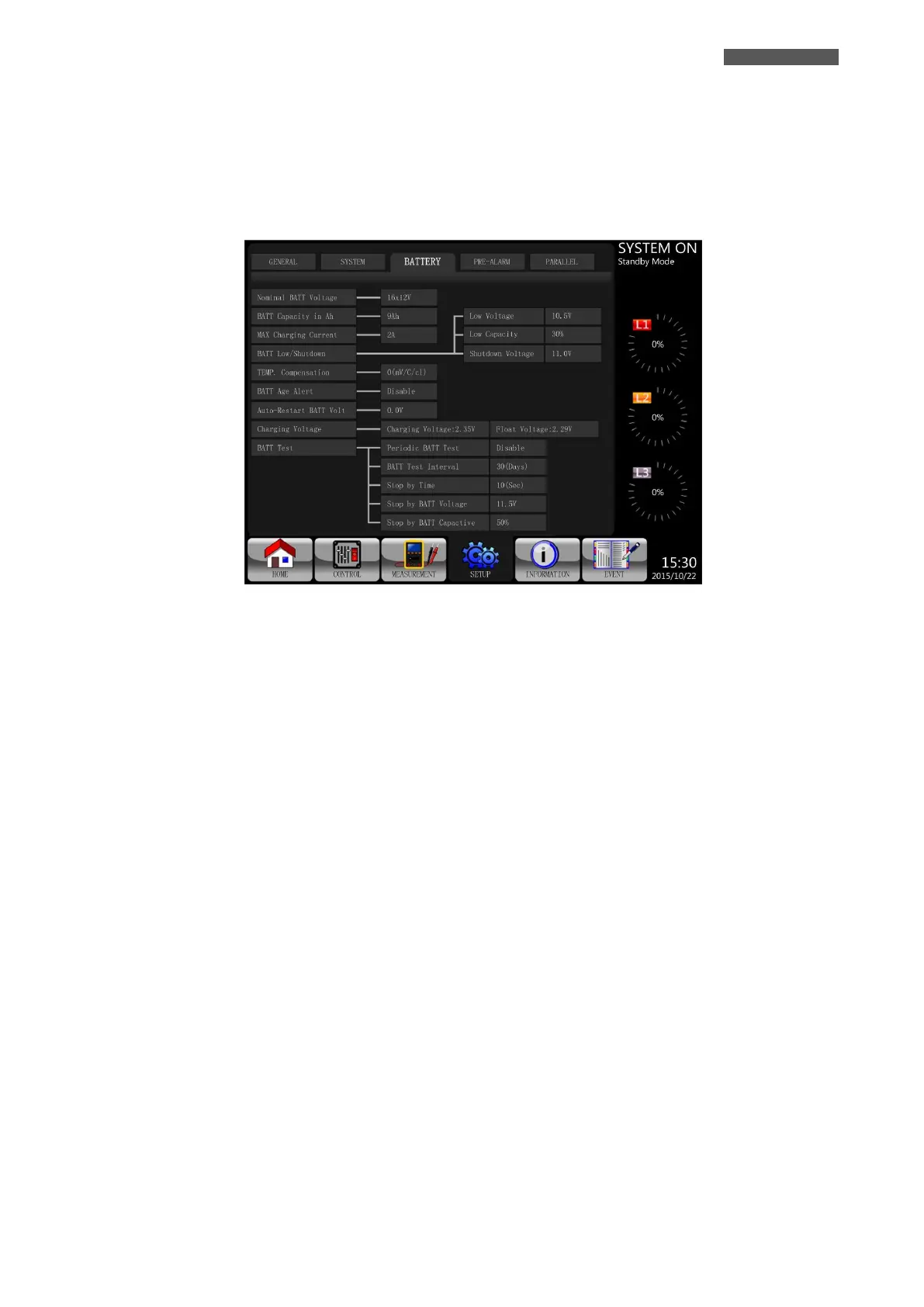
The SETUP-BATTERY Screen and Setting options are shown in Figure 5.17.
SETUP-BATTERY Setting can be set only when UPS is operated in Standby Mode.
If it’s not in Standby Mode, the Warning Screen will appear as shown in Figure 5.16.
Please check Table 5-9 “SETUP-BATTERY Setting List” for the details.
Figure 5.17 - SETUP-BATTERY Screen













 To Next Page