ENGLISH
UPS EVO DSP PLUS Modular 41 User’s manual
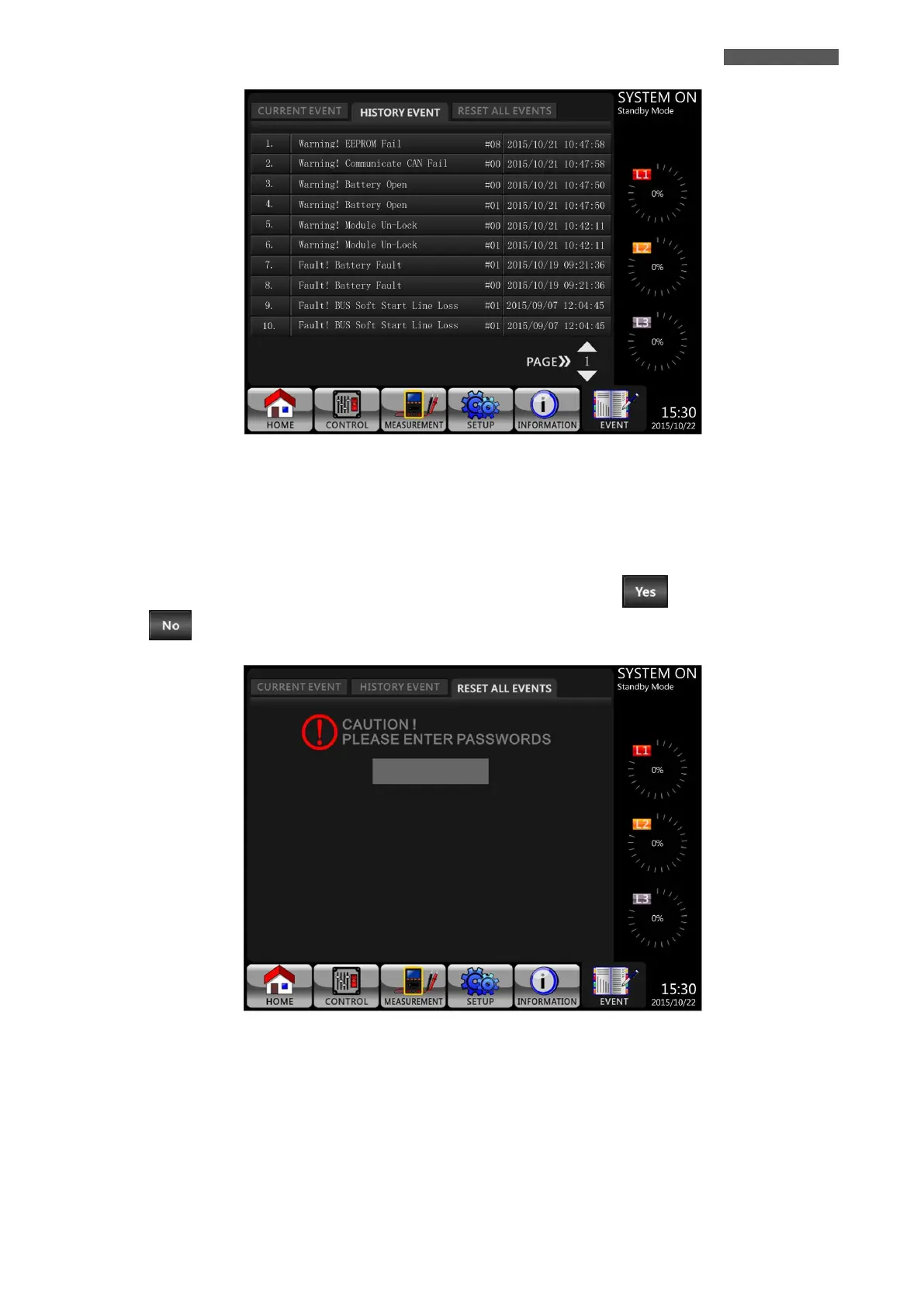
Figure 5.28 – EVENTS-HISTORY EVENTS Screen
5.2.7.3 EVENTS-RESET ALL EVENTS Submenu
The Administrator Password is required to enter EVENTS-RESET ALL EVENTS Screen as shown in Figure 5.29.
After entering correct password, it will pop up reconfirmed screen. Then, touch icon to reset all events or
touch icon to cancel this action as shown in Figure 5.30
Figure 5.29 – EVENTS-RESET ALL EVENTS Screen













 To Next Page