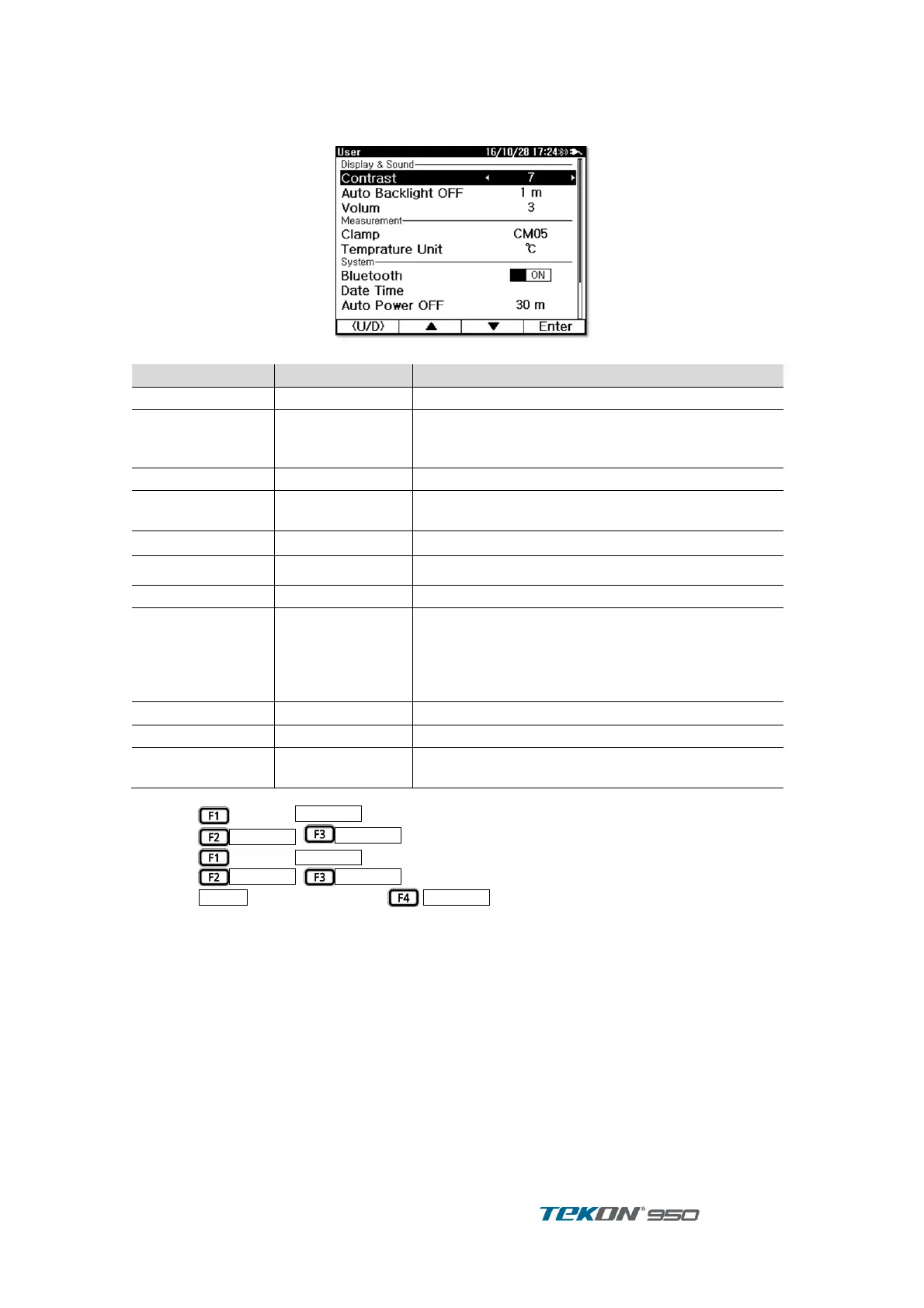
2.3. User Set Up
2.3.1. User Set Up display
Figure 4 User Set Up display
Off, 1, 3, 5, 10,
20, 30, 60(min)
Auto Back light Off
Backlight automatically OFF when no button
operation within the set up time
Buzzer sound can adjust Mute, 1 ~ 3 level
Select Current Clamp
Current range adjustable by Clamp
Set Temperature unit ℃ or ℉
Off, 1, 3, 5, 10,
20, 30, 60(min)
Automatic Power ON/OFF
Power automatically OFF when no button operation
within the set up time.
Does not activate if Unit is connected AC power
line or PC is connected
Return all set up to Factory Set up
indicates information including HW, FW, Serial
Number of the unit
[ How to operate ]
Press to select . ①
Press
,
to move the cursor to the item desired to set ②
Press to select
③
Press
,
to select. ④
When
is displayed , press
to set in additional display. ⑤



 To Next Page