8.3. Using the menu
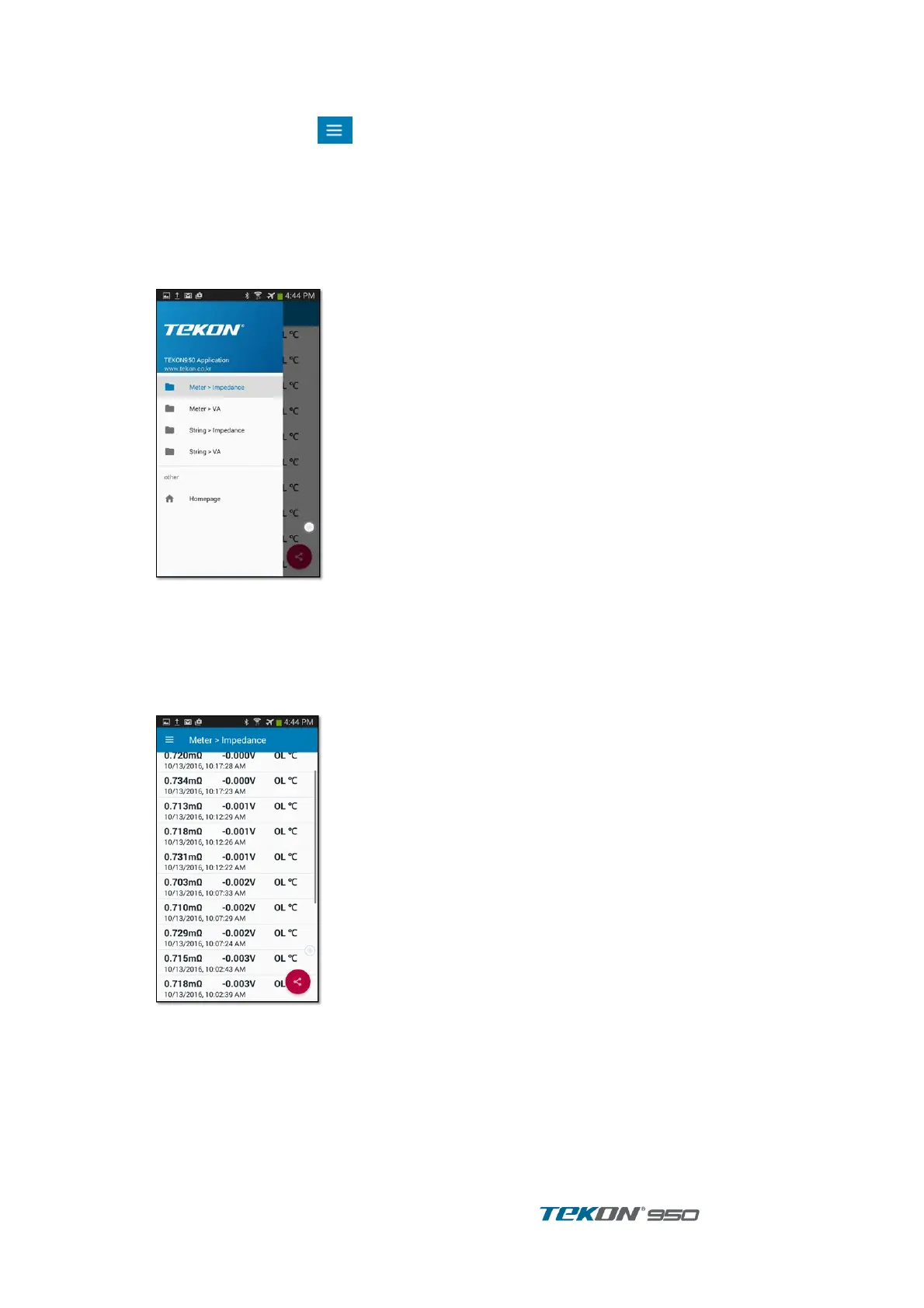
press the menu button ( ) on the upper left corner of the application, a menu for
selecting the record appears.
- Meter > Impedance
- Meter > VA
- String > Impedance
- String > VA
Select the record you want to use.
Select the homepage the website of TEKON is displayed.
8.3.1. Meter – Impedance record
Select Meter - Impedance from the menu.
Meter - Impedance records are displayed in reverse order of measurement time.
Displays the impedance voltage, temperature and time of the record.
Touch the Share button at the bottom right, share records as a CSV file.



 To Next Page