8. Android APP
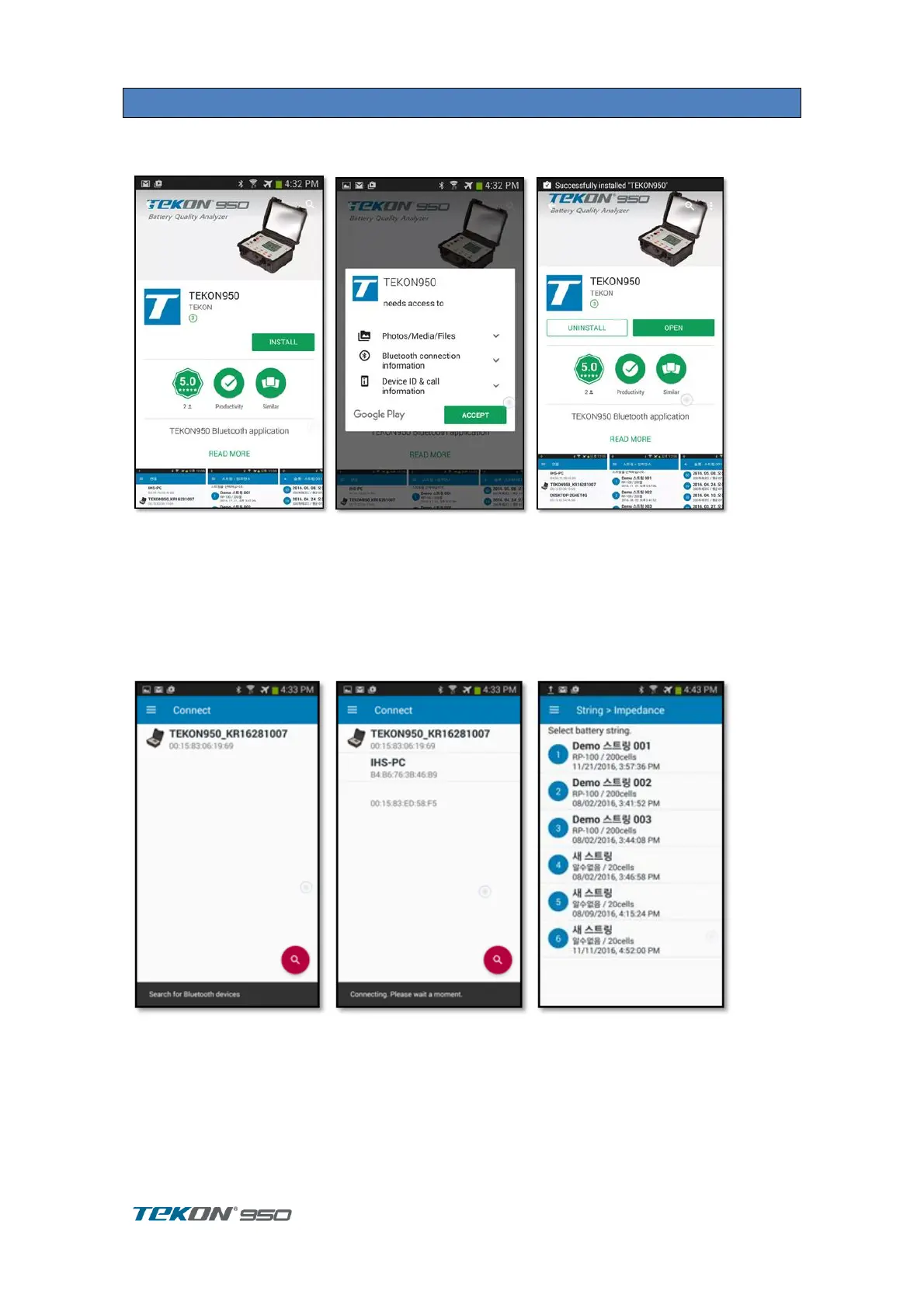
8.1. Install
Search and install 'TEKON950' on Google Play.
8.2. Connection
Run the application, the connection screen is displayed.
Check the bluetooth status display at the top of TEKON950.
If it is off, turn it on in the USER screen.
If you can not find the device you want to connect to the application, press the Search button in
the bottom right corner to find the Bluetooth device nearby.
Confirm the serial number and touch to connect.
A list of strings is displayed after they are connected.



 To Next Page