7.4. How to use S/W
7.4.1. Connection
Check whether bluetooth symbol appears on Upper display
When OFF, press “USER“ key to move to User Set Up Display and do bluetooth ON
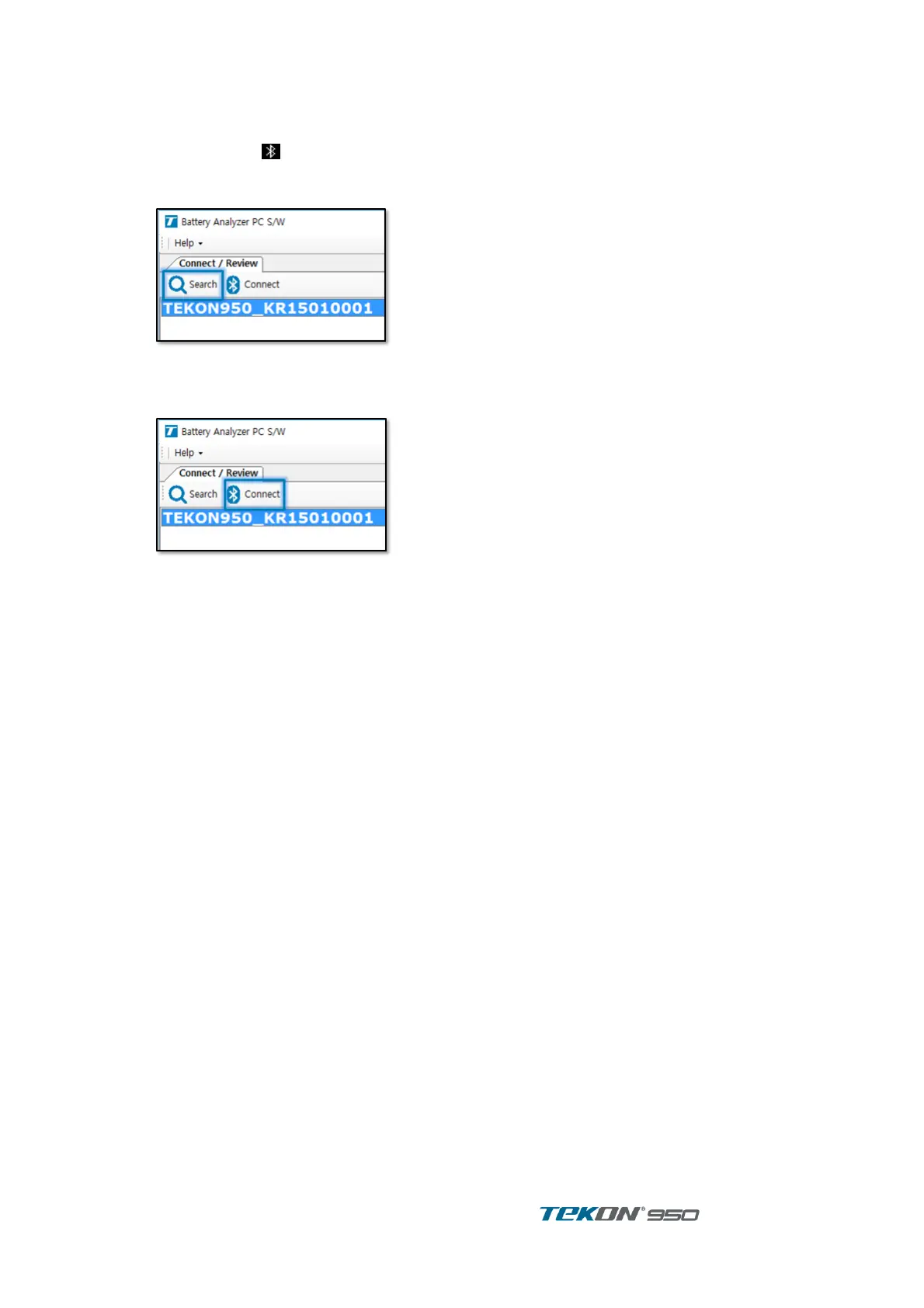
After PC S/W executed, press “Device search” to search Unit
Figure 76. Bluetooth search
Unit is on List, click to check serial number and press Connect after selection Then,
connected.
Figure 77. Bluetooth Connection
After connected, following proceed automatically.
- Read the unit information whether Support is available or not.
- Synchronize Unit time and Computer time.
- Receive String list .
While Unit is connected with Computer, Information on display and prohibit Button operation.
Auto power off also not activated.



 To Next Page