3.4.2. Range adjustment
Press short time to change from 3mΩ to 300Ω in order
Press long time to set AUTO Range ON/OFF
Voltage measurement in Impedance mode always operate in Auto Range (5V~500V)
3.4.3. Hold
Press short time to Hold the measurement data.
If press short time again, HOLD mode is released and display present measurement
3.4.4. AutoHold
Press long time to enter AutoHold Can Autohold ON or OFF.
When in the mode ,
is display.
AutoHold is activated when the measurement data becomes stable more than 2 seconds and
set the data in HOLD automatically,
3.4.5. AutoRec
AutoRec functon is activated with AutoHold function simultaneously.
When in the mode, is display.
When measurement data is hold, it saved automatically.
In meter mode, can record max 1000 of Impedance, Voltage, Currents, and Temperature
The record data is display on upper display . [SAVE 000/1000]
When consecutive measurements on multiple batteries, use mode. User can
measure and record the measurement data of multiple batteries consecutively without
necessary to operate Unit. Simple-Quick-Convenient and measurement Time Saving solution.
Contact Battery Terminal -> AutoHold -> AutoRec
3.4.6. Average of measurement data
Display Average of consecutive measurement accumulated data – Impedance and Voltage
Once
is saved, Average data is updated ①
When user need to achieve Accurate data from consecutive measurements on one battery, ②
can conveniently get Average
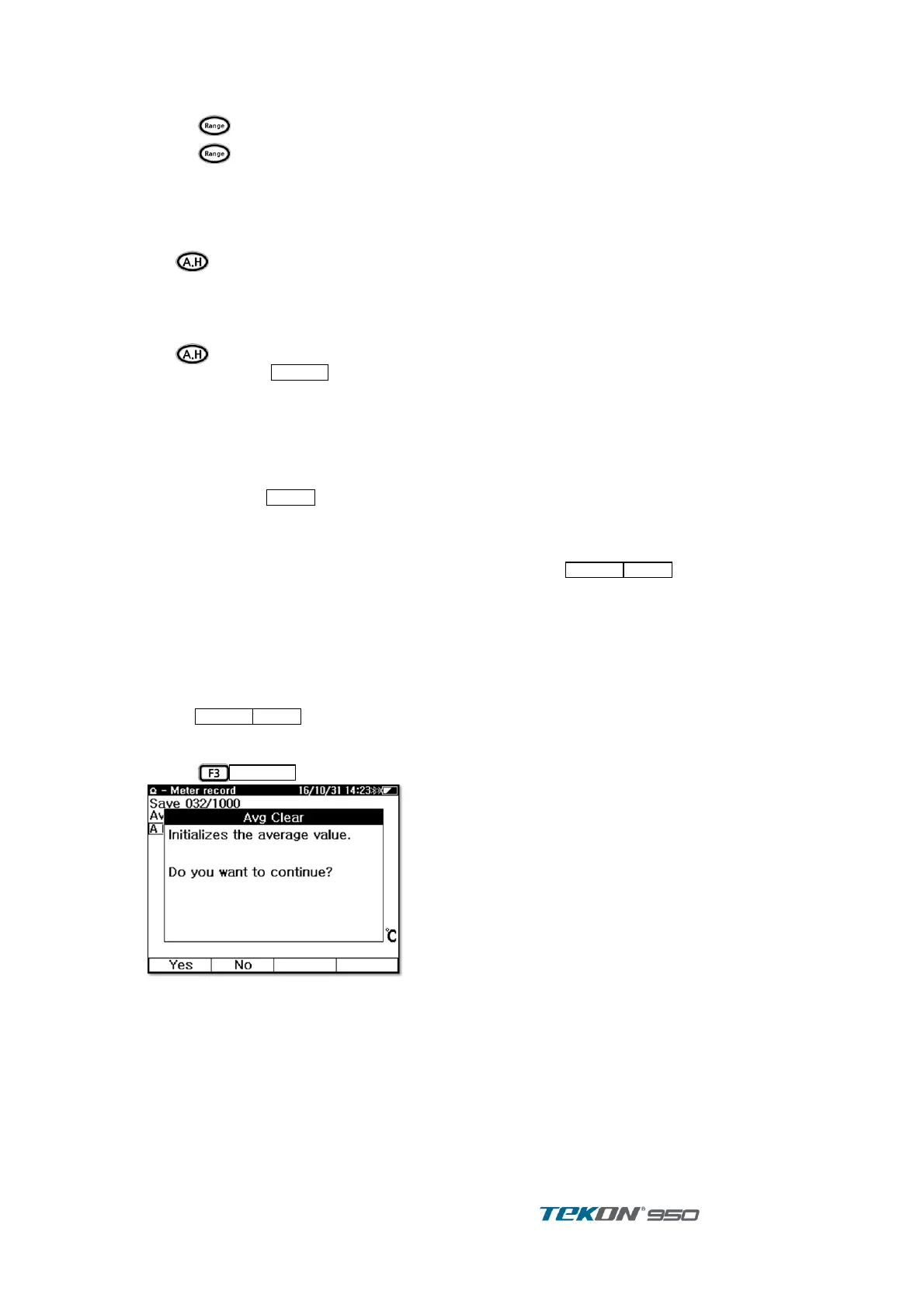
Press
to initialize data ③
Figure 12. Average Clear
when change to other function ; V.A measurement, Record, User . ④
Average does not saved in Record. ⑤



 To Next Page