Press
and move Cursor with
,
and press ④
.
After all settings are completed, press
to start recording. During recording,
⑤
Auto Power OFF operation is stopped, and all keys except for some soft keys are restricted.
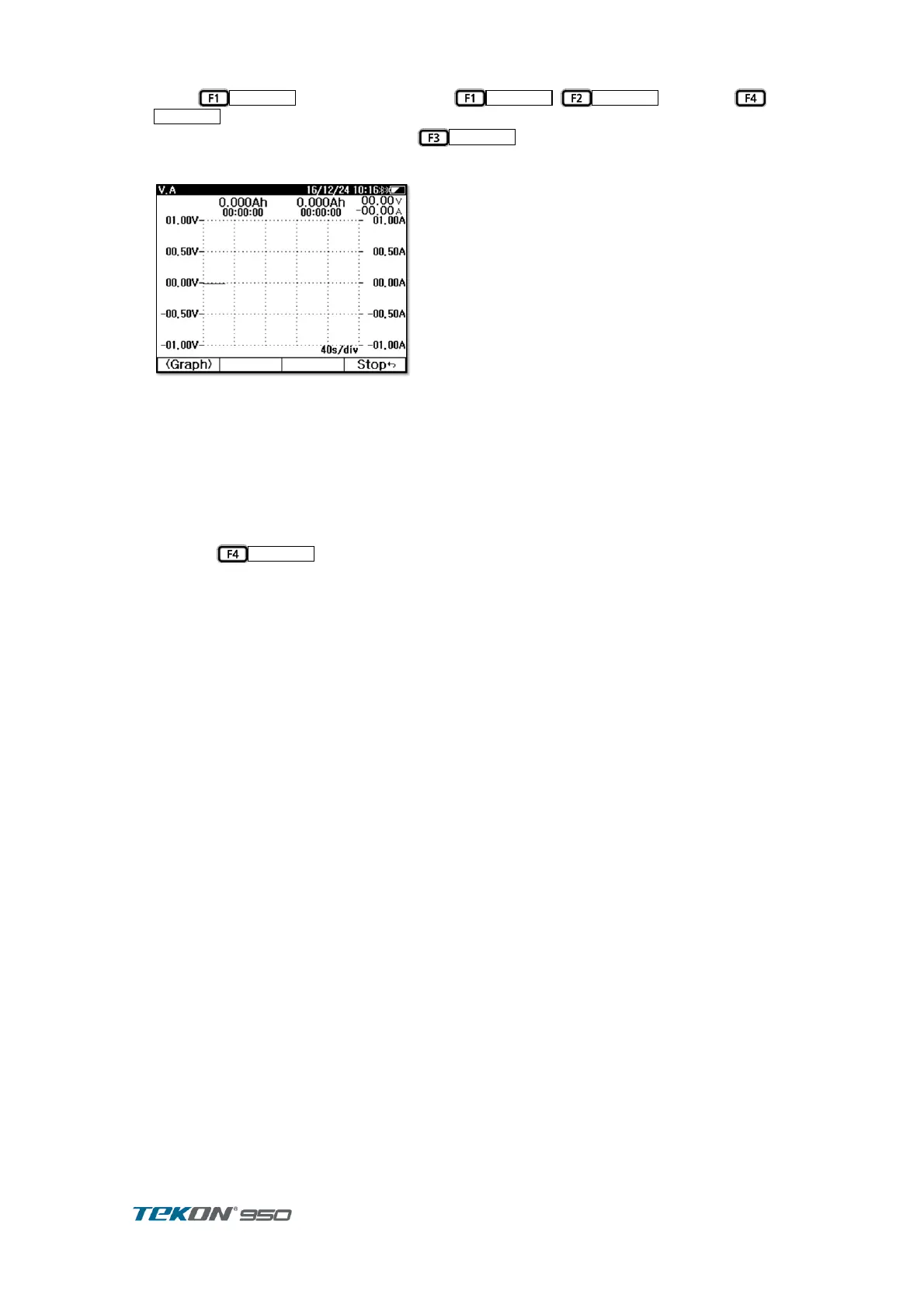
In the recording graph, the time ratio is automatically changed to show the entire record.
Figure 28. Charging / discharging test recording
You can switch between the graph screen and the data screen with the 'View' key during
recording. The graph screen displays the data being recorded as a graph and the data screen
shows the measured values instead of the graph. Charge the fully discharged battery and
remove the charger when charging is finished. Then connect to the load to perform a full
discharge. Charge capacity, discharge capacity and efficiency are calculated by charging and
discharging in 1 cycle.
If you press
during recording, recording stops and is saved.
▲▼Cursor
책갈피가 정
의되어 있지
않습니다.
Cursor



 To Next Page