Operating basics
46 AFG31000 Series Arbitrary Function Generator User's Manual
Touchscreen interface
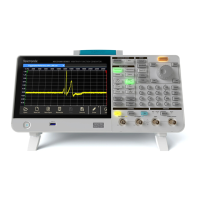
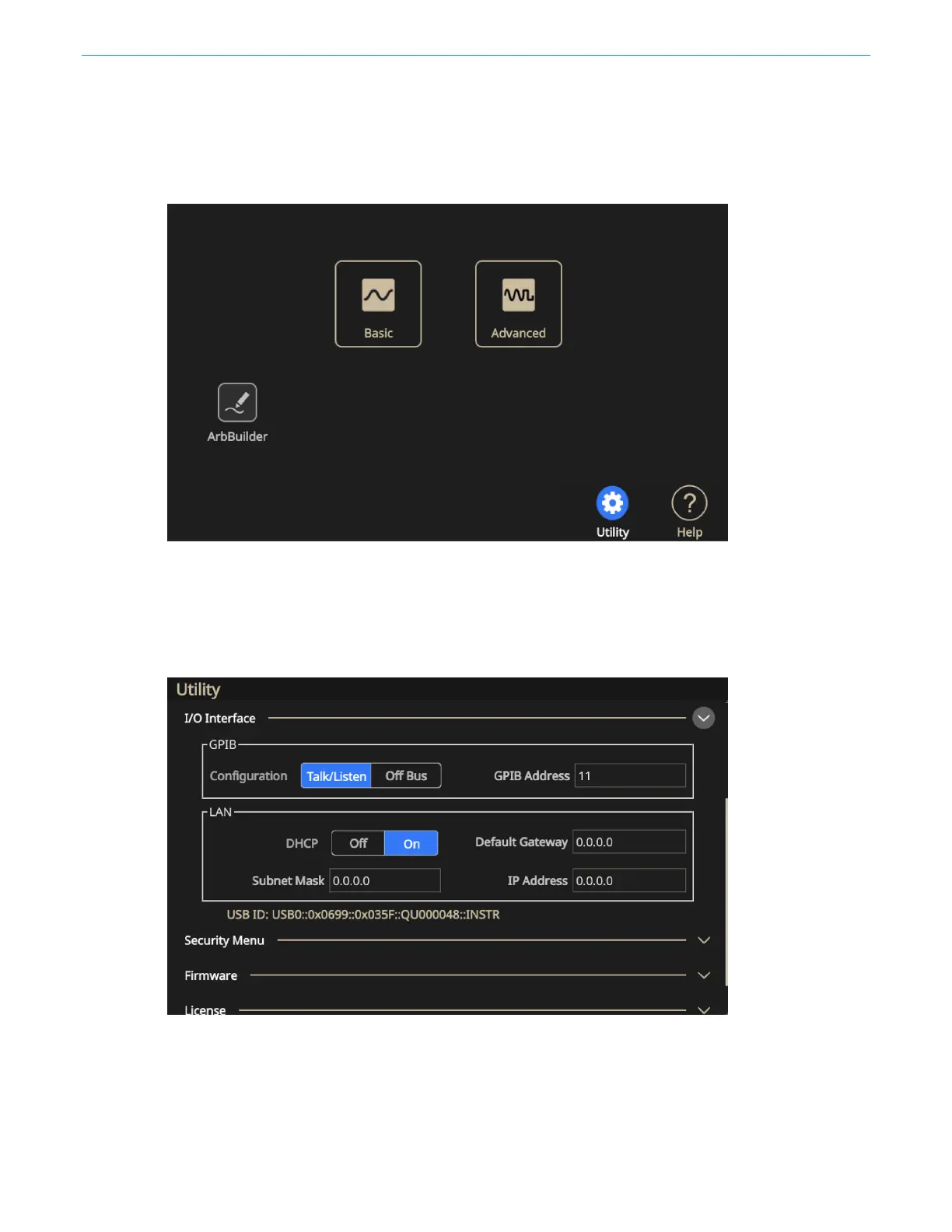
The following figures describe the touch screen main display.
Figure 19: Touch screen main display
In the I/O Interface section of the screen, you can change the way your instrument communicates
with your computer or other instruments. It also gives you access to network information for your
instrument. For more information about this screen see Input and Output interface.
Figure 20: I/O Interface options

 To Next Page
 Loading...