38 MPH200 series video encoders WebUI user manual
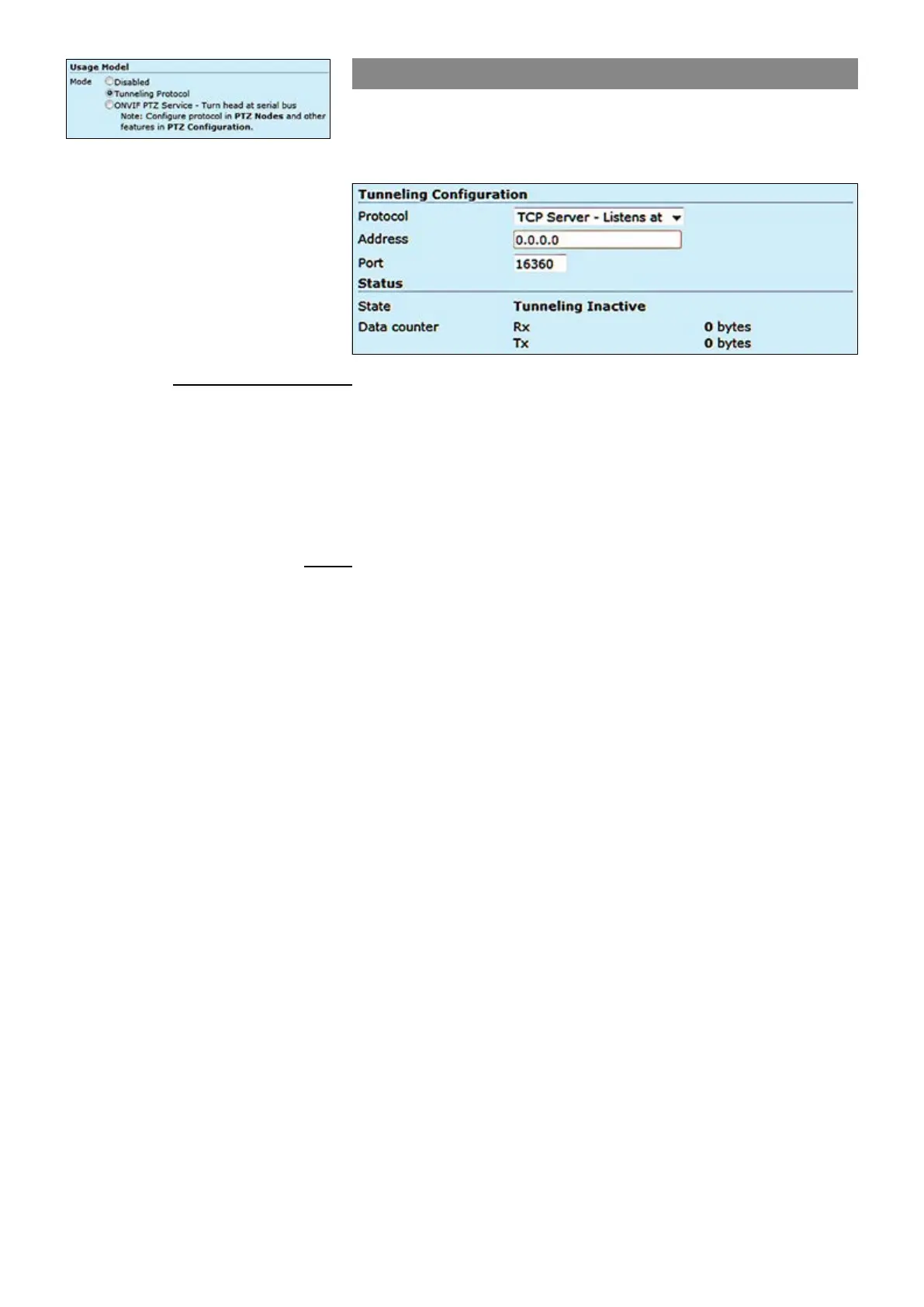
Tunneling protocol
Tunnelling Protocol enables you to establish point to point connection
between encoder, decoder and management system. There are three
options, TCP server, TCP client and UDP multicast.
Tunneling Conguration
Protocol:
Address:
Port:
Status
State:
Data counter:
Data port mode can be set to the
tunneling protocol usage from the
Terminal Server page.
_________________________________________________________
Client / server based connected is done by TCP client / server protocol. If
the encoder is set to be “TCP Server”, then the decoder or management
system must be set to “TCP Client”, or vice versa. In UDP multicast
mode, you can use a joystick to control multiple cameras and connection
can be point to multipoint.
Destination IP address
UDP port number (0...65535). This number has to be same at both encoder
and decoder pairs
_________________________________________________________
Shows data port’s state.
Note! In order to have correct channel status information, you can
check the followings:
• Device address is congured correctly in PTZ nodes page.
• Serial Port conguration : connection mode (RS-485 4-wire, etc),
Baud rate, and parity. in terminal server page.
• PTZ conguration is added to a media prole. PTZ conguration
“PTZ1” by default is added to media Prole 1.
Data port’s trafc counter.



 To Next Page