65 MPH200 series video encoders WebUI user manual
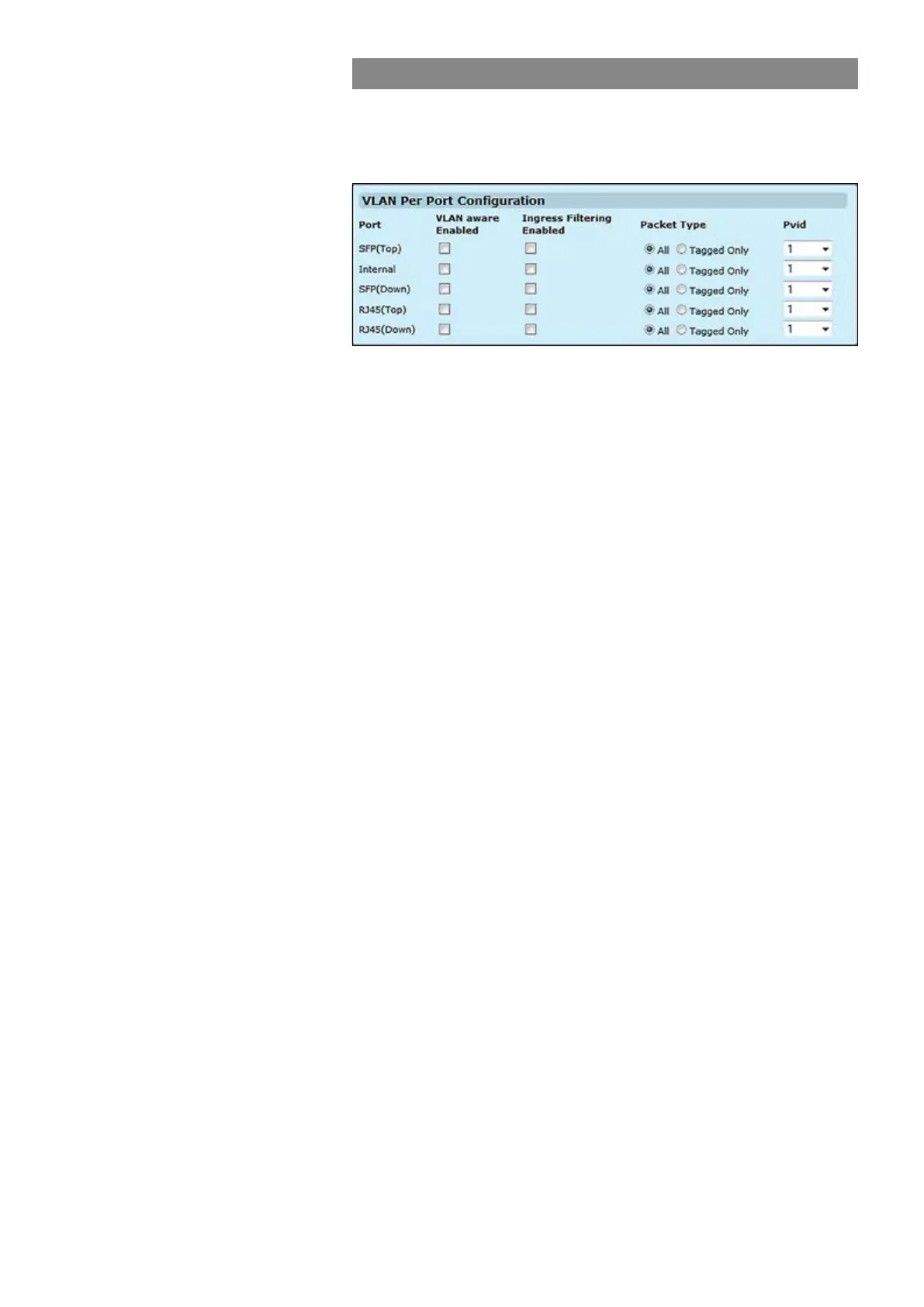
VLAN per port conguration
Click “Port Cong” button on the VLANs page. VLAN Per Port
Conguration page appears on the screen. This page allows you to
congure the VLAN parameters for individual ports.
VLAN aware ports are able to use VLAN tagged frames to determine
the destination of the frame. Click to enable or disable VLAN awareness
mode for this port. (Default: Disabled).
If enabled, incoming frames for VLANs which do not include this ingress
port as a member will be discarded. (Default: Disabled).
Set a port’s handling of tagged and untagged packets. (Default: All).
Set the Port VLAN ID. (Default: 1).
VLAN aware Enabled:
Ingress Filtering Enabled:
Packet Type:
Pvid:



 To Next Page