INSTALLATION AND CONFIGURATION | 13
Conguration Web Pages
To access the configuration Web pages, find or connect a PC to the network that the VX Engine
is connected to. Start a web browser and open a connection to the VX Engine by entering
http://192.168.2.200 into the browser’s address field (assuming the default IP number has not
been changed and that your PC is on the same subnet).
Home Page
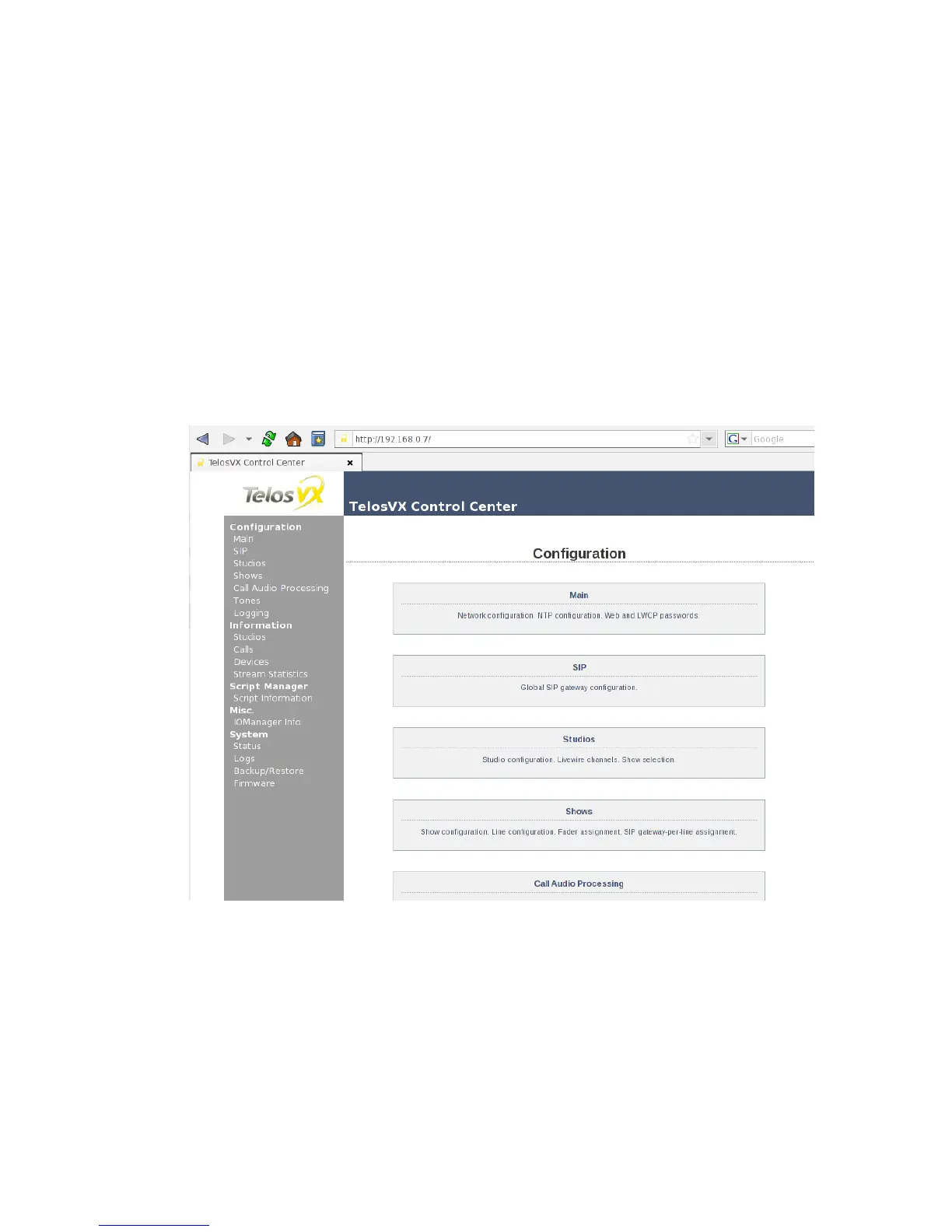
This is the page you will see upon initial connection. Select the pages you want by clicking on
the menu at the left side of the page. If this is a new installation, start with the Main page, then
move to the SIP page, the Studios page, and then on to the Shows page. The purpose of each
of the pages and how to use them is detailed below.



 To Next Page