76 | Section 5
Another choice that looks good is the Digium product called Phonevox. This is a ready-to-go
software and hardware VoIP PBX from the main developers of Asterisk. Because it is a com-
mercial product, it has support from the vendor.
Hardware
Unless you are experienced and confident, we advise you to buy a pre-built, configured, s/w-
loaded, and supported Asterisk machine such as the one Digium sells. Nevertheless, we offer
the following gratuitous advice for those of you who decide to go it alone.
You are building a machine that will need to be more reliable than most of your regular file
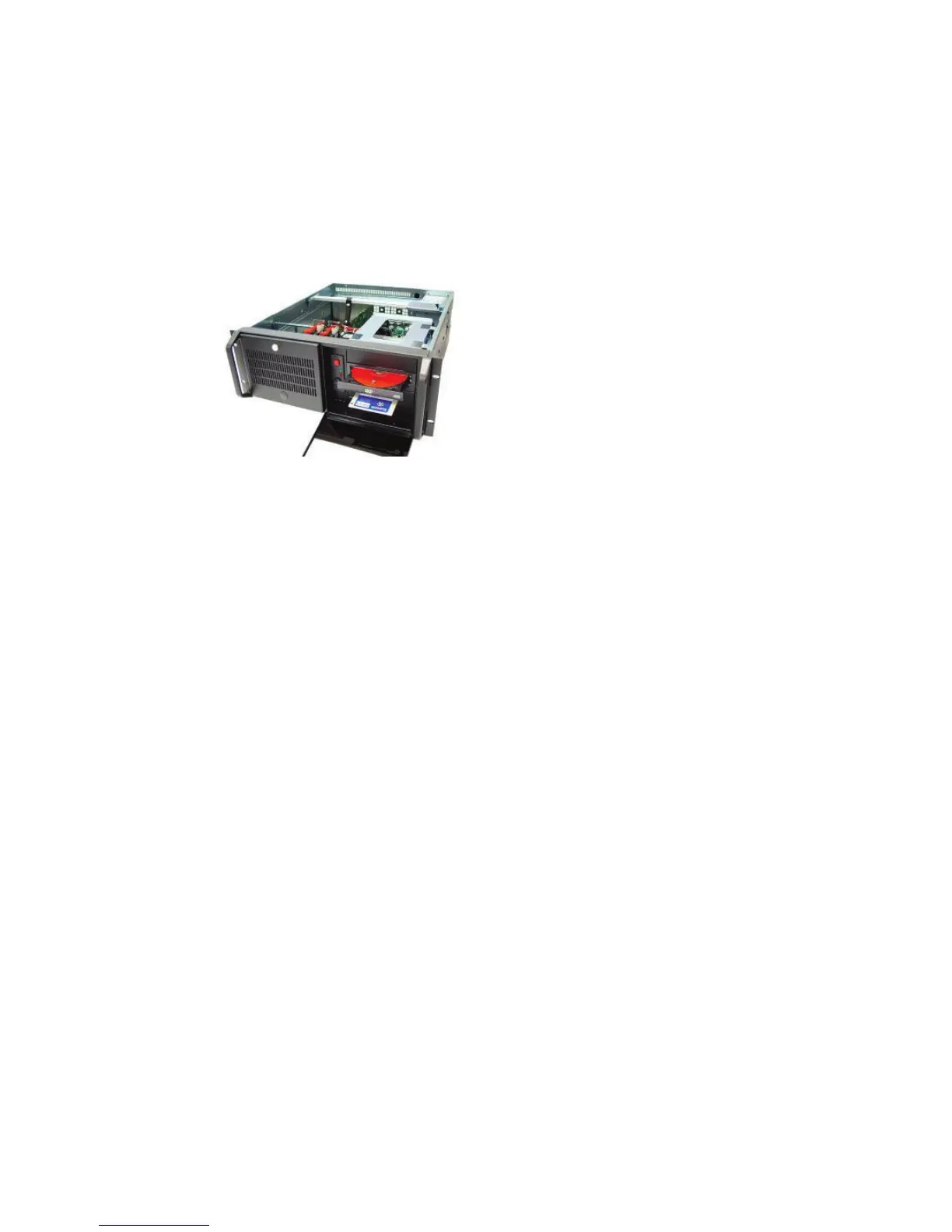
servers. You don’t want to be rebooting your phone system! We like to use a 4u Rack Mount
Chassis with generous cooling and a higher end power supply. 4U cases are inexpensive,
roomy, usually have good cooling with low noise fans, have good filtering options and can ac-
commodate just about any mother board. We like to use SATA drives in removable caddies for
easy full system backups. Choose a mother board with PCI slots if you intend to use expansion
cards such as for T1 line interfaces.
Choose a server-grade motherboard. We usually go with on-board video to reduce costs. The
CPU need not be the biggest, baddest, fastest thing out there, but it should be in the “sweet-
spot” with regard to price/performance.
We often put an extra Ethernet card in the machine or buy a motherboard with two Ethernets
on the board. One is configured one for the “inside” (LAN)” and one for the “public” (WAN),
similar to the VX.
2-4G of RAM is fine, but more is better. Hard disks should be server-grade and kept well-cooled
for longest life. The goal is to assemble a machine that can run for 5 years or more. We are
aware of Asterisk servers that have run continuously for three years or more, and hardware
that is still in service after 15 years.
Server grade doesn’t mean exotic RAIDs or multiple processors; a ‘low-end’ basic server will
be fine. You’ll find that the more common the hardware, the better supported it will be by
Linux and the fewer problems you will have with compatibility. Stay away from ‘Bleeding
Edge’ hardware, but spend a few extra bucks on a better CPU heatsink/fan or power supply.
We’ve learned over the years that the most common failures are fans, power supplies and
optical disks. If you treat hard disks well (mainly, keep them cool) they’ll be more likely to last.
Also many newer power supplies have an ‘80+’ logo. This means that they are better than 80%
efficient, which means less power consumed and less waste heat. As a general rule, buy a
larger power supply than you think you’ll need.
If you are the extra-careful sort, consider building two identical boxes - or at least keep a spare
identical motherboard and set of peripherals, such as Telco interface or Ethernet cards, on-
hand. The convenient availability of a given motherboard and some kinds of PC hardware will
usually be less than a year at the current pace of development.



 To Next Page