INSTALLATION AND CONFIGURATION | 19
seconds) in which the VX will refresh its registration. When left empty, the server and VX will
negotiate for a reasonable default, usually one hour.
The other two fields allow to set the password and change the user name used for authentica-
tion. You will almost always want to set the password for lines that get registered with the
server, but it is also possible to use it with trunks - there are some providers that require it for
outbound calls even on SIP trunks. Auth User, if unspecified, defaults to the extension. It is
only needed to be filled in if required by the SIP provider.
For quick access to the configuration, you can use the Config link in the Show configuration
page. Each position with correct configuration has a link marked ‘»’ next to it. Clicking on it will
bring you to the corresponding server configuration page, with the matching line configuration
highlighted. In case the line is not configured, the extension field for adding it will be filled in
from the show.
SIP and Network Address Translation (NAT)
As SIP messages list IP addresses and ports used to transmit audio (RTP), it doesn’t work well
if the client is in a private LAN but needs to communicate with a SIP provider outside of the
LAN. As messages pass through the router, it translates addresses in IP headers, but not the
SIP message itself, giving the provider wrong connection info.
Many SIP providers use clever hacks to work around this limitation without any additional sup-
port from the client. If you are connecting VX to a SIP provider that doesn’t have such service,
don’t worry - all is not lost, as VX has basic NAT support built-in.
First, forward the ports used by SIP (5060 and 62000-62512) from the router to the VX. This is
necessary to allow outside traffic to reach VX. Then, enter the external (WAN) IP of the router
in the External IP configuration field for the server. Setting it will cause VX to use the external
IP for all SIP messages it sends to the server, while still leaving room for the server side hacks.
The setting will take effect only for the particular server.
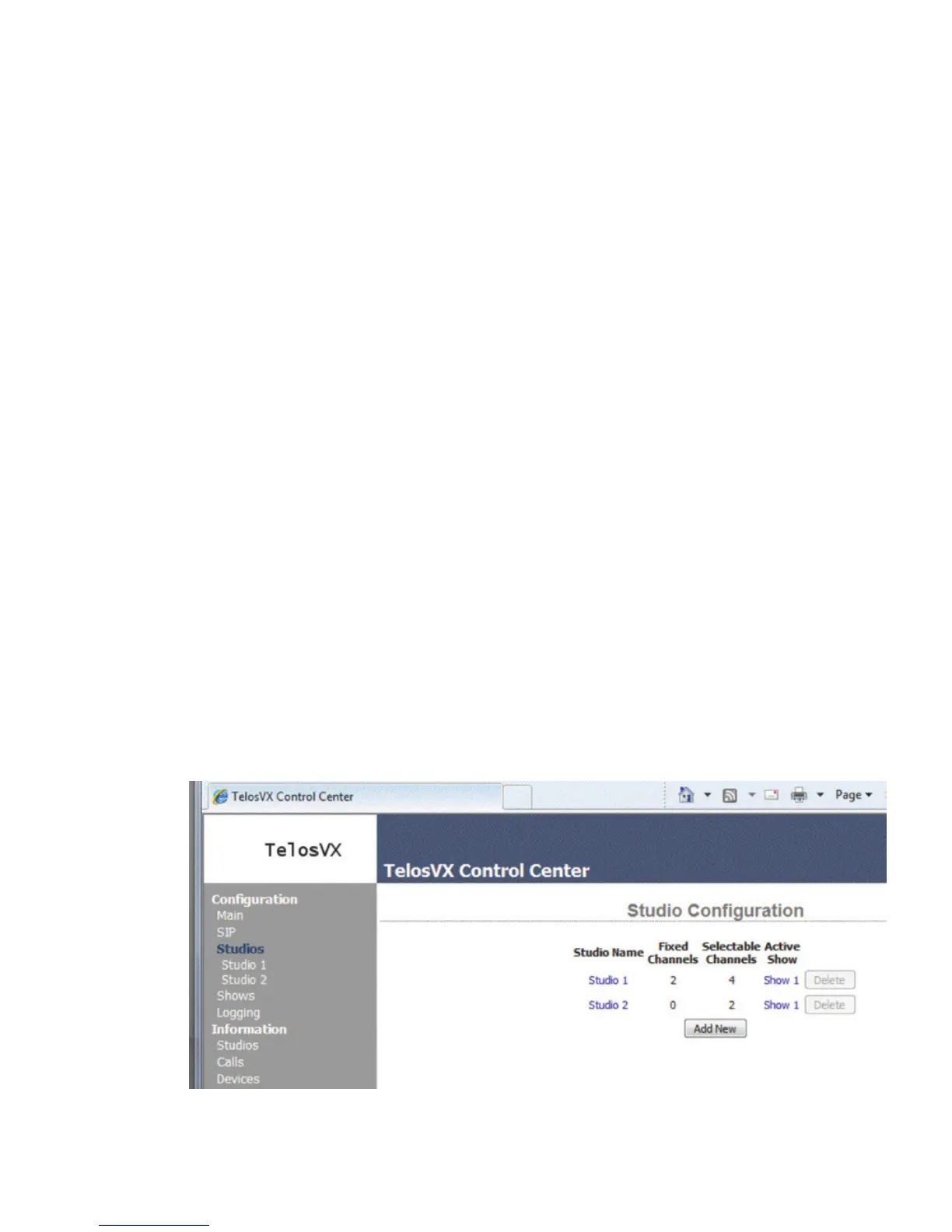
Overall Studio Conguration Page
The Studios page lists all of the studios that you have configured for your system. It lets you
add new ones. And it lists the Shows that studios are using.



 To Next Page