44 | Section 4
On-air
Pressing this button takes a call to the studio mixing console. Your operation of the console
determines whether the call is actually on-air or sent to preview or to somewhere else. Usually
the studio mic (or microphones) are used to talk with a caller, whether on-air or not.
If no call is ringing-in, the system assumes you want to dial out and opens a window to let you
do that.
The Line Info Field
Fader number. Before a call is taken to air, this shows which fader it will be assigned to when
it put on-air. After a call is on-air, this shows which fader is assigned to the call. The number
changes when you move a call using the fader assign buttons.
Next indicator. Shows which call will be taken when you press the Next button.
Line status icon.
Line name. This is the name that was given to the line during show configuration.
Caller info. Text you enter into this area will appear on any other VX Producer applications and
VSets that are assigned to the same studio. It automatically replaces the line name text.
Telephone number. Shows incoming (caller ID) or outgoing (dialed) number. The small arrow
near the number points left for incoming and right for outgoing numbers. It automatically
replaces the line name text.
Time. Shows time that a call has been waiting on hold, or if on-air, how long it has been on-air.
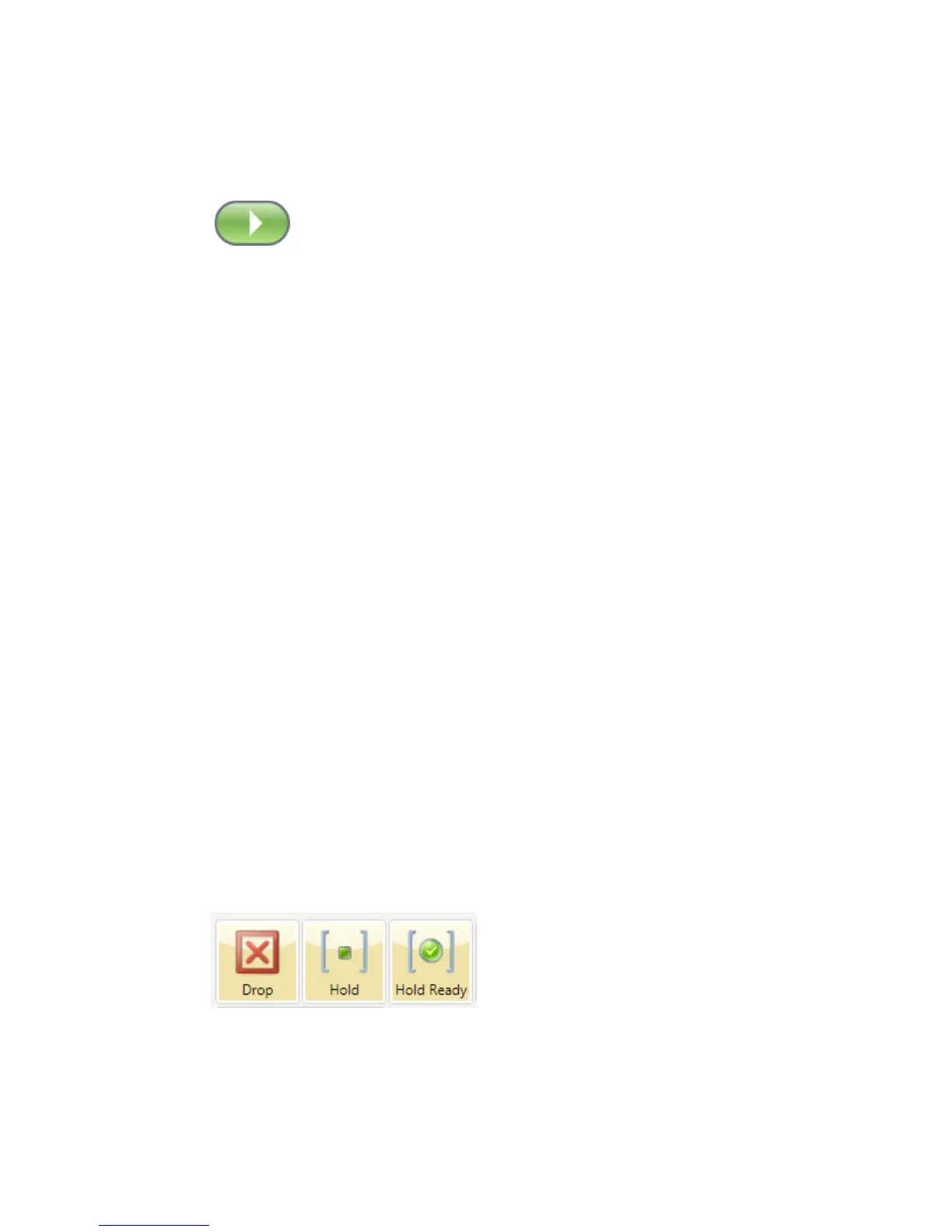
Drop, Hold, and Hold Ready Buttons
Drop disconnects a call that is ringing, active on the handset, or on-air. If more than one line is
in this category, they will all be highlighted. Press the line that you want to drop. Or select the
line you want to drop to highlight it and then press Drop.
Hold puts a call that is ringing, active on the handset, or on-air into hold. If more than one line
is in this category, they will all be highlighted. Press the line that you want to hold. Or select
the line you want to hold to highlight it and then press Hold.



 To Next Page