86 | Section 5
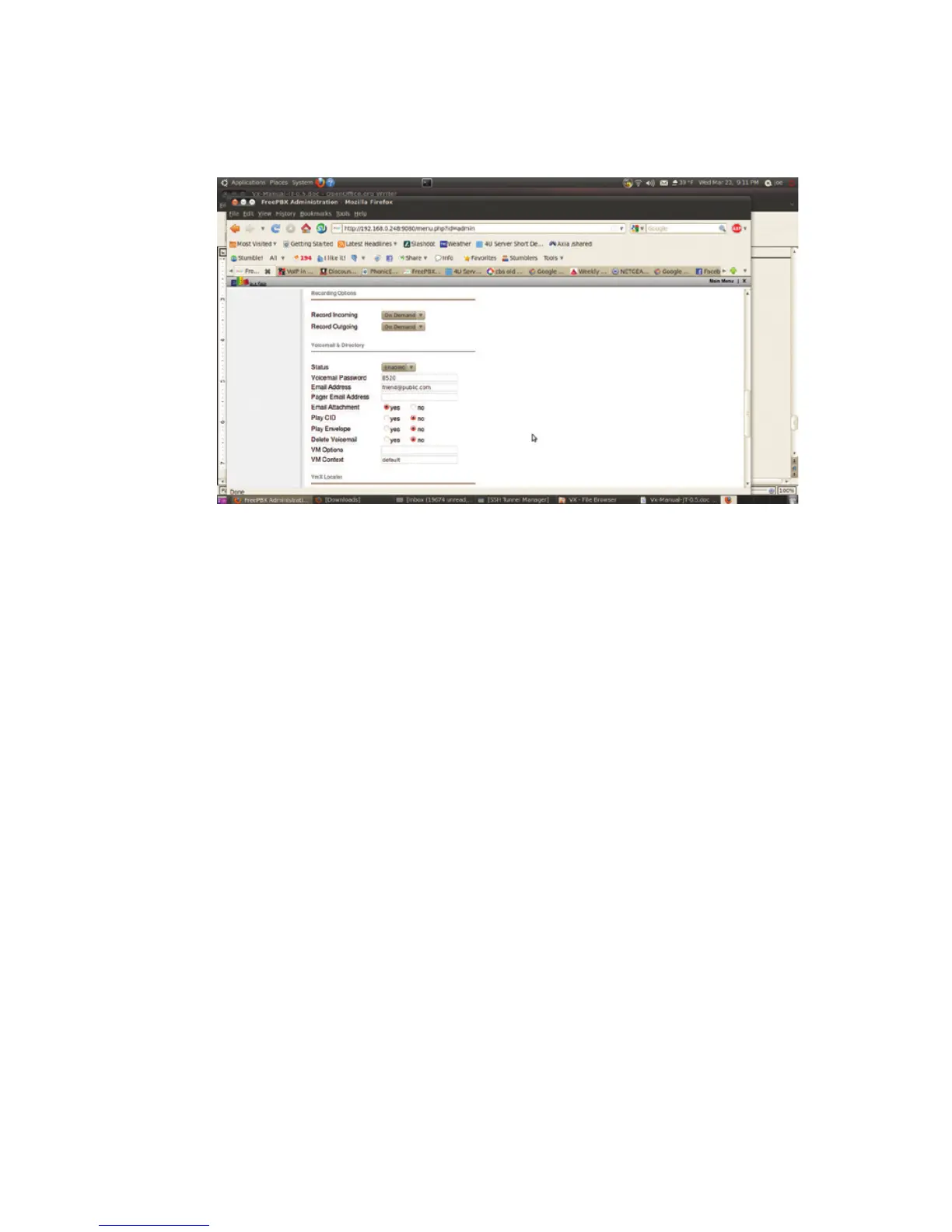
We enable the Vmx Locater. This is useful as it allows callers to be transferred to number
inside or even outside of the system if 0, 1 or 2 is pressed. Here ‘0’ is programmed to send
callers to the station operator, ‘1’ send the caller to our imaginary cell phone and ‘2’ transfers
the caller to our imaginary “personal assistant” at extension 5667. If you do use these options,
be sure to mention pressing ‘0’ for the operator in your outgoing voicemail message. You
probably don’t want to use these optional features for request lines or public call in numbers,
but... they’re there and work well if you have the need.
If you’re happy with all of the above, click on the Submit button. The entry will be created and
stored but not activated until you click on the orange bar at the top of the screen that appears
when ever you have ‘unapplied’ changes. Don’t worry, applying changes won’t drop any calls
or interrupt any conversations in progress.
Trunks
Since we now have an extension, let’s make it so you can call somebody or get called. To do
this, we’ll need to way to and from the Public Switched Telephone Network or PSTN. The pro-
vider of SIP here was Vitelity, who provides “cut and paste” trunk set up data on their website
for subscribers. Most providers do this. The next screenshot shows how Vitelity suggests that
their trunk be set up.



 To Next Page