INSTALLATION AND CONFIGURATION | 29
Logging
The VX’s logging capability is a powerful tool to track down problems –even those due to
operator error – not that that ever happens.
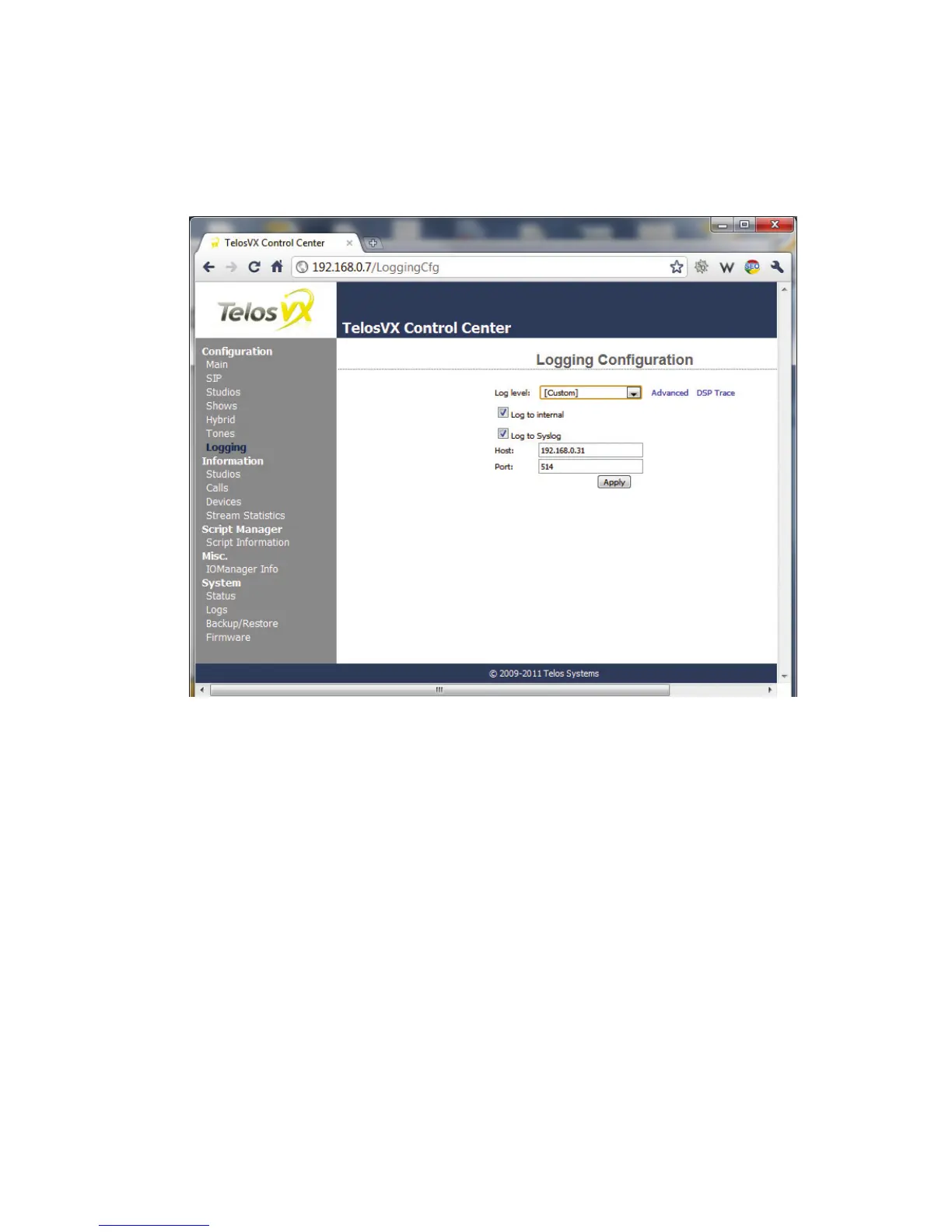
In the Logging config page you determine where logs are stored and how much detail is
recorded.
You can choose to store logs inside the VX or to an external PC on the network that is set up to
handle Linux standard syslogs
- If you choose the internal option, log messages will be kept in the VX’s RAM, so are limited in
size. The advantage is convenience: You can view internally-stored logs with the System page
log section, by default at http://192.168.0.7/log, A typical log is shown in the screen capture
below.
For basic troubleshooting, choose Log to Internal, then go to the Log page, clear all existing
messages, then place a call or make the operation that’s causing trouble. Then return to the
Log page to see the entries
While you might be able to understand the log messages after some effort, we don’t expect
you to do so. These are mostly intended for our support people, who would advise you as
what settings to use for the capture and then interpret the result.



 To Next Page