THE VX PRODUCER APPLICATION | 45
Hold Ready puts a call that is ringing, on-air, on the handset, or on hold to the hold ready
(screened) state.
Selectable Lines
Lock/Unlock Button and Function
Normally, taking a call to air causes any others on-air to be dropped. If you need to conference
two or more calls, you can use the lock function.
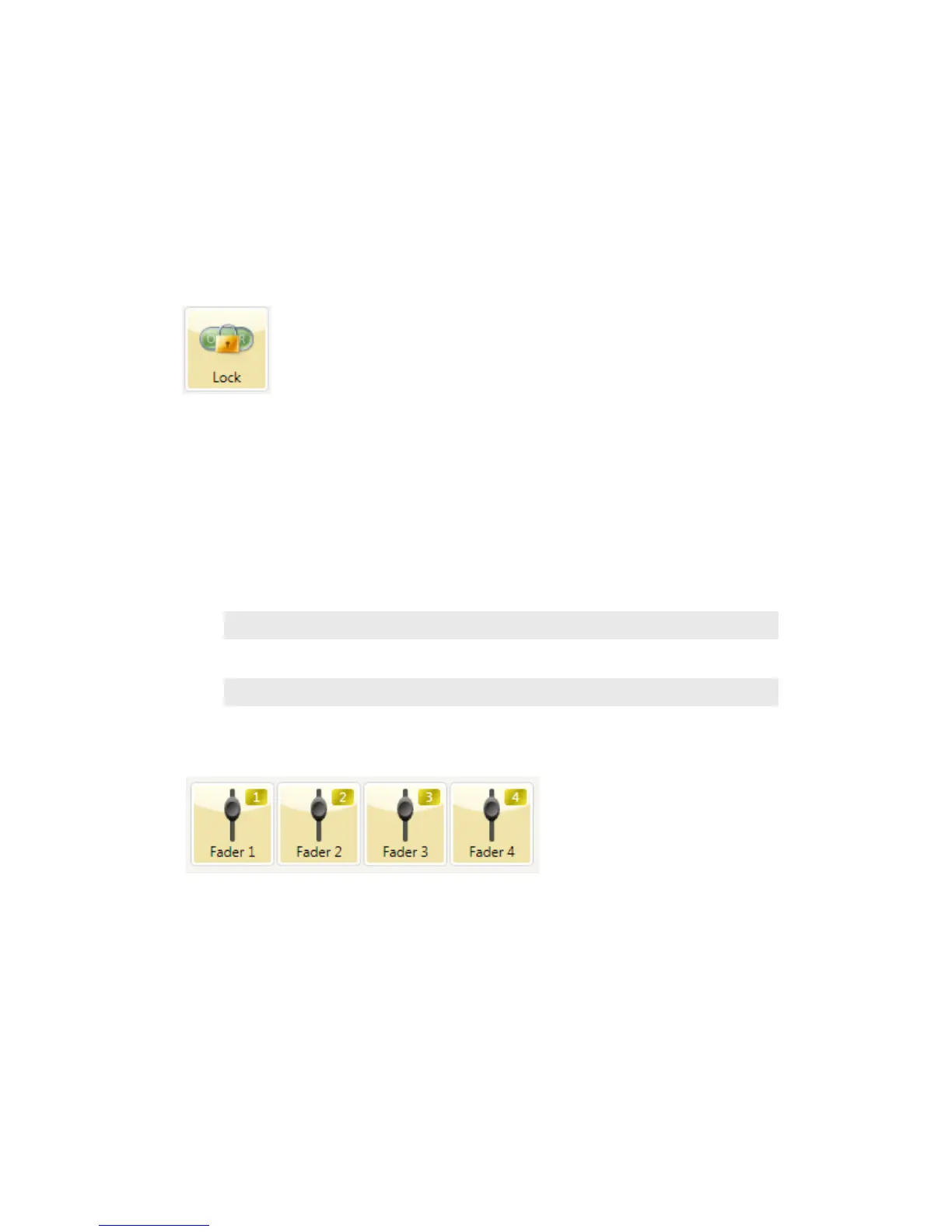
Press an already on-air line button to lock it. The line status icon will change to display the
locked symbol. Pressing the button again unlocks the line and the lock icon goes away.
Locked calls remain on-air until unlocked and then another call is taken to air or the call is
explicitly dropped or held.
The Drop and Hold buttons have no effect on a locked line.
Tip: If congured in your system, xed lines will probably be the better option for VIP calls
that need to say on-air while you come and go with others. You will have a dedicated console
fader for each of these calls, so you can control volume; switch them independently in and
out of the conversation, etc.
Fader Assign Buttons
In older on-air phone systems, we were limited to one or two hybrids (audio paths), so we only
used one or two console faders. With the VX system, this limitation is removed. That means
that you can assign a fader to each call if you want to do so, allowing independent control of
each call’s volume.
Normally, when a call is taken, it goes to “fader 1”, but you can assign it to any of six console
faders. (The number of possible faders depends upon your specific installation and configura-
tion.) When a call is on-air, or before it is taken, the round fader assign buttons to the right of
the LCD can be used to move the call to the desired fader. The number in the yellow rectangle
in the line info field shows you which fader is or will be used.
Fader assign is configurable to be enabled or disabled to keep the LCD uncluttered for people
who will not use the feature.



 To Next Page