INSTALLATION AND CONFIGURATION | 21
Individual Studio Conguration Pages (Part 2)
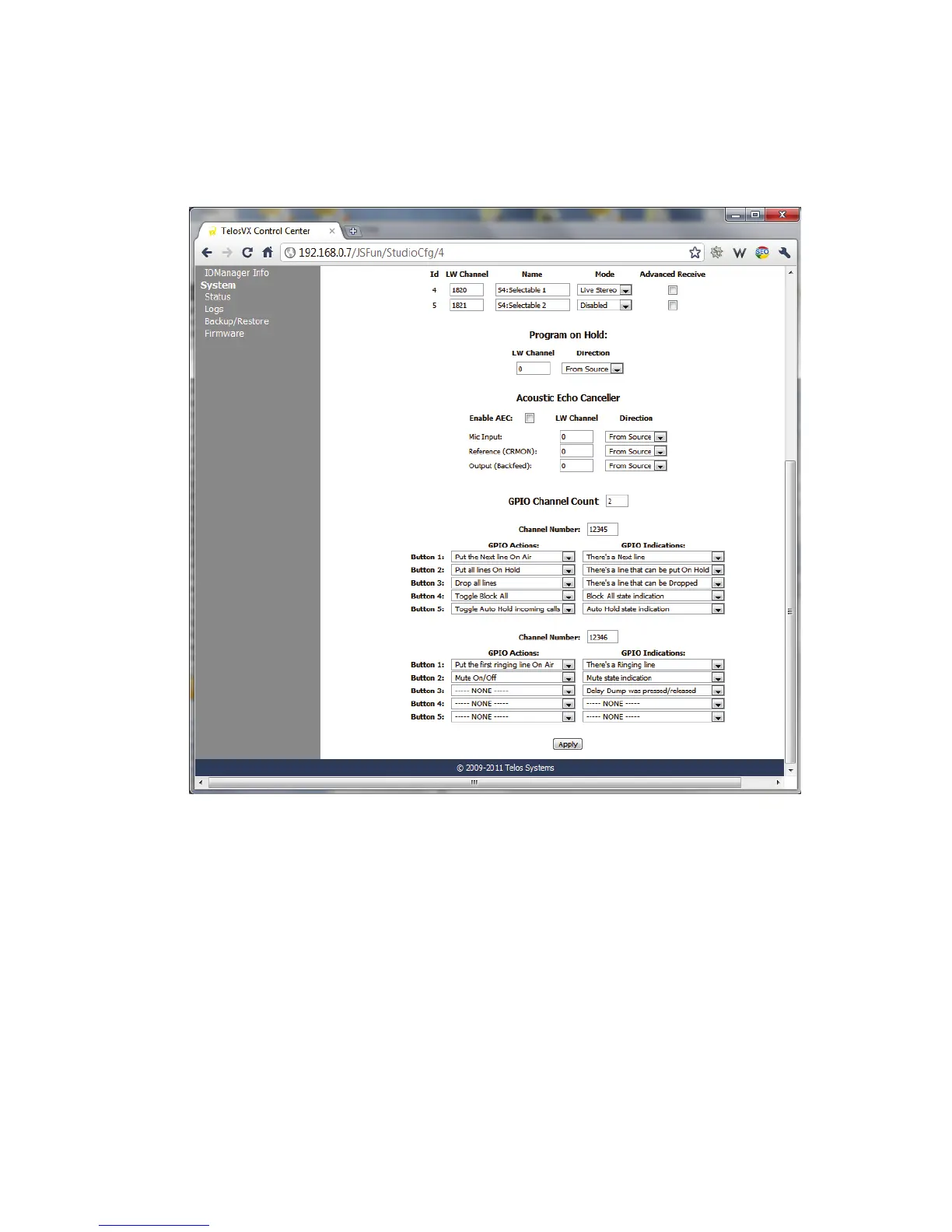
Advanced receive opens a new field where you can enter a LW channel number to which this
Fader/LW channel will listen. Normally it will listen to the same LW number as it is sending
to. With native Livewire consoles such as the Axia Element, this is what you need. But if you
want to connect the VX to another console via an interface Node, the Node can generate only
a “From source”, not a backfeed. For this case, choose Advanced receive and enter the LW
channel number of one of Node’s sources.



 To Next Page