NOTES, RESOURCES, ADDITIONAL INFORMATION | 77
Keep any filters clear and inspect the machine periodically to see if ‘dust bunnies’ are col-
lecting anywhere. Do a full backup using the Linux ‘DD’ (full disk image bit copy, or ‘clone’)
command once in a while (quarterly/annually), or after you are satisfied that any major change
you’ve made should be retained (after a trial period). Consider that the hard drives might hold
users’ voicemail, asterisk configuration, and call records. There is a good backup utility that
will automatically make regular backups of the unique data (and whatever you specify). Think
of this as an ‘incremental backup’.
There will probably be spare capacity, so you could use your Asterisk server to provide other
services you need, such as centralized logging using Syslog, or a Network Time Protocol (NTP)
server.
Expansion Cards
Because Asterisk has become so popular, there are a variety of expansion cards available that
can be used with it.
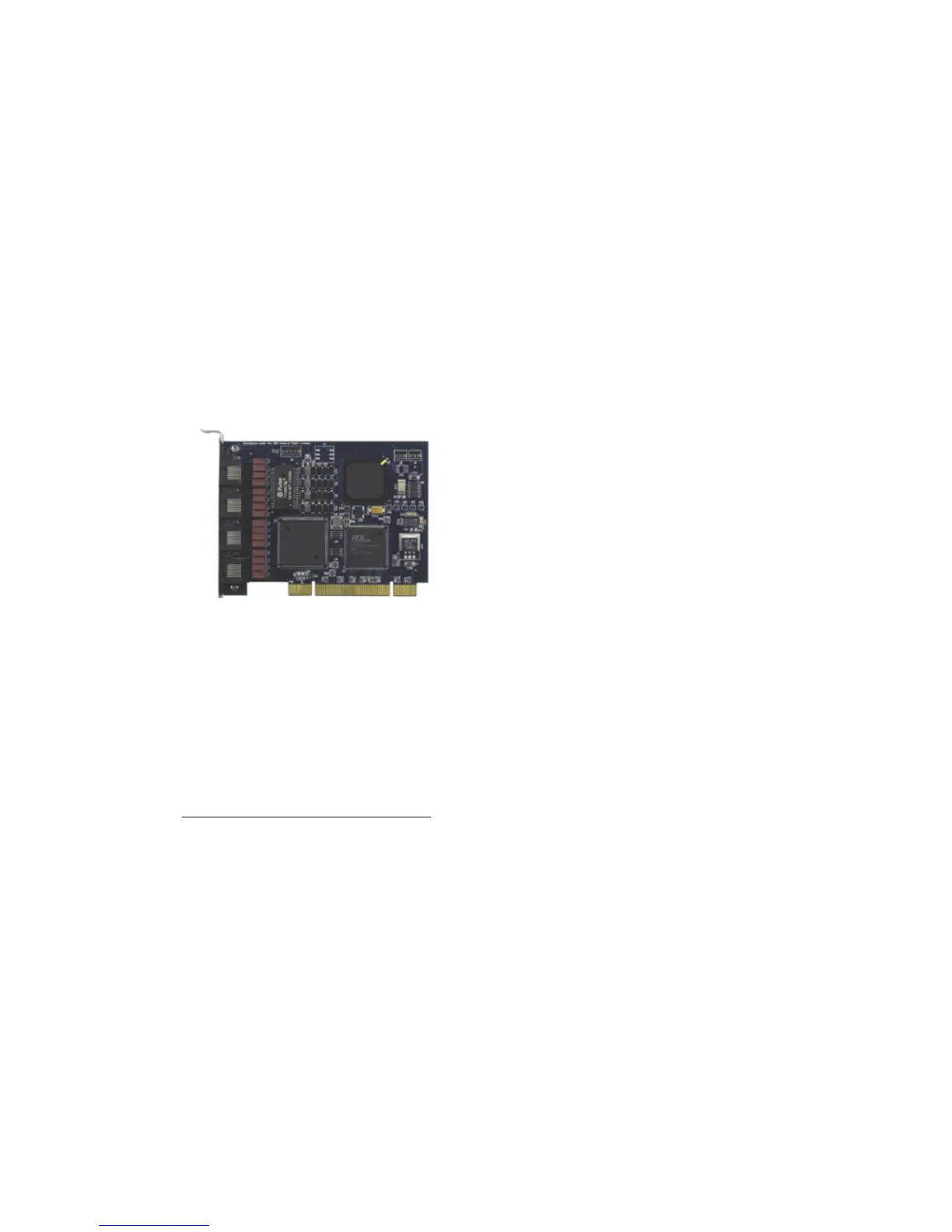
The one we use most often is the ISDN PRI / T1/ E1 “Tormenta 2 or 3” type card, available
from a number of vendors. ISDN PRI and T1 or E1 use the same card, since ISDN employs T1
or E1 as the underlying transport. A four-port PCI card is available from Phoniceq, inc (www.
phoniceq.com) for about $350. Quality and service from the company have been excellent.
They also offer a number of other cards, including for ISDN BRI. The company offers examples
of use and driver packages that simplify installation.
Asterisk creators Digium also offer a wide range of card types and support options.
www.digium.com/en/products/digital/
We don’t recommend installing analog interface cards within an Asterisk server. While there’s
nothing wrong with the cards, we think it’s better to use external gateways to interface POTS
lines and Telephones such as the small ‘appliance’ gateways from Cisco/Sipura, Grandstream,
AudioCodes, Patton, and others that go straight to SIP/Ethernet. Another way to go for more
than 8 lines is to repurpose a ‘Channel Bank’ with a T1 interface and connect it to A T1 card in
the Asterisk. Channel banks are available at reasonable cost on ebay and from used equipment
suppliers. It should be equipped with an FXO (Foreign Exchange Office) interface if you plan to
terminate analog lines from a Telco. Channel banks use different interfaces, so be sure that you
get the right hardware configuration.
Better is to avoid analog lines altogether and use a digital connection, either IP/SIP, ISDN PRI,
or T1/E1. All are ‘four wire”, maintaining send/receive isolation.. ISDN PRI is the usual choice in
both the USA and Europe.
Following is a step-by-step guide to setting up Asterisk. With the hardware in place, you are
ready to move on to getting the software installed and configured.



 To Next Page