THE VX PRODUCER APPLICATION | 43
Set-up: Studio and Show
Managing Calls
The main window shows a list of the lines that are available for the selected show. It is divided
into selectable and fixed line groups. (if both are configured for the selected show).
Near the bottom of the screen is a tabbed list box, controls, and an audio level meter that are
used for the recording and play functions.
At the lower right is a window used for text chatting between the producer and talent.
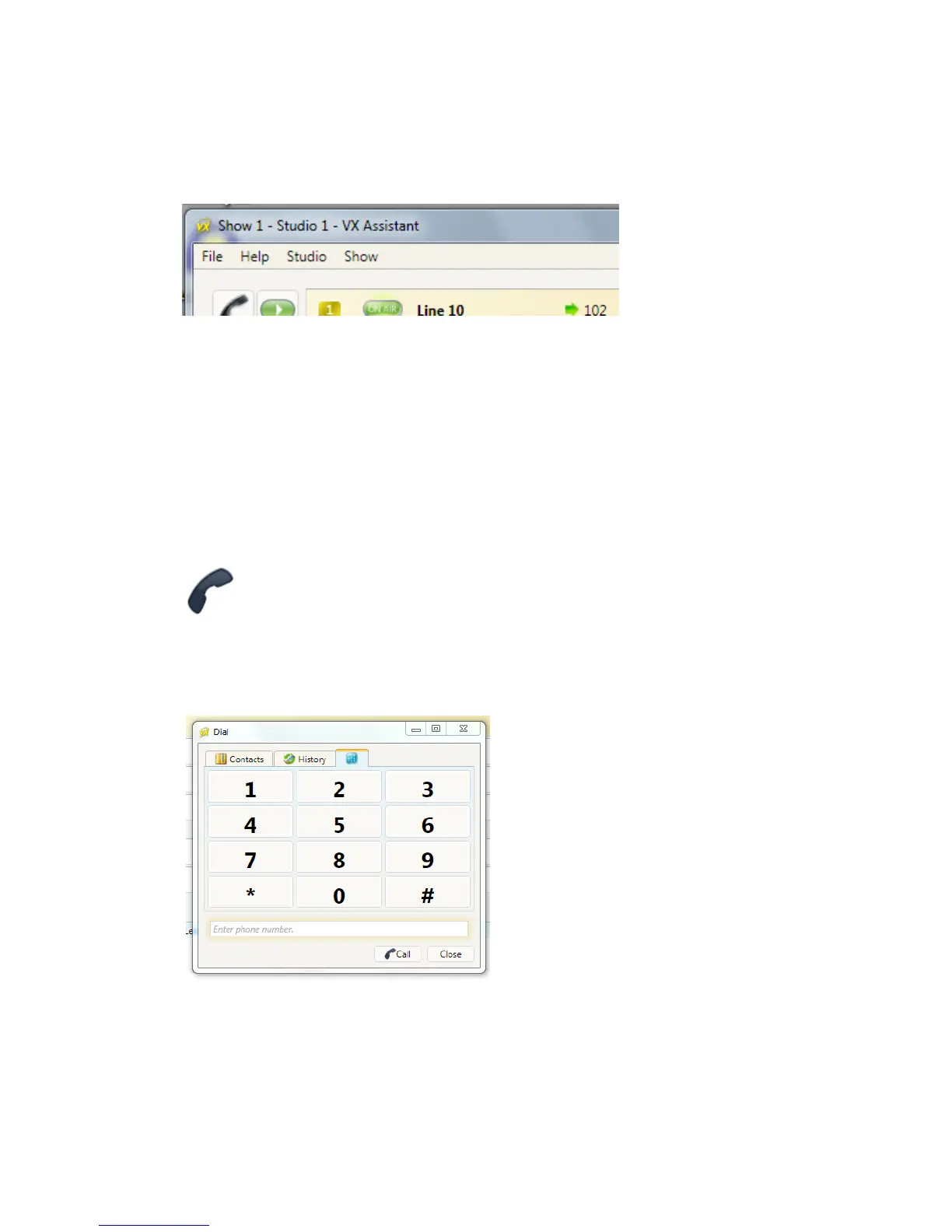
Handset
Press the handset button to the left of any line to take the call to the ‘handset’ that is connected
to the PC running the VX Producer application. (Often this will actually be a headset/mic.)
If no call is ringing-in, the system assumes you want to dial out and opens a window to let you
do that.
Contacts
History
Dialing



 To Next Page