20 | Section 2
Individual Studio Conguration Pages (part 1)
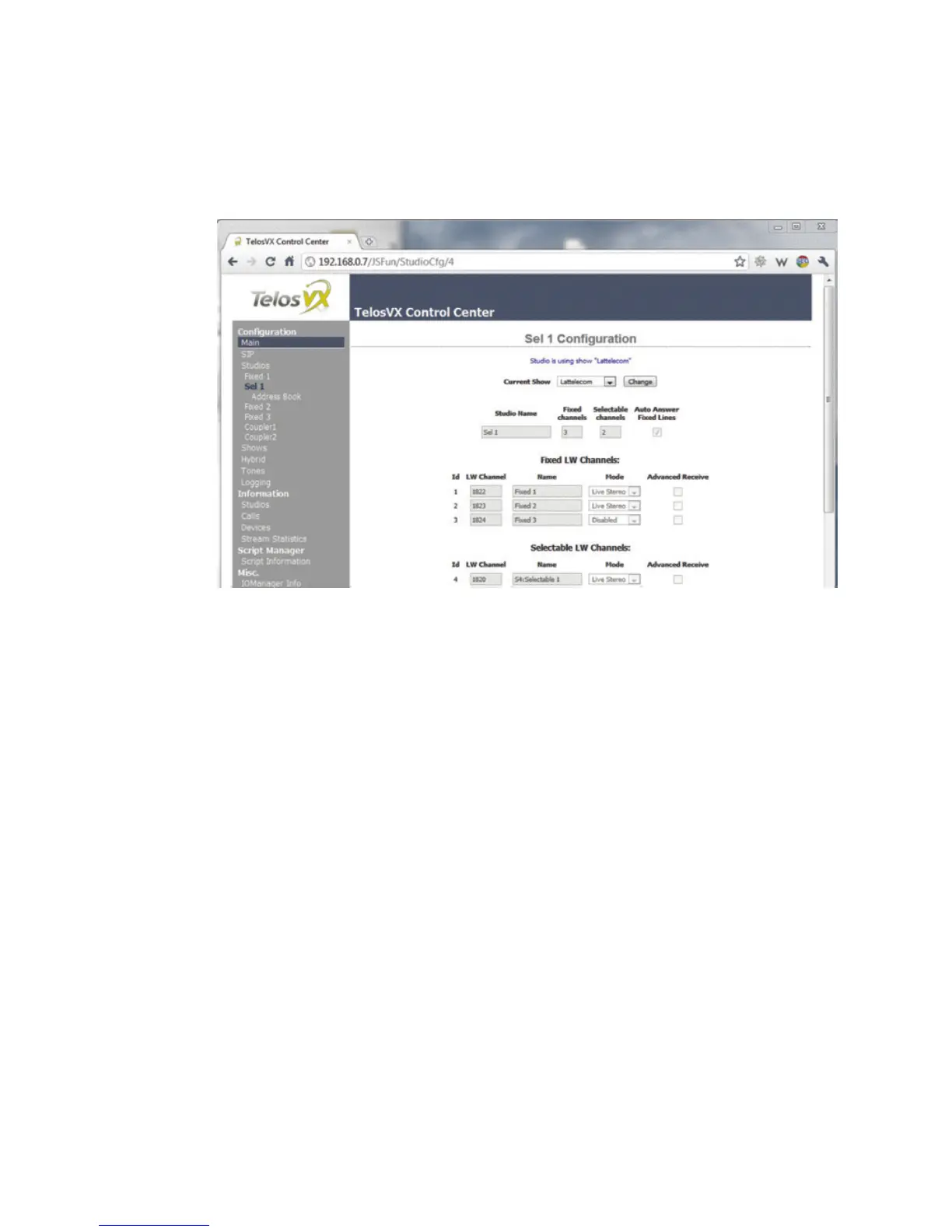
The individual Studio pages are to configure each studio. For each, you can choose how many
faders you want to devote to selectable and fixed lines and you assign the Livewire channel
numbers to each. Note that when you assign Livewire channels to outputs, Livewire streams
will start to flow on the LAN network port. With a proper Ethernet switch, this is no concern,
but should this port be connected to an office LAN or non-Livewire switch, there could be
flooding from the audio traffic.
Recall that Livewire channels carry audio in two directions, so both send and receive are
covered at once. ‘Live Stereo’ should usually be chosen as the Mode to keep the delay as low
as possible.
One LW channel is used to feed Program on Hold to each studio. Since only one of the two
Livewire audio directions is needed, you can choose which is appropriate for your studio
set-up. From Source is the usual



 To Next Page